



Outline for Minecraft Pocket Edition 1.21
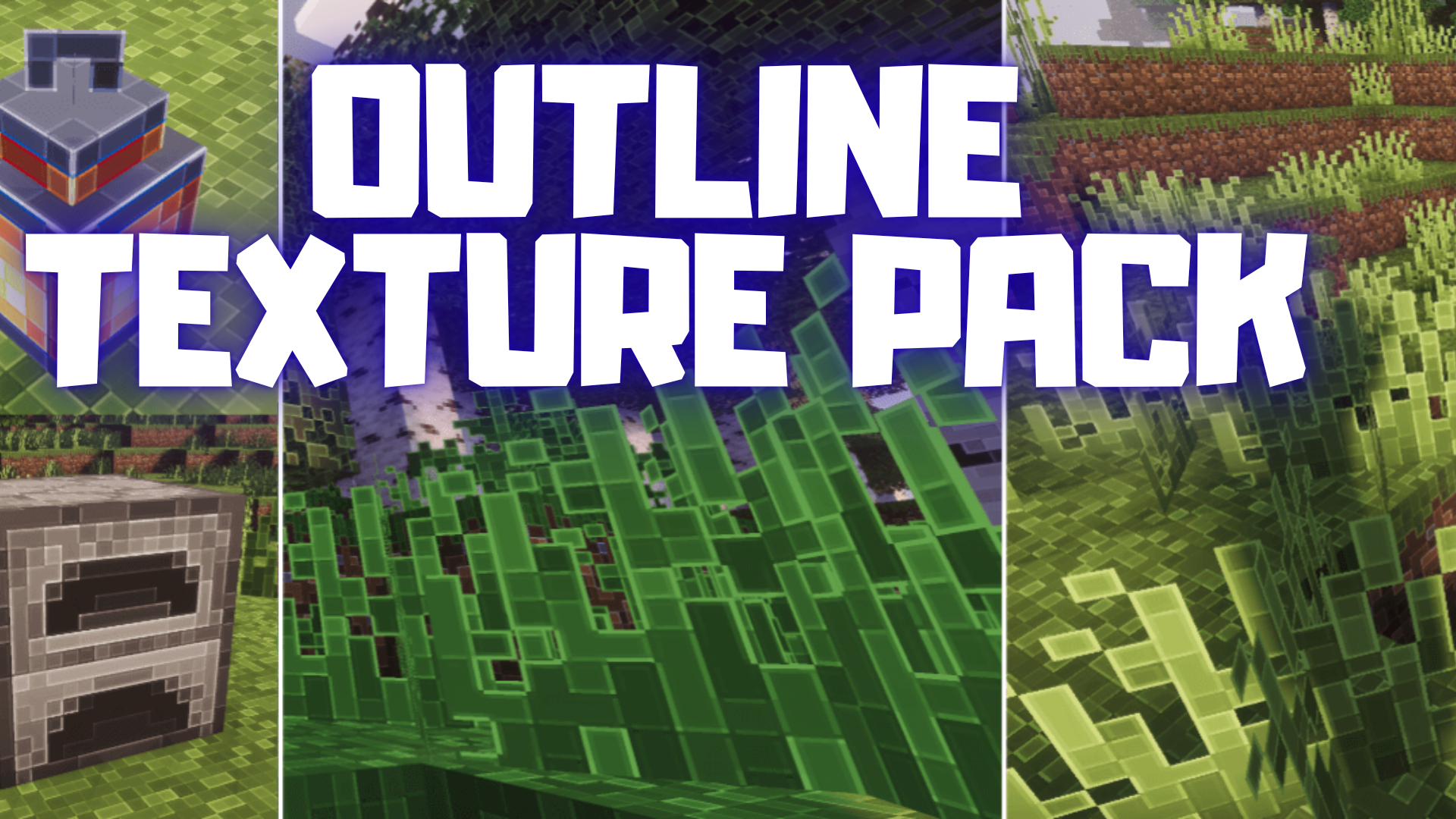
Outline for Minecraft is a visual enhancement that allows you to expect a transformation of the surrounding environment. The author mainly worked on adding and improving texture outlines, which now look excellent and blend perfectly with one another. Thanks to these changes, the environment appears more detailed, interesting, and simply more enjoyable.

Walking through the virtual world will now be a pleasure, as visually almost everything has changed, so you can confidently set off on an exciting journey.

Installing Outline:
The first step is to run the downloaded file and import the addon/texture into MCPE.
Second step: open Minecraft Pocket Edition and go to the settings of the world.
Third step: install the imported resource sets and add-ons for the world.
Step four: select the imported resource packages/add-on in each section and restart the mobile client.
Comments (0)