



Prizma Visuals for Minecraft Pocket Edition 1.21
For those who want a brighter and more impressive picture, ordinary textures are no longer enough. This is where Prizma Visuals enters the scene — a visual effects pack designed for the new Vibrant Visuals mode. It fully supports Minecraft 1.21 and focuses on a rich visual presentation, adding unique textures and atmospheric effects that noticeably enhance the impression of the world.
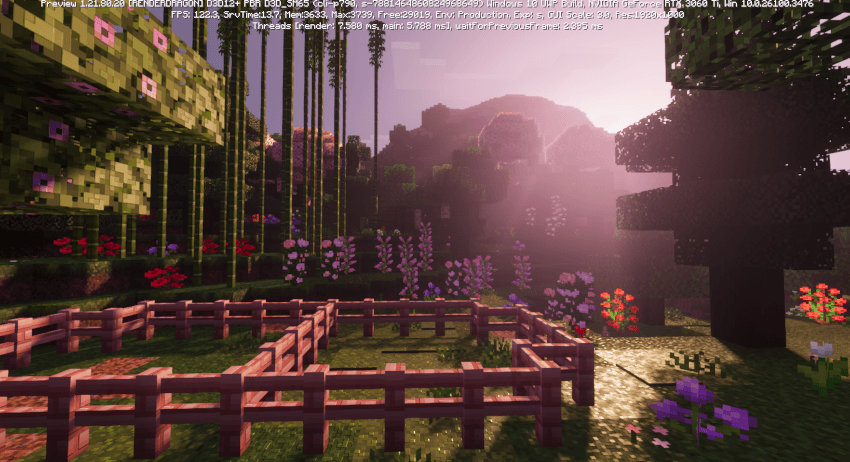
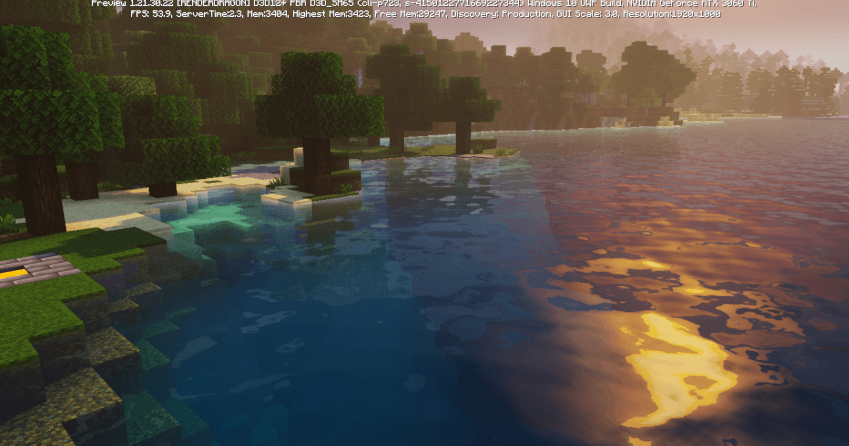
Lighting, the overall mood of scenes, and visual depth begin to be perceived in a completely different way, so even familiar biomes look more expressive. It is important to keep in mind that the pack requires a current beta or preview version of the game and is not intended for the standard application.
Installing Prizma Visuals:
The first step is to run the downloaded file and import the addon/texture into MCPE.
Second step: open Minecraft Pocket Edition and go to the settings of the world.
Third step: install the imported resource sets and add-ons for the world.
Step four: select the imported resource packages/add-on in each section and restart the mobile client.
Comments (0)