



PvP Crosshair for Minecraft Pocket Edition 1.21
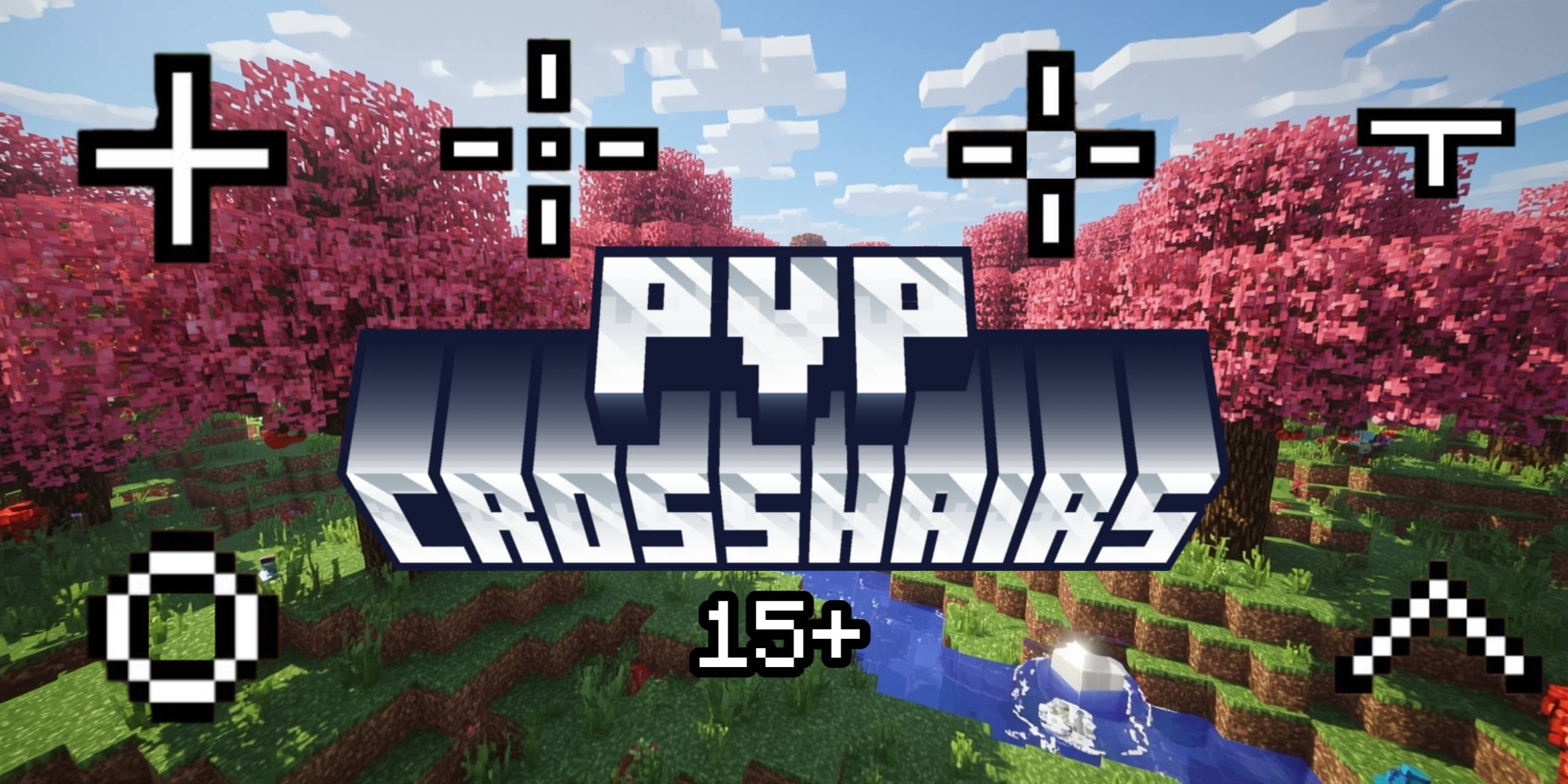
During battle in PvP confrontations, literally every detail matters. Even a change in the crosshair can play an important role, which motivates players to look for increasingly effective and new types of crosshairs. Therefore, it’s the perfect time to use the PvP Crosshair add-on for Minecraft, thanks to which several types of crosshairs will appear in the game for use.
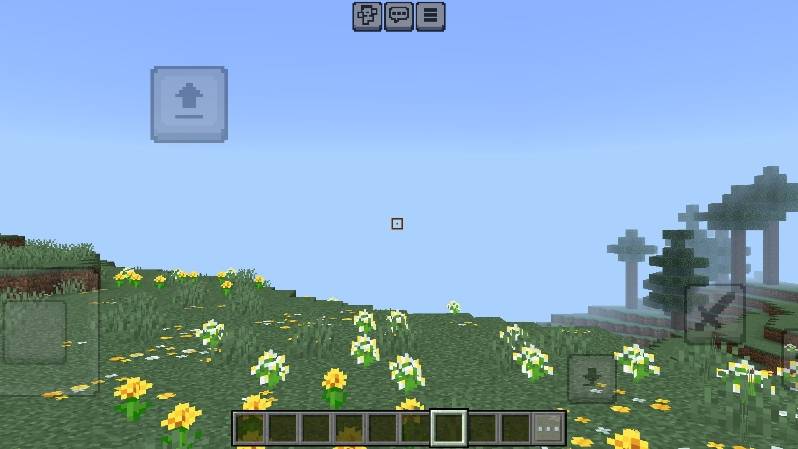
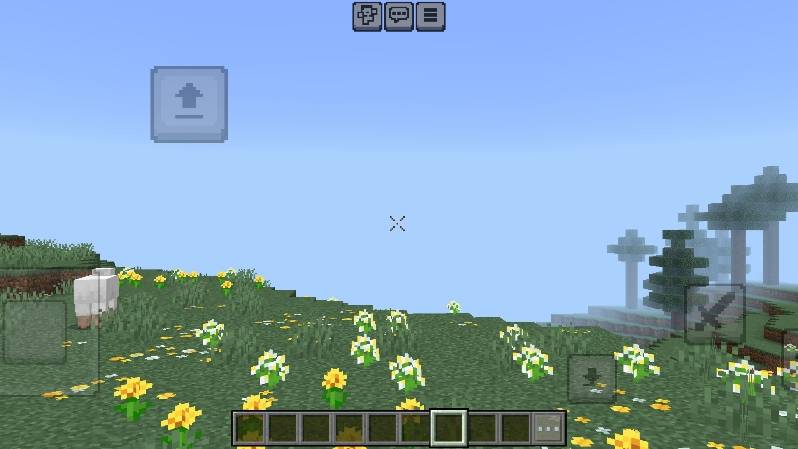
They differ not only in color but also in shape, allowing you to choose exactly the crosshair that suits you and your goals. So all you need to do is test all the crosshairs and pick the one that fits best for PvP battles.
Installing PvP Crosshair:
The first step is to run the downloaded file and import the addon/texture into MCPE.
Second step: open Minecraft Pocket Edition and go to the settings of the world.
Third step: install the imported resource sets and add-ons for the world.
Step four: select the imported resource packages/add-on in each section and restart the mobile client.
Comments (0)