



Round Nature for Minecraft Pocket Edition 1.21
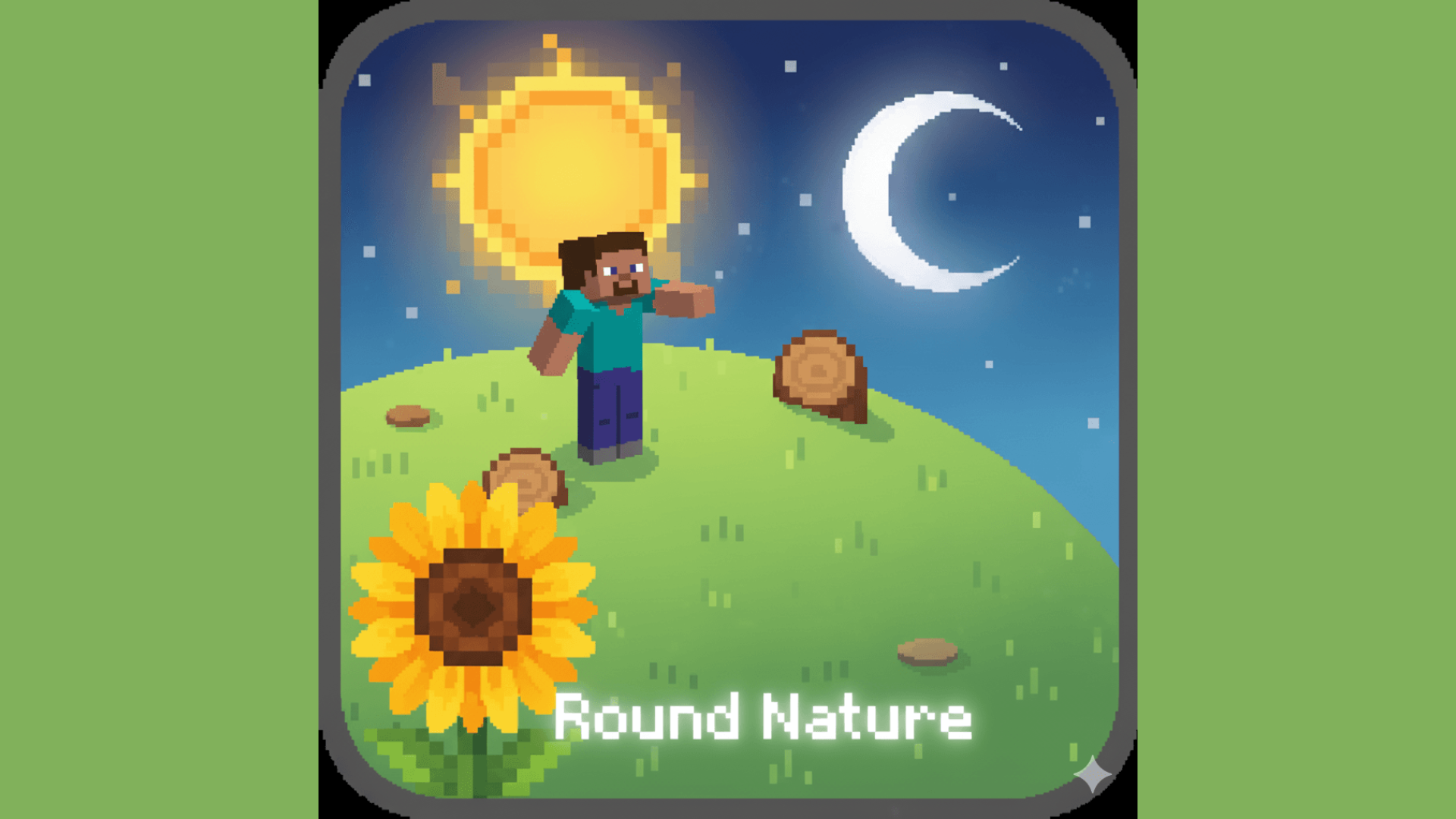
Sometimes, fresh impressions in Minecraft PE do not require radical changes — it is enough to slightly soften the familiar shapes. That is exactly how Round Nature works: this texture pack makes landscapes look softer and more natural, because of which the world feels calmer and more pleasant. The changes affect not only the overall presentation, but also specific environmental elements.
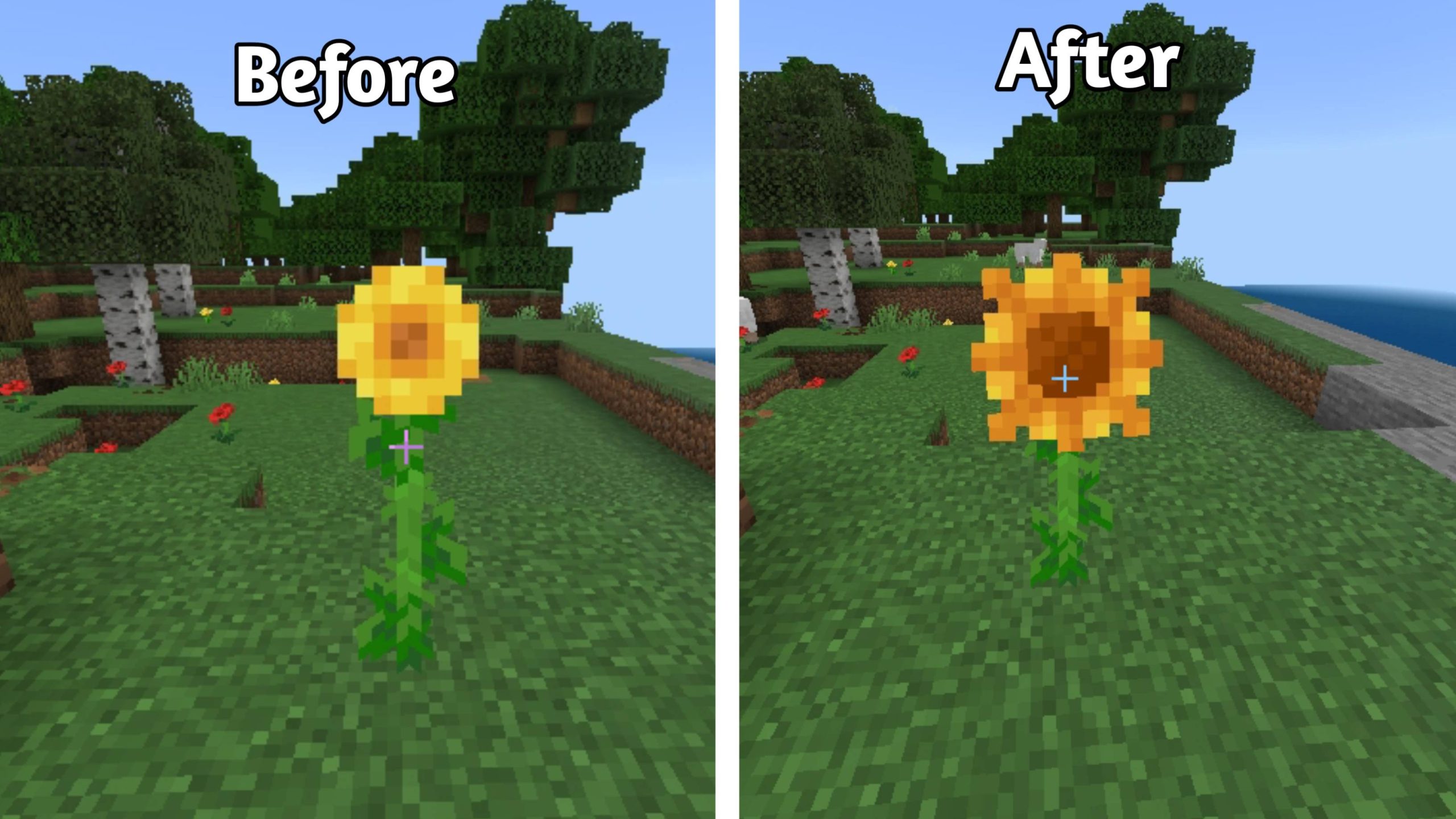
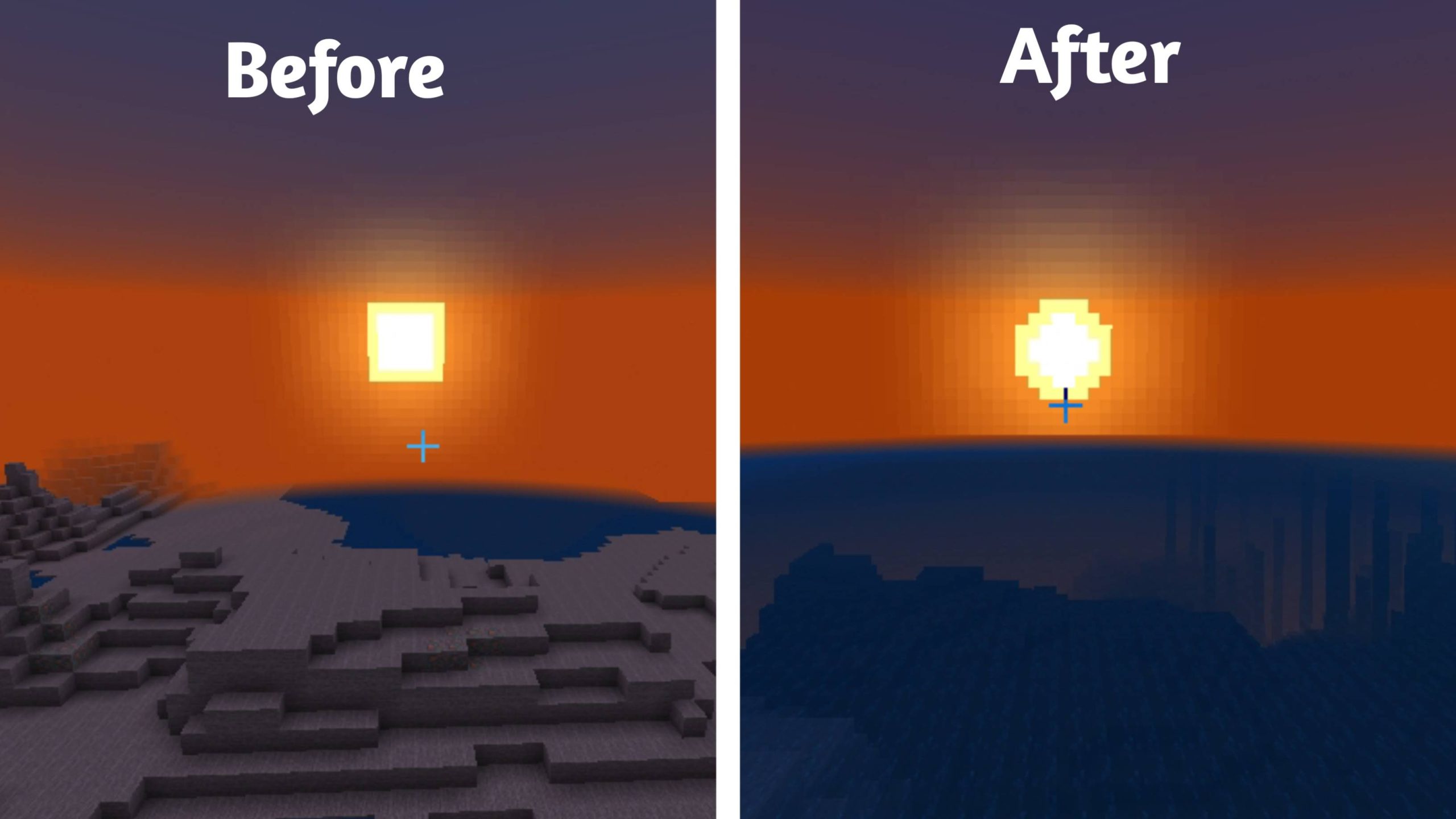
The Sun and Moon receive a smoother appearance, tree trunks look less rough, and sunflowers fit better into the overall style. Because of such details, the landscapes become cozier without losing their recognizability. The pack does not break the vanilla atmosphere, but carefully makes it softer and more visually pleasing.
Installing Round Nature:
The first step is to run the downloaded file and import the addon/texture into MCPE.
Second step: open Minecraft Pocket Edition and go to the settings of the world.
Third step: install the imported resource sets and add-ons for the world.
Step four: select the imported resource packages/add-on in each section and restart the mobile client.
Comments (0)