



Stylista for Minecraft Pocket Edition 1.21
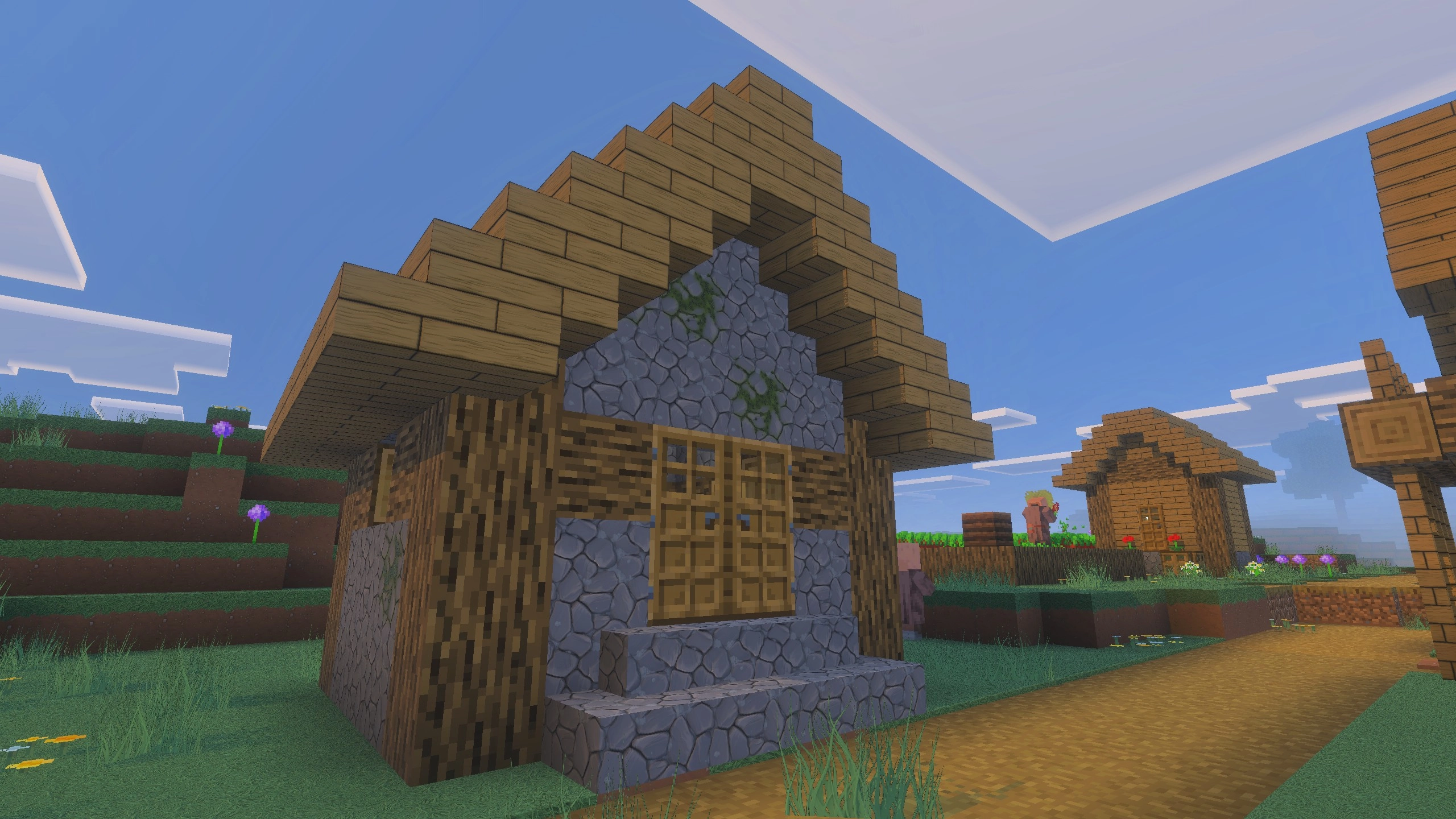
If you are looking for something large-scale and visually rich, it is worth paying attention to Stylista add-on for Minecraft. This enhancement will not only allow you to spend your time pleasantly, but also let you experience a completely new visual style for the game. The package includes changes that involve a full overhaul of textures, the addition of ray tracing, and a transformation of the lighting system.
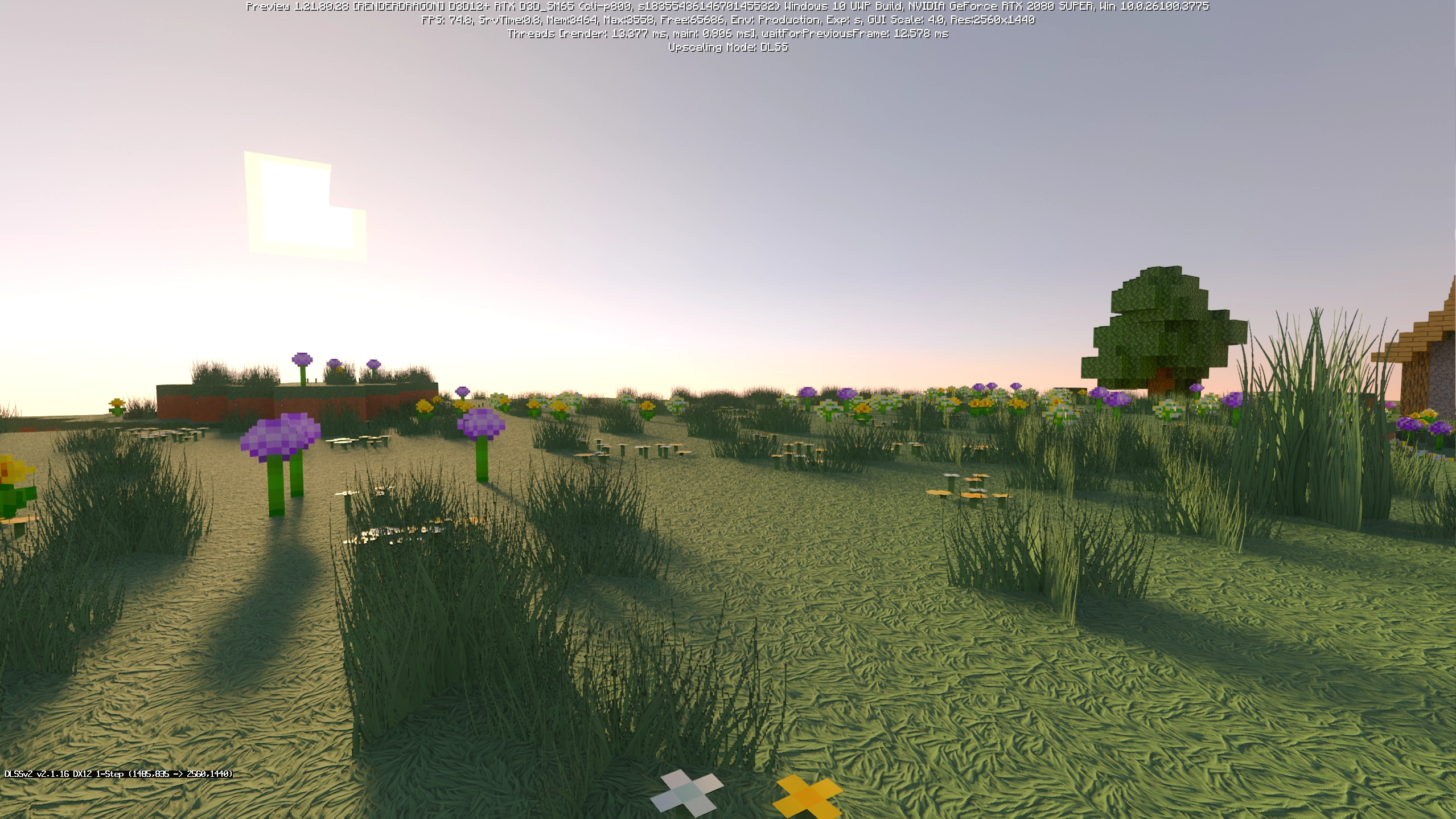
All of these improvements have a positive effect on the overall experience and provide plenty of vivid impressions. Although they require good technical hardware, they truly raise the level of the game’s visual presentation.
Installing Stylista:
The first step is to run the downloaded file and import the addon/texture into MCPE.
Second step: open Minecraft Pocket Edition and go to the settings of the world.
Third step: install the imported resource sets and add-ons for the world.
Step four: select the imported resource packages/add-on in each section and restart the mobile client.
Comments (0)