



Technoblade’s Crown for Minecraft Pocket Edition 1.21
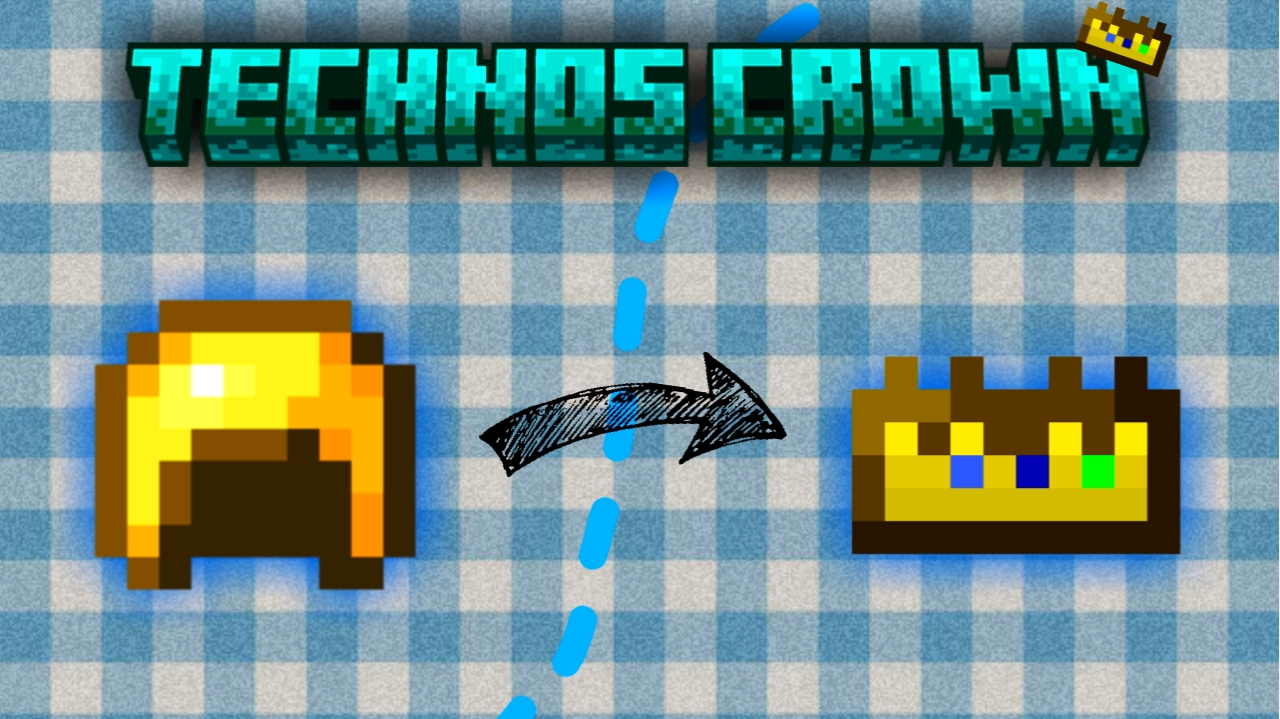
Technoblade’s Crown for Minecraft is an interesting improvement that will let you easily achieve a good result and get new impressions from using the golden helmet.
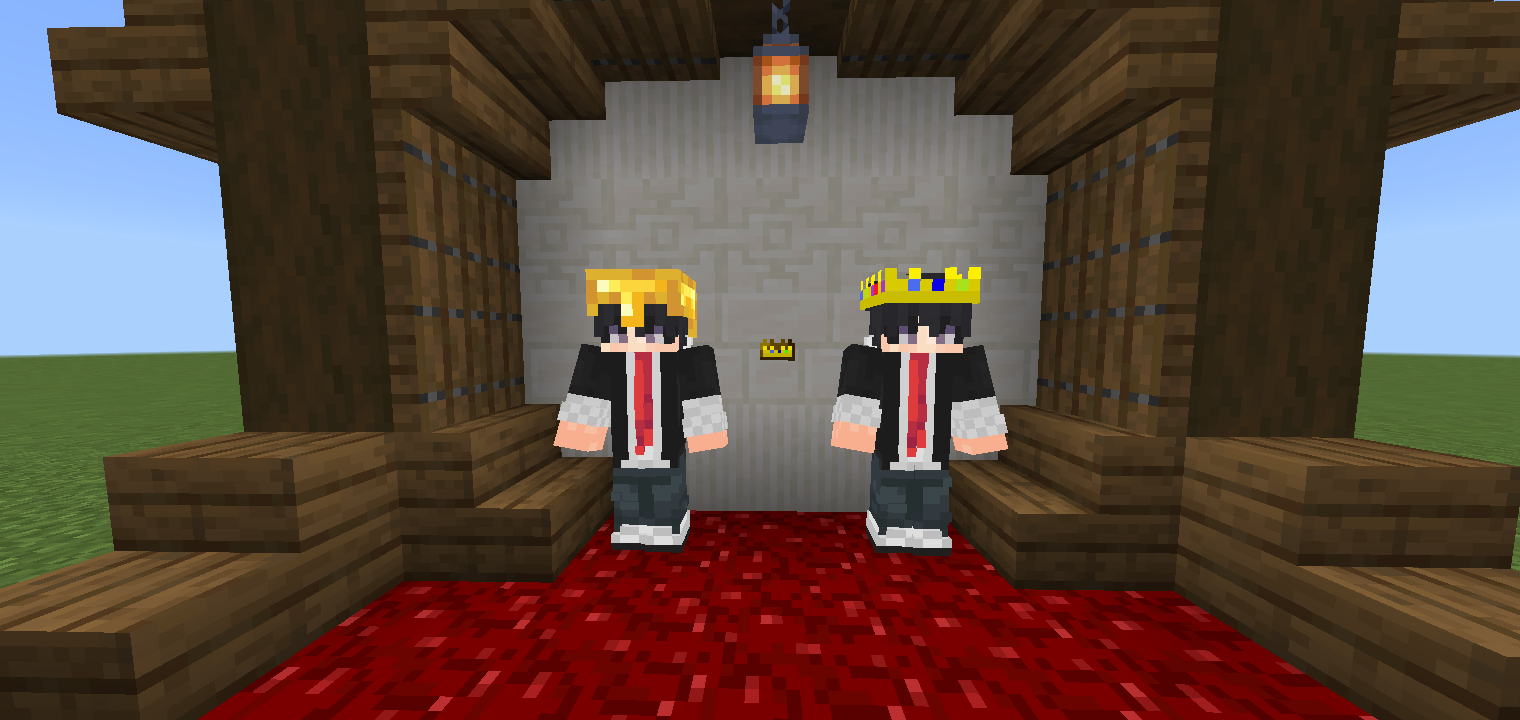
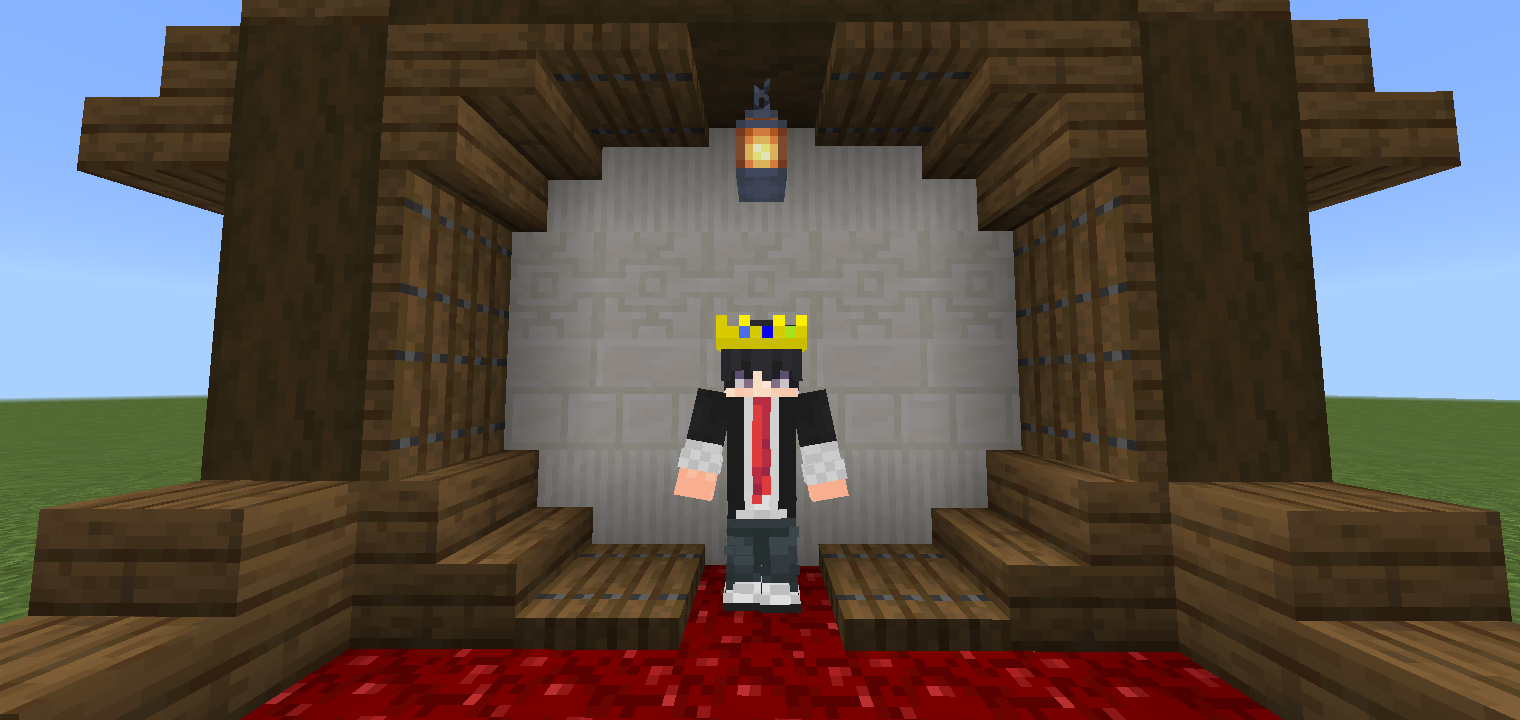
Now this familiar piece of equipment will look like a crown, bringing a visual enhancement that perfectly fits the appearance of the main character. All that remains is to find this equipment and then use it for new adventures. Keep in mind that only the appearance will change and nothing else.
Installing Technoblade’s Crown:
The first step is to run the downloaded file and import the addon/texture into MCPE.
Second step: open Minecraft Pocket Edition and go to the settings of the world.
Third step: install the imported resource sets and add-ons for the world.
Step four: select the imported resource packages/add-on in each section and restart the mobile client.
Comments (0)