



UI Plus for Minecraft Pocket Edition 1.21
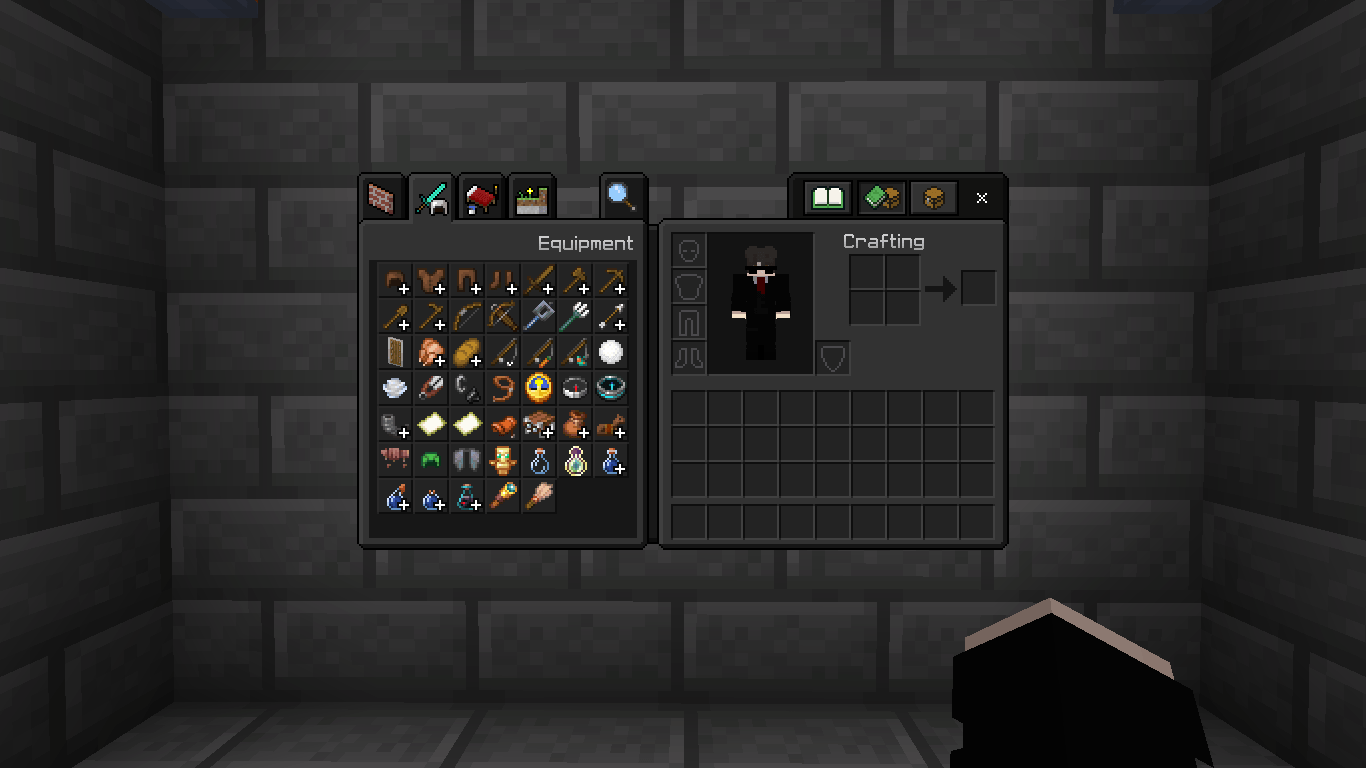
UI Plus for Minecraft is not just a regular add-on, but a whole collection of additional improvements for the game. After installing it, you can use one of the available settings and enable a dark interface or add a special font for PvP.
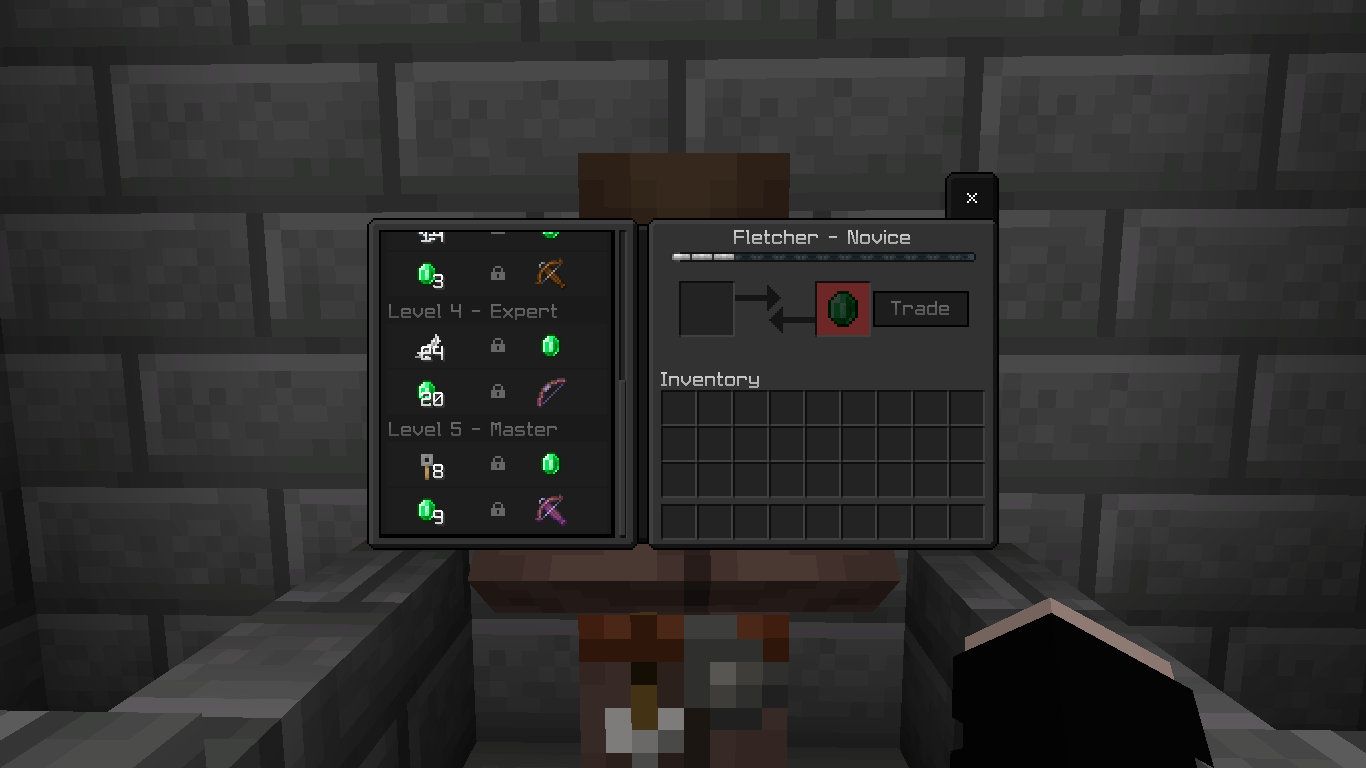
There are also options to change outlines, use a guide for installing a brewing stand, and much more. Everything is easy to adjust and is instantly added to the game, which will surely please fans of survival gameplay. This add-on even includes a visual trading assistant that will become a helpful support for new players.
Installing UI Plus:
The first step is to run the downloaded file and import the addon/texture into MCPE.
Second step: open Minecraft Pocket Edition and go to the settings of the world.
Third step: install the imported resource sets and add-ons for the world.
Step four: select the imported resource packages/add-on in each section and restart the mobile client.
Comments (0)