



Ultramarine Overhaul for Minecraft Pocket Edition 1.21
Sometimes you want the game to look softer, more modern, and more convenient at the same time. In this regard, Ultramarine Overhaul creates a very cohesive impression. The pack updates not only the visual side, but also the interface, making it more pleasant for permanent use.
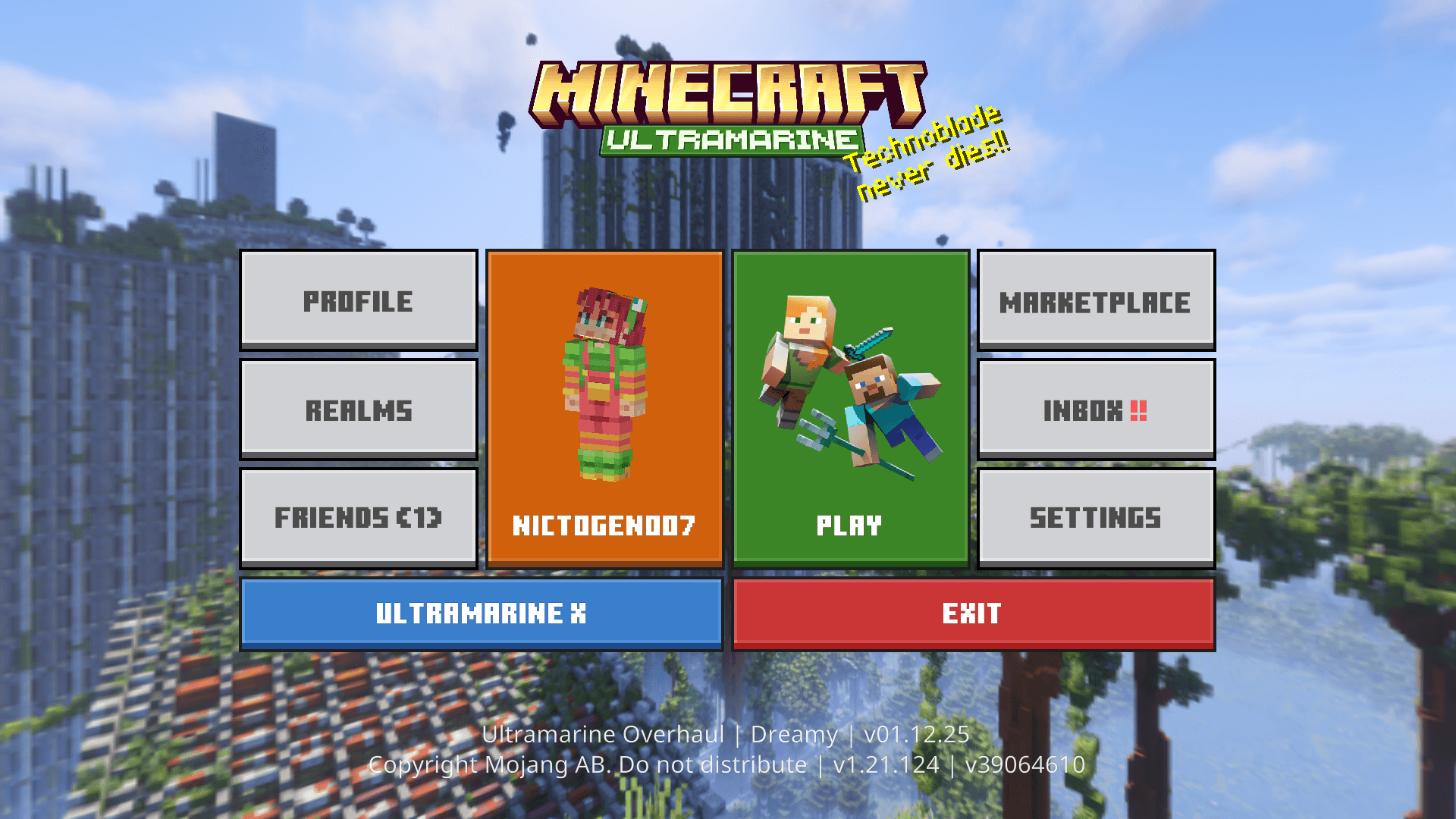
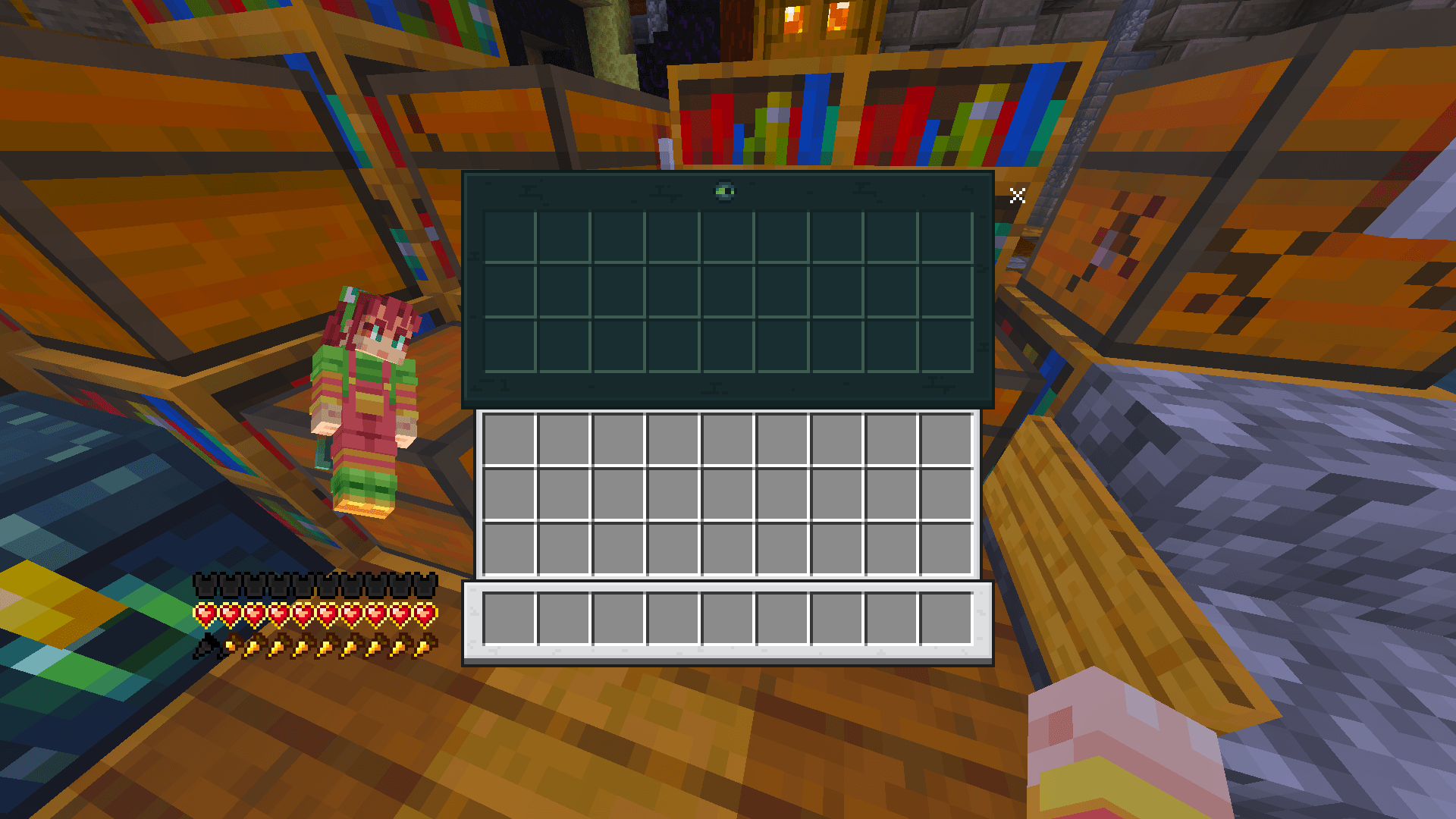
It uses soft visual effects, glowing details, and a redesigned menu, because of which the Bedrock version feels fresher and slightly more atmospheric. The environmental effects deserve special attention: they enhance the mood of the world and make traveling or building more enjoyable. In addition, the pack includes real-time tutorial elements.
Installing Ultramarine Overhaul:
The first step is to run the downloaded file and import the addon/texture into MCPE.
Second step: open Minecraft Pocket Edition and go to the settings of the world.
Third step: install the imported resource sets and add-ons for the world.
Step four: select the imported resource packages/add-on in each section and restart the mobile client.
Comments (0)