



Vanilla Emissive for Minecraft Pocket Edition 1.21

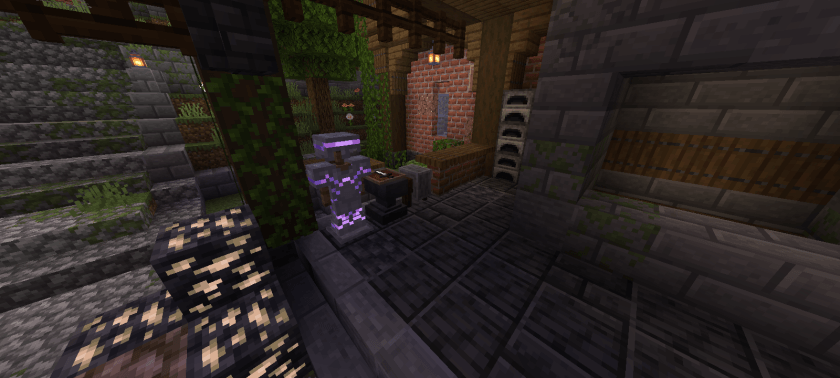
Surely, during your adventures, you pay attention to aesthetics, so it is important to put in effort and make it better. For example, how about Vanilla Emissive add-on for Minecraft, which makes radical changes precisely to the aesthetics of the adventure? Now, during your journeys, you will see that many blocks, items, and other elements of the environment will gain glowing details.
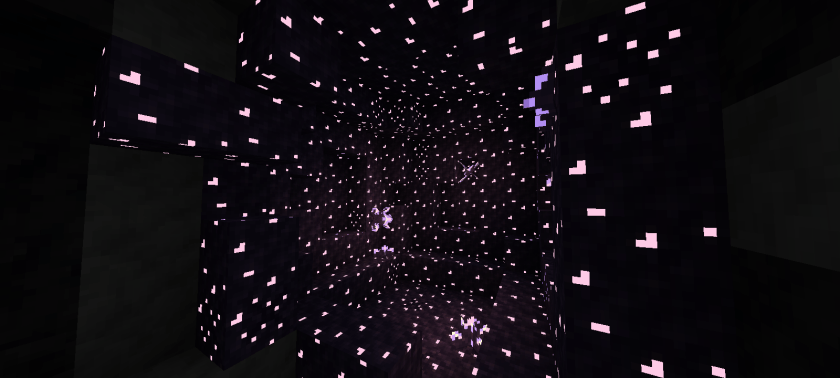
All this is well balanced and offers an unforgettable appearance. Walking at night will now be interesting, engaging, and at times even mesmerizing. The abundance of glowing objects has never looked so high-quality and fascinating.
Installing Vanilla Emissive:
The first step is to run the downloaded file and import the addon/texture into MCPE.
Second step: open Minecraft Pocket Edition and go to the settings of the world.
Third step: install the imported resource sets and add-ons for the world.
Step four: select the imported resource packages/add-on in each section and restart the mobile client.
Comments (0)