



Acidul’s Wolves for Minecraft Pocket Edition 26.x
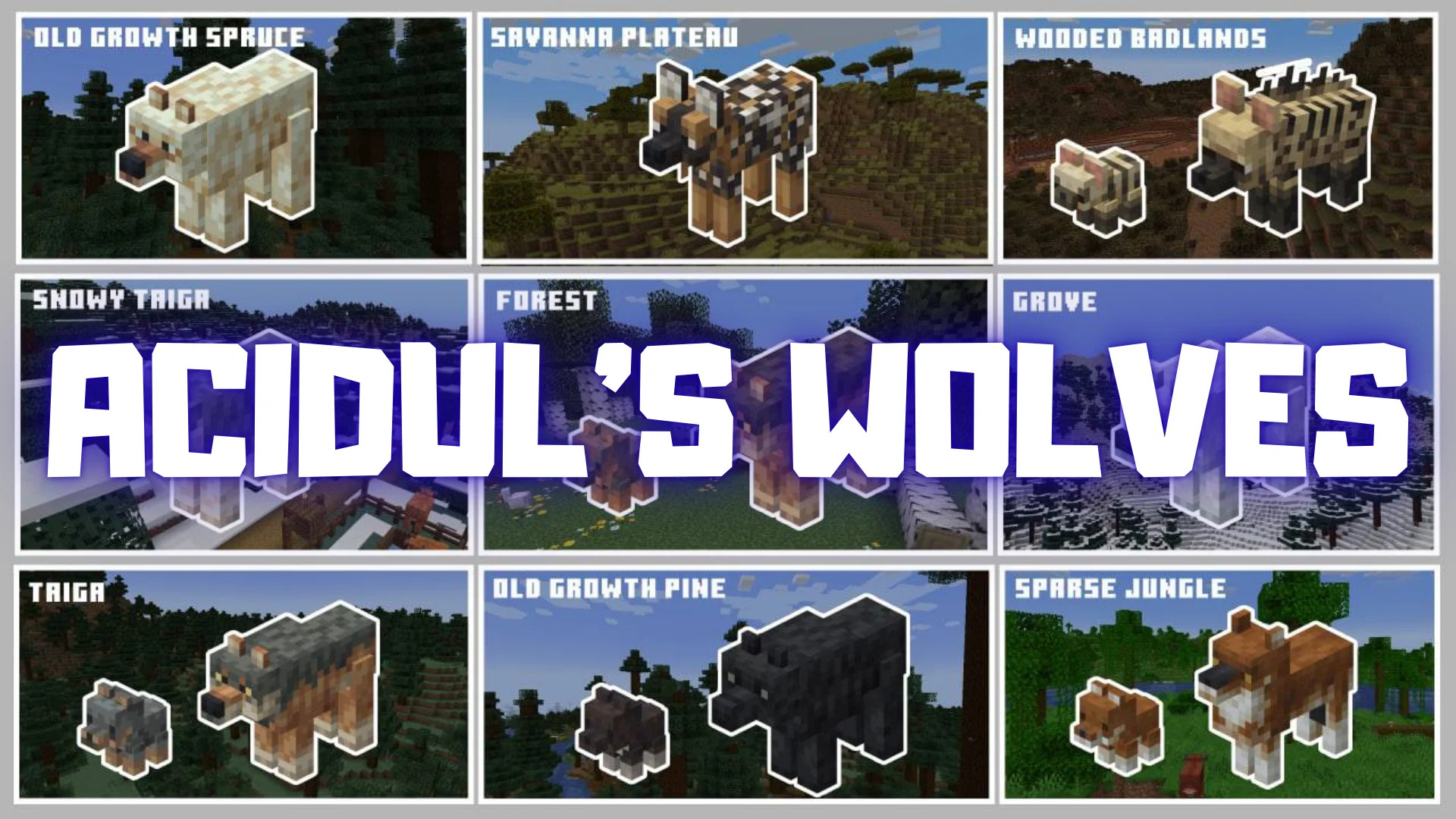
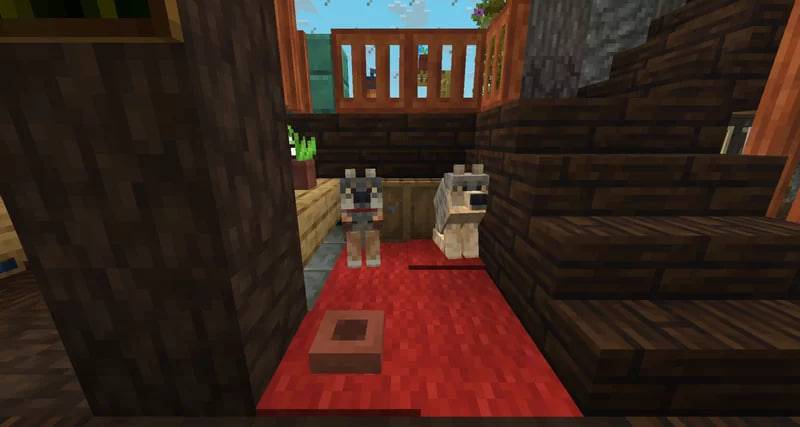
Acidul’s Wolves is completely focused on the appearance of wolves and reworks their existing variants. Spotted, rusty, striped, and other variants receive new models and textures, making the animals look larger and differ from one another by more than just a few colored patches.
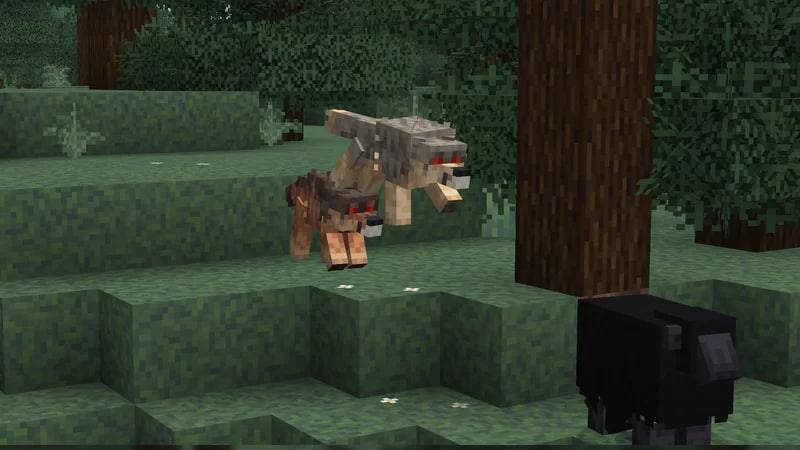
Each variant uses its own fur and coloring design, while the connection with biomes is preserved: the appearance of a encountered wolf depends on the area it inhabits. Because of this, packs from different regions are easier to distinguish visually, while searching for individual variants becomes an additional part of exploring the world.
Installing Acidul’s Wolves:
The first step is to run the downloaded file and import the addon/texture into MCPE.
Second step: open Minecraft Pocket Edition and go to the settings of the world.
Third step: install the imported resource sets and add-ons for the world.
Step four: select the imported resource packages/add-on in each section and restart the mobile client.
Comments (0)