



Bare Bones Enhanced for Minecraft Pocket Edition 26.x
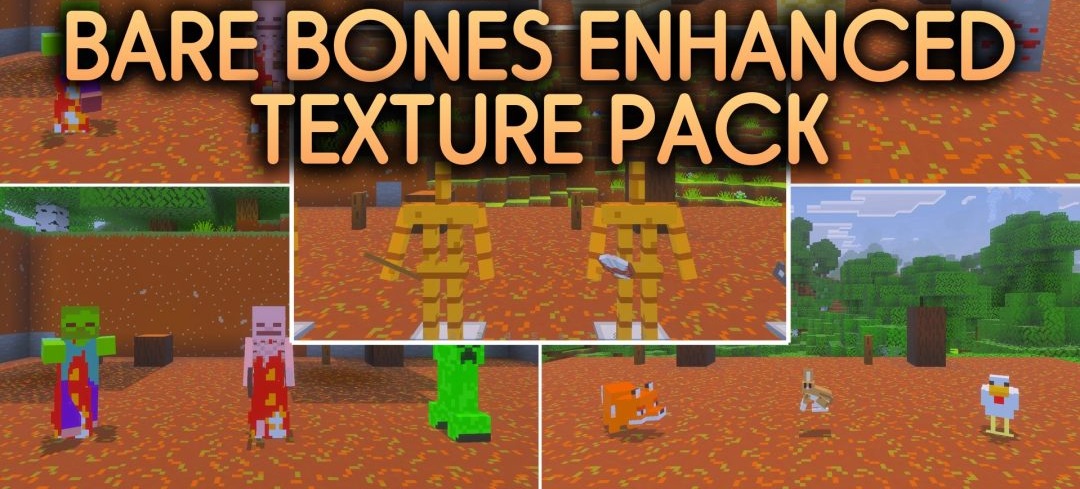
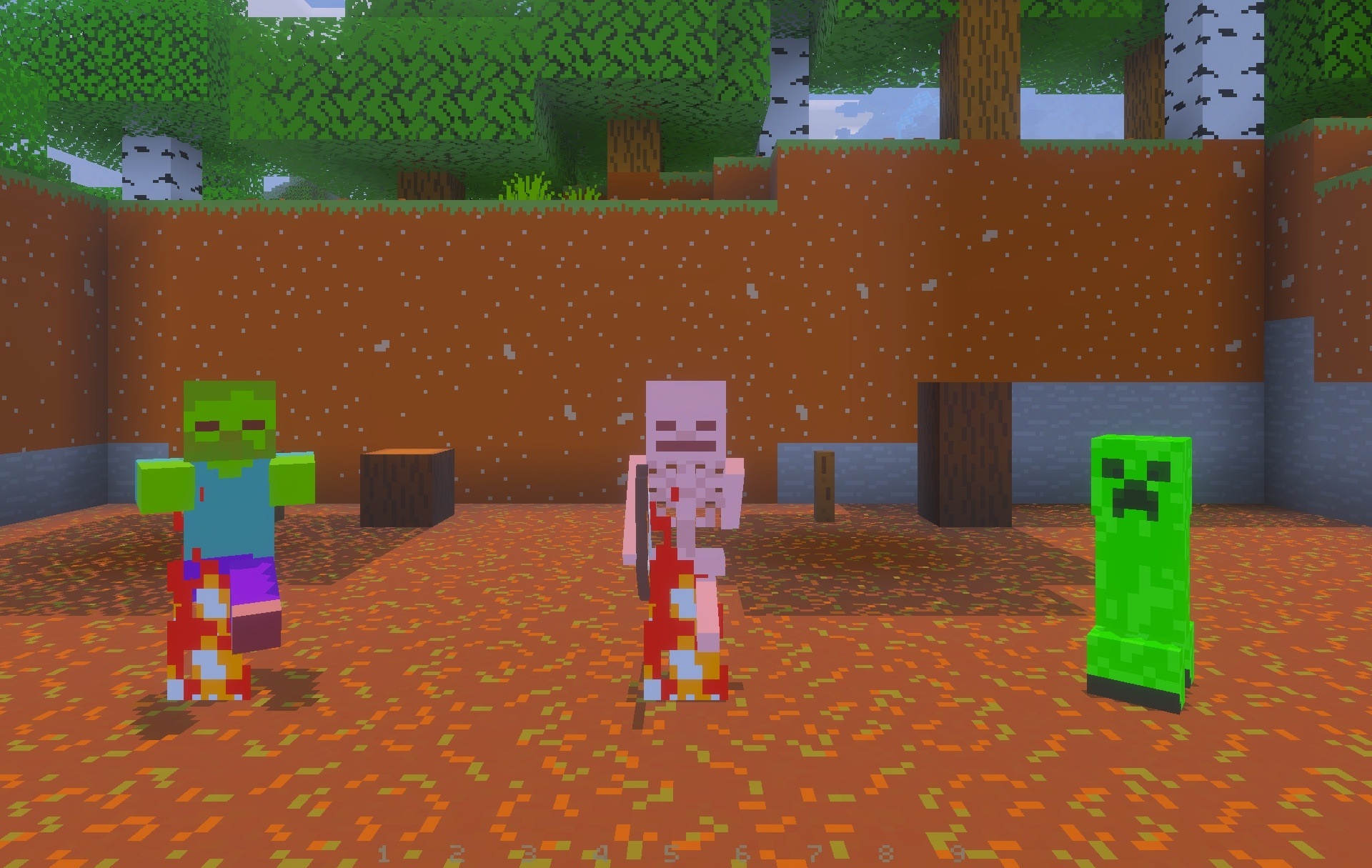
Bare Bones Enhanced expands the trailer-style appearance of Bare Bones by adding more visual effects and interface improvements to its smooth surfaces. Blocks and foliage receive saturated colors, while torches, End portals, and some armor elements use glowing textures.
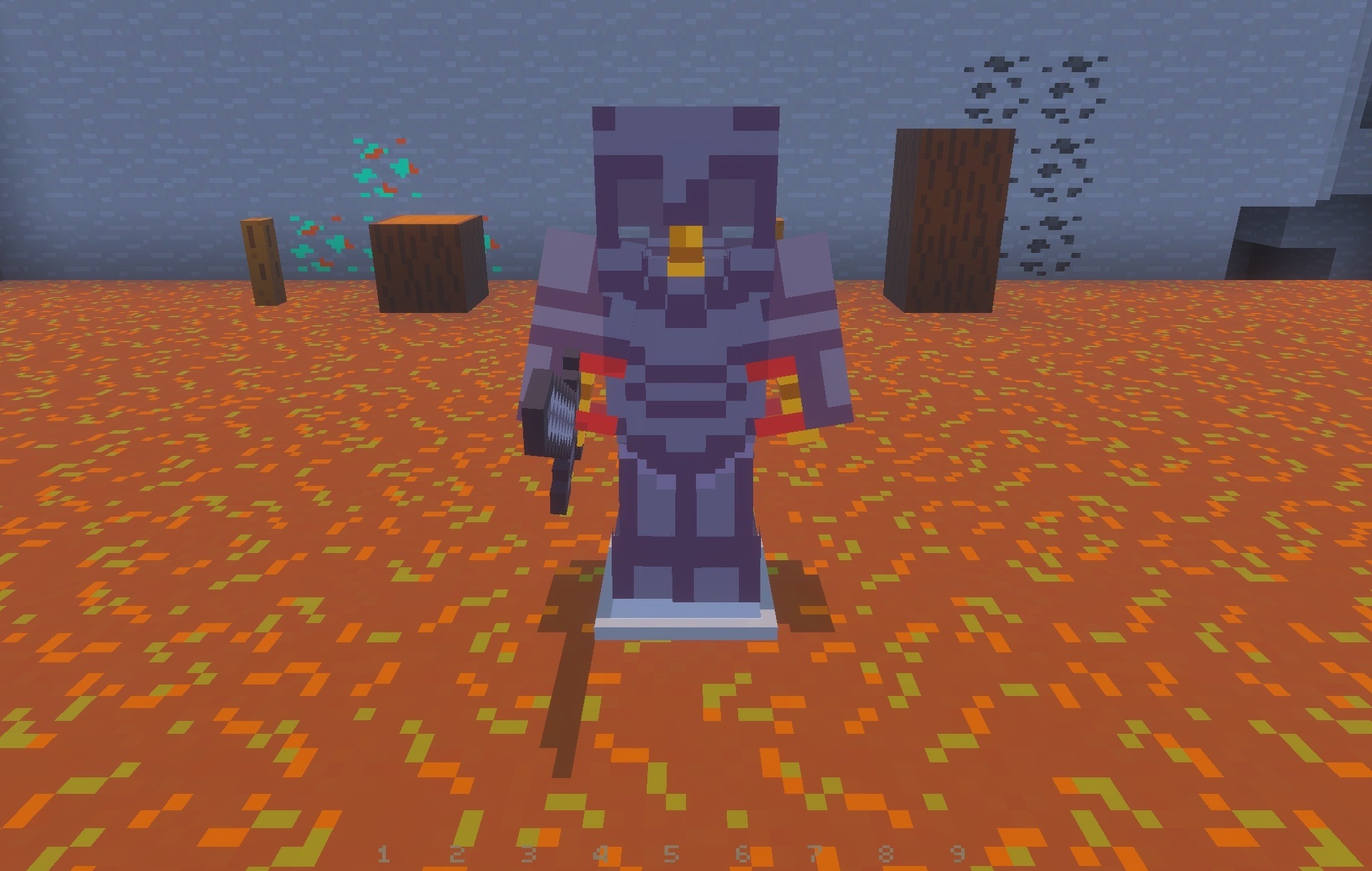
Glass and glass doors become more transparent, so structures block the view less. Slot numbers appear on the hotbar, while kelp receives a visual age indicator that makes it possible to determine its growth stage without additional actions. Some 3D models are also reworked, including beds and hanging signs.
Installing Bare Bones Enhanced:
The first step is to run the downloaded file and import the addon/texture into MCPE.
Second step: open Minecraft Pocket Edition and go to the settings of the world.
Third step: install the imported resource sets and add-ons for the world.
Step four: select the imported resource packages/add-on in each section and restart the mobile client.
Comments (0)