



Bare Bones PvP Remastered for Minecraft Pocket Edition 26.x
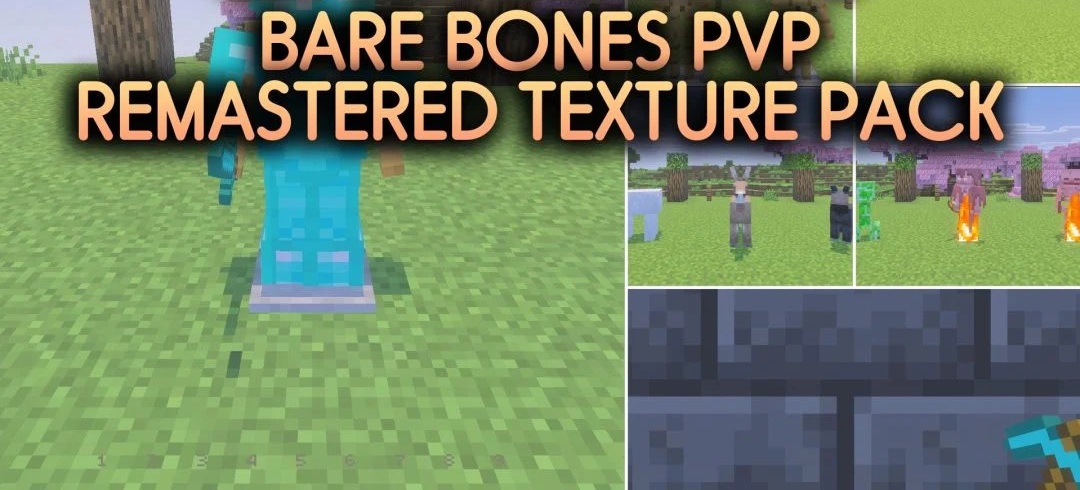
Bare Bones PvP Remastered adapts the Bare Bones style for combat by removing elements that usually block the view. Weapons, tools, and potions become more compact, shields receive a more transparent design, and fire is displayed lower and takes up less space on the screen.
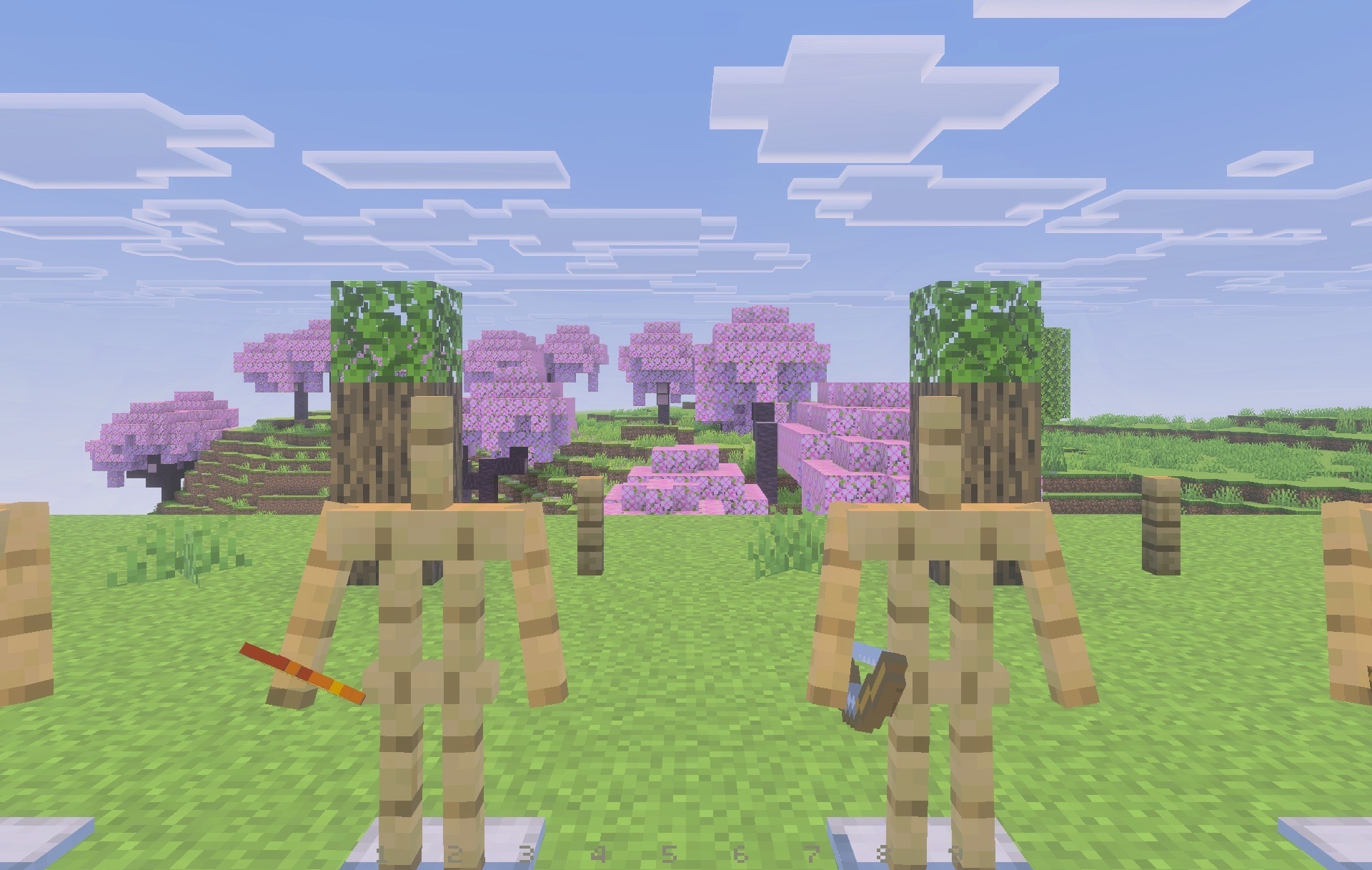
Particles are also reworked so that hits and effects remain clear but do not interfere with tracking the opponent. Ores are highlighted with outlines, some armor elements receive a glow effect, and the bow includes an indicator showing the level of draw. Slot numbers appear on the hotbar, making it easier to navigate equipment more quickly.
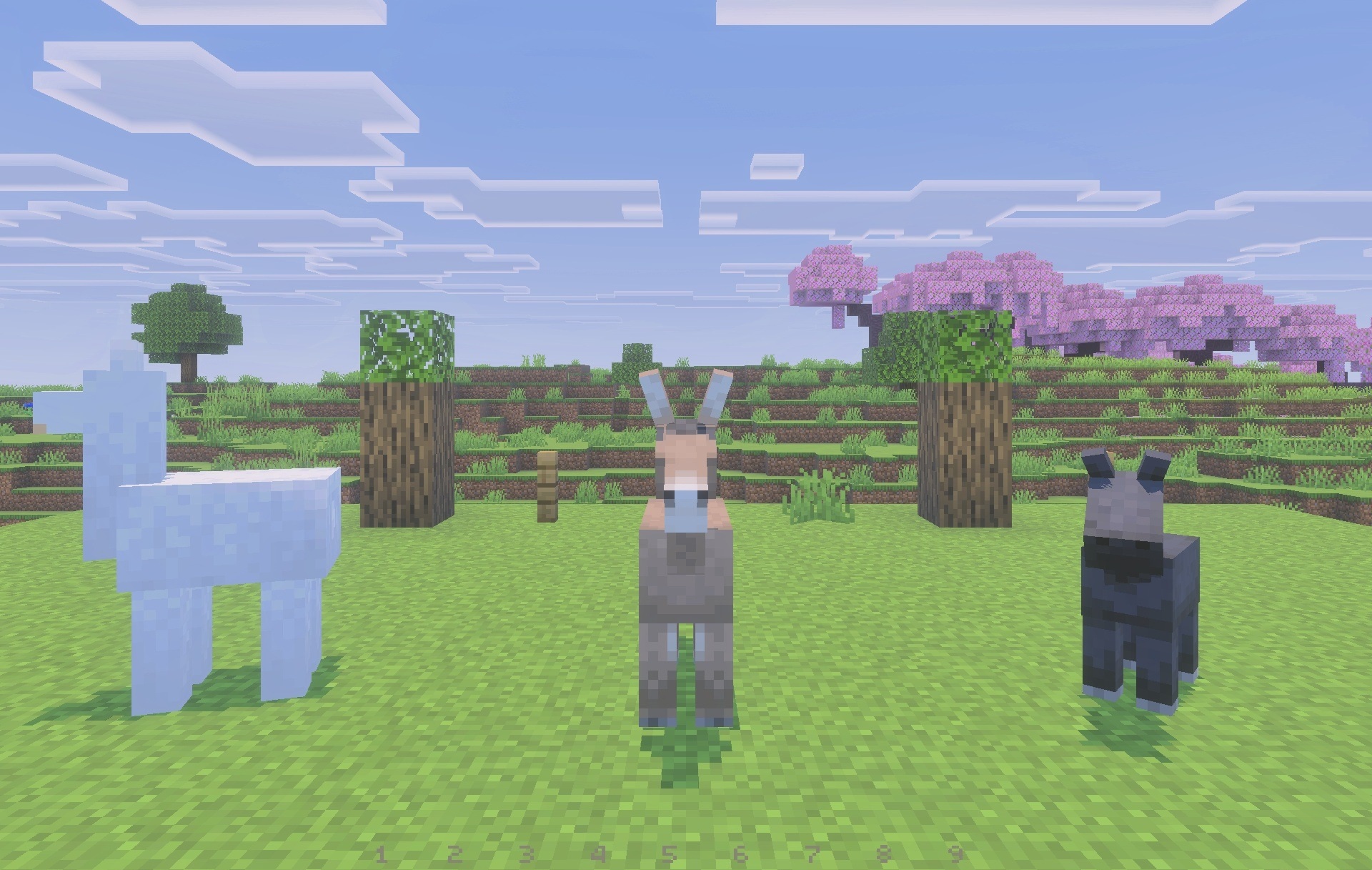
Installing Bare Bones PvP Remastered:
The first step is to run the downloaded file and import the addon/texture into MCPE.
Second step: open Minecraft Pocket Edition and go to the settings of the world.
Third step: install the imported resource sets and add-ons for the world.
Step four: select the imported resource packages/add-on in each section and restart the mobile client.
Comments (0)