



BareBones Recolors for Minecraft Pocket Edition 26.x
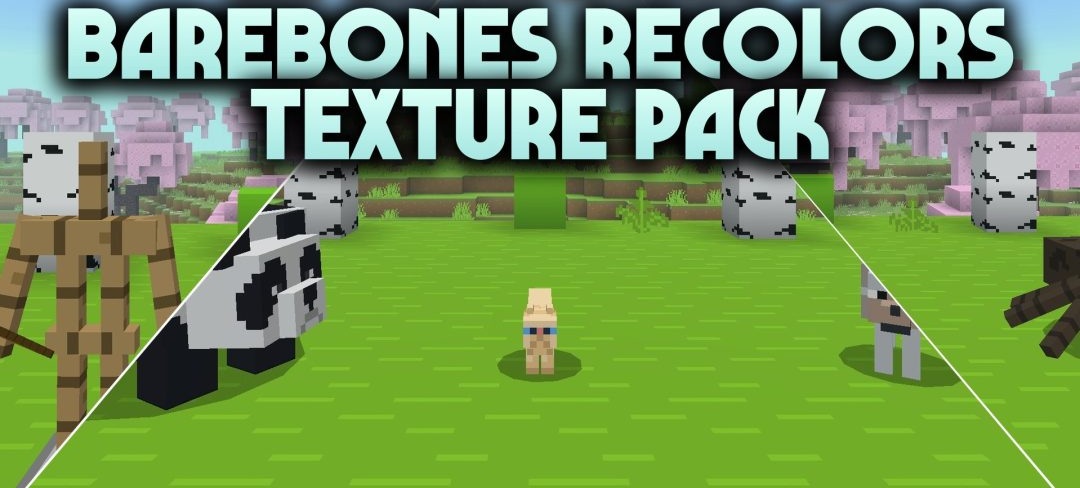
Smooth surfaces and a simple color palette form the basis of BareBones Recolors. The pack removes most of the visual noise from standard textures and replaces it with flat, solid-colored blocks that are stylistically close to the official Minecraft trailers.
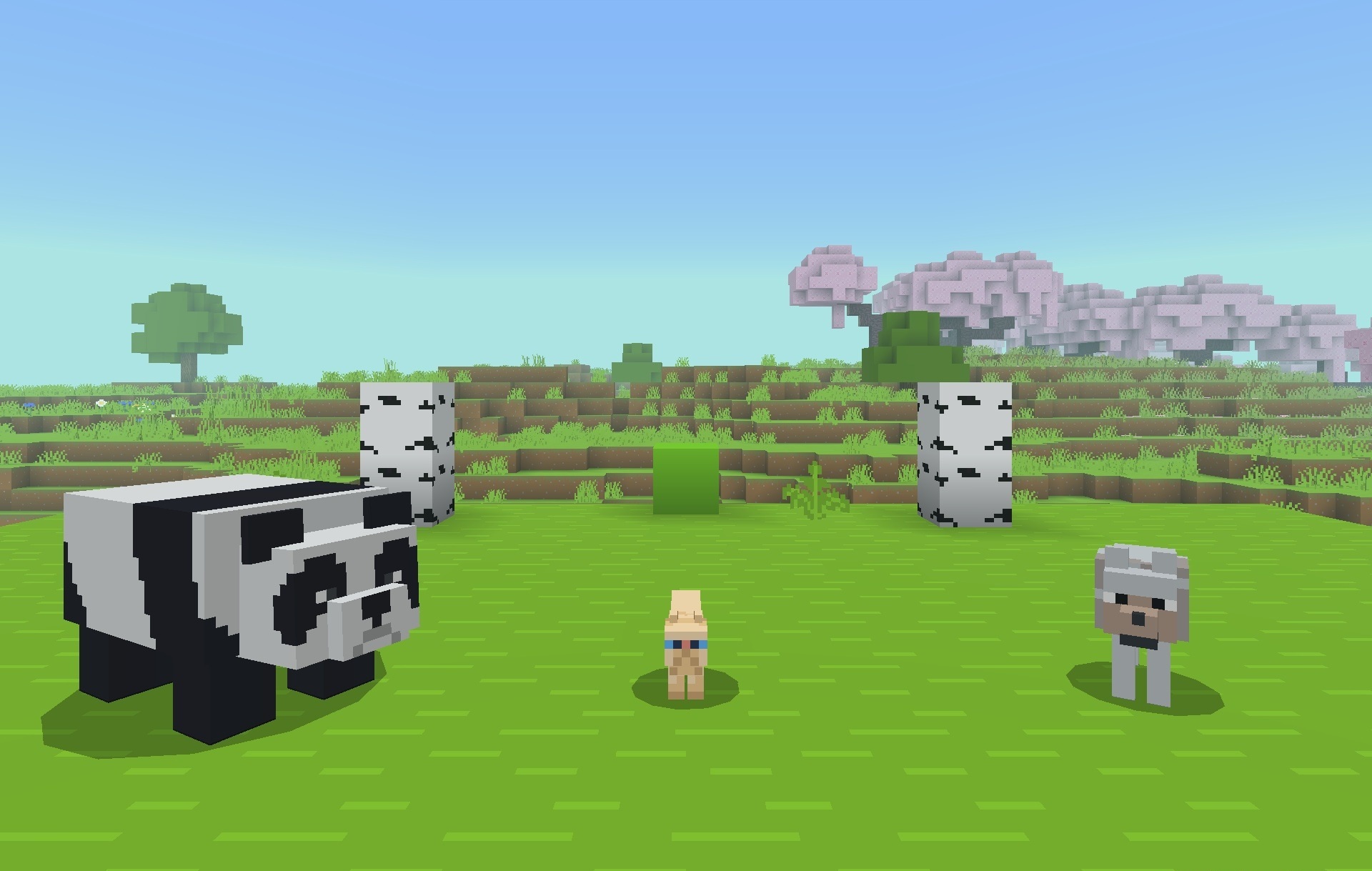
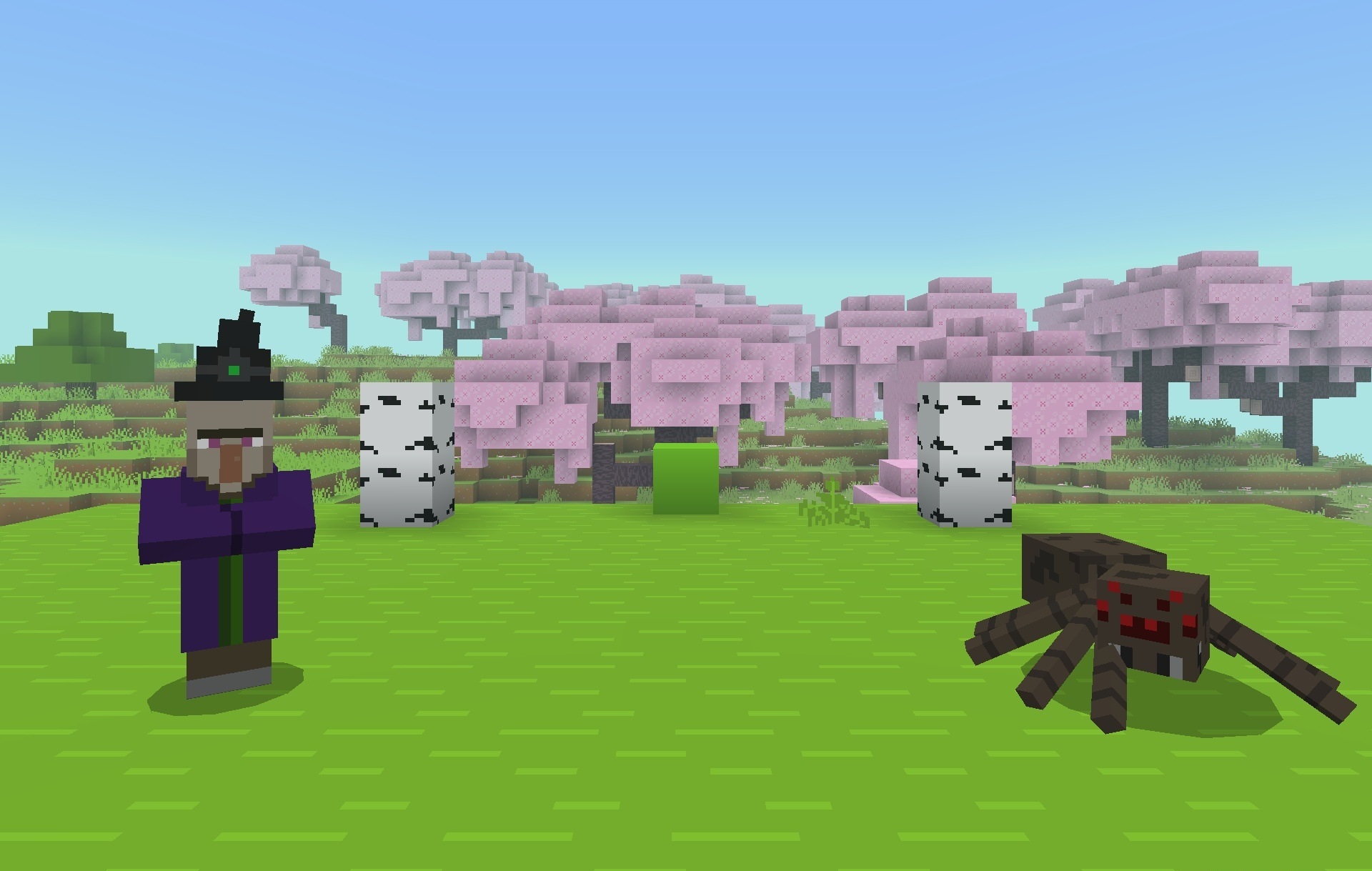
The resolution remains at 16×16, so the pack does not create a high performance load and may even help increase the frame rate on mobile devices. At the same time, dark areas become brighter: caves, oceans, and nighttime environments become easier to see without additional visual effects. The world retains its familiar geometry but looks cleaner, brighter, and simpler, while individual materials are easier to distinguish from one another.
Installing BareBones Recolors:
The first step is to run the downloaded file and import the addon/texture into MCPE.
Second step: open Minecraft Pocket Edition and go to the settings of the world.
Third step: install the imported resource sets and add-ons for the world.
Step four: select the imported resource packages/add-on in each section and restart the mobile client.
Comments (0)