



Enhanced 16x for Minecraft Pocket Edition 26.x
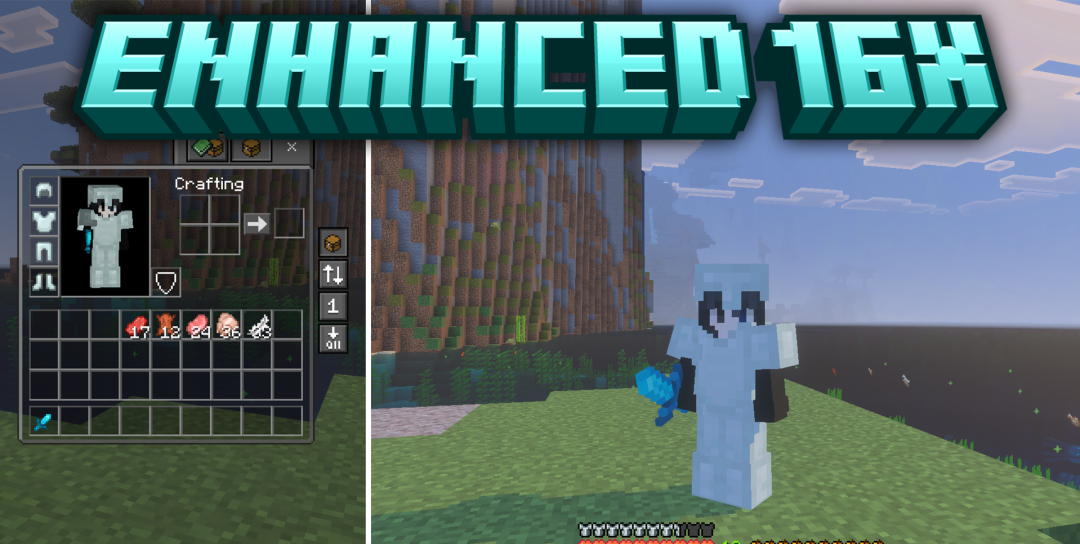
The combat part of the interface becomes more compact in Enhanced 16x. Swords receive shortened models, shields take up less space, and flames are moved lower so they do not block the target during combat. At the same time, the pack simplifies several demanding background elements, reducing the load and helping maintain a more stable frame rate.
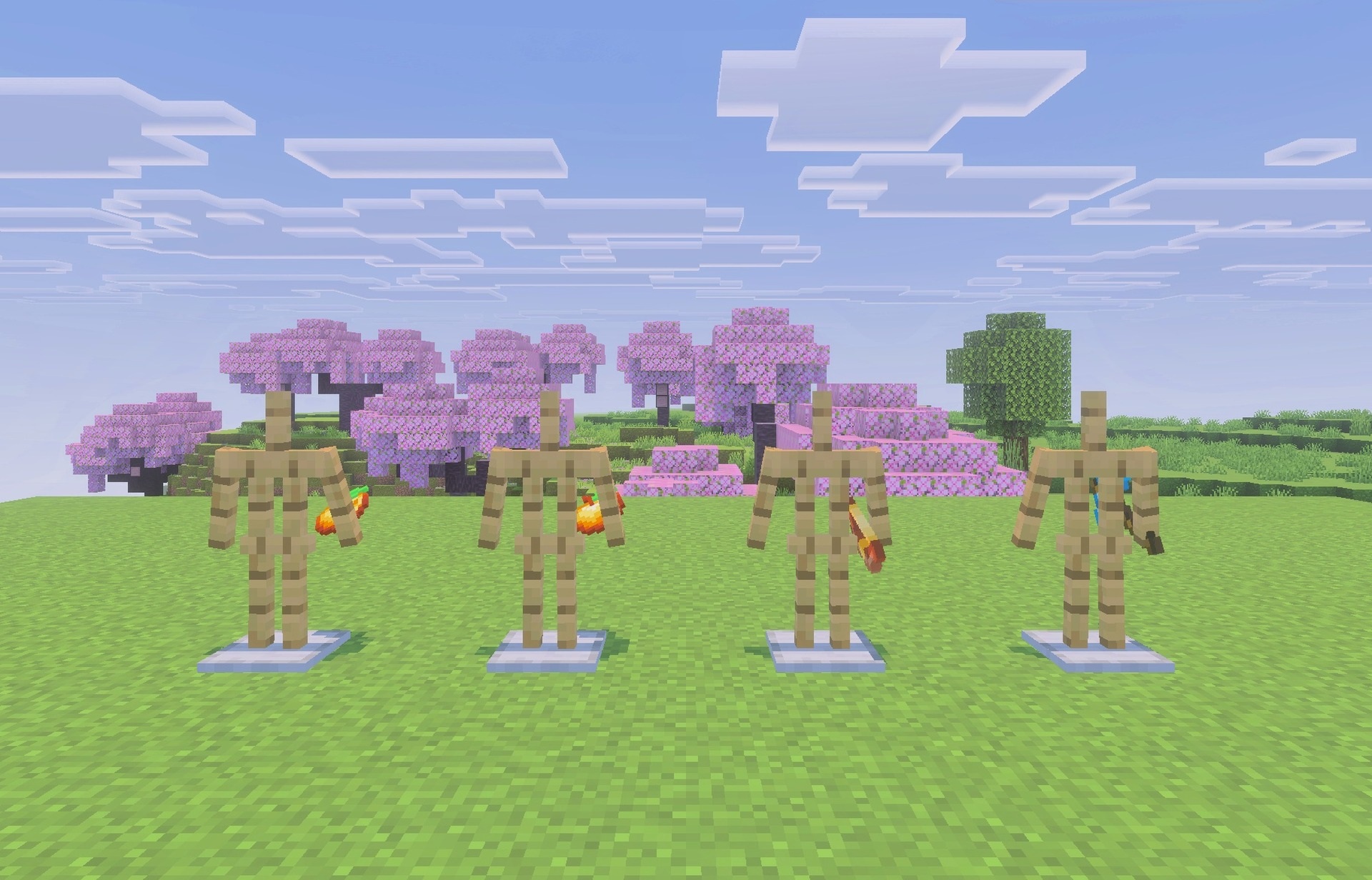
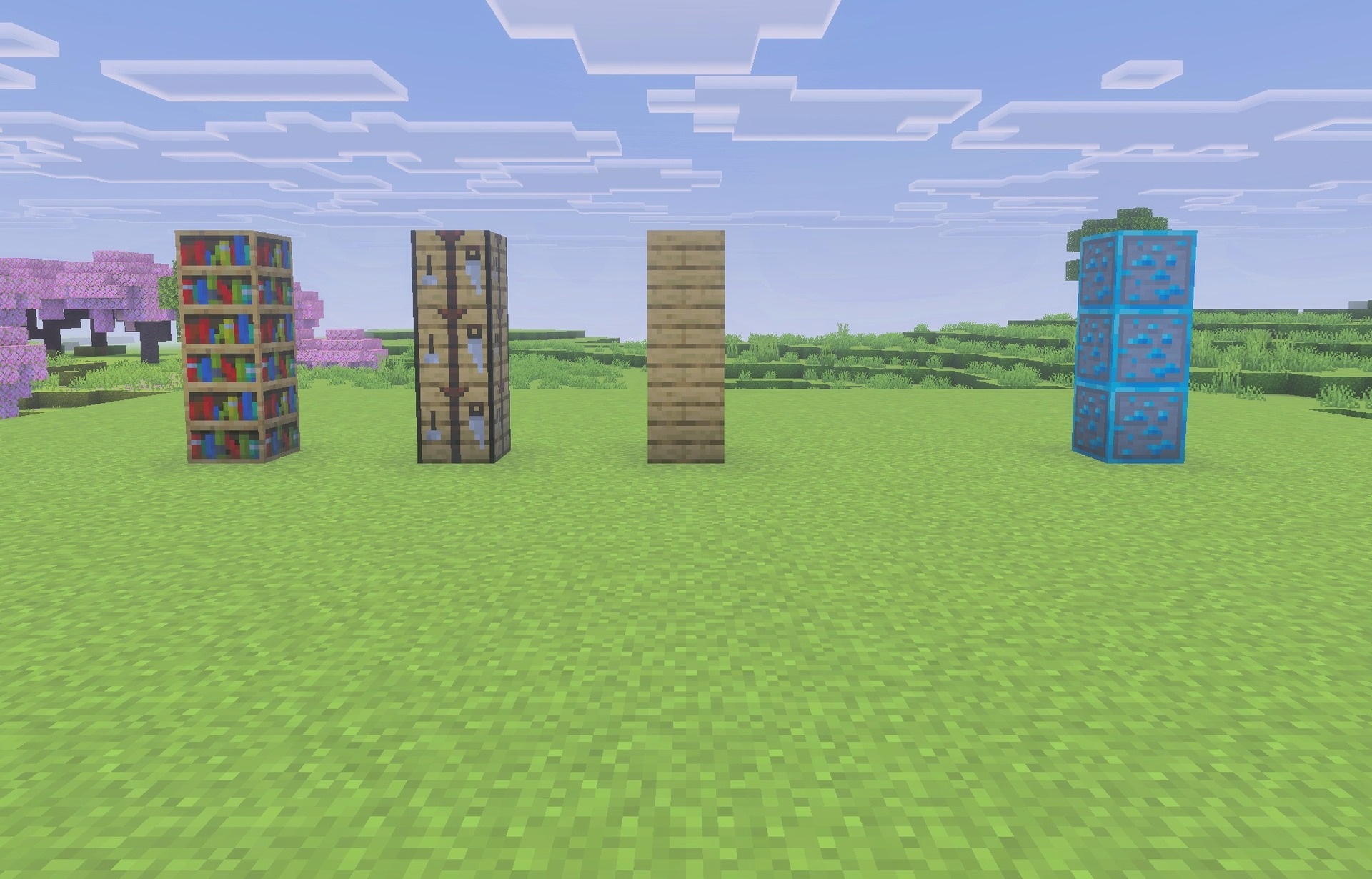
The interface is reworked using dark and light elements, while important blocks receive additional visual hints. Ore outlines stand out from the surrounding rock, suspicious sand is easier to distinguish from ordinary sand, and infested blocks receive their own markings.
Installing Enhanced 16x:
The first step is to run the downloaded file and import the addon/texture into MCPE.
Second step: open Minecraft Pocket Edition and go to the settings of the world.
Third step: install the imported resource sets and add-ons for the world.
Step four: select the imported resource packages/add-on in each section and restart the mobile client.
Comments (0)