



Faithful Nature for Minecraft Pocket Edition 26.x
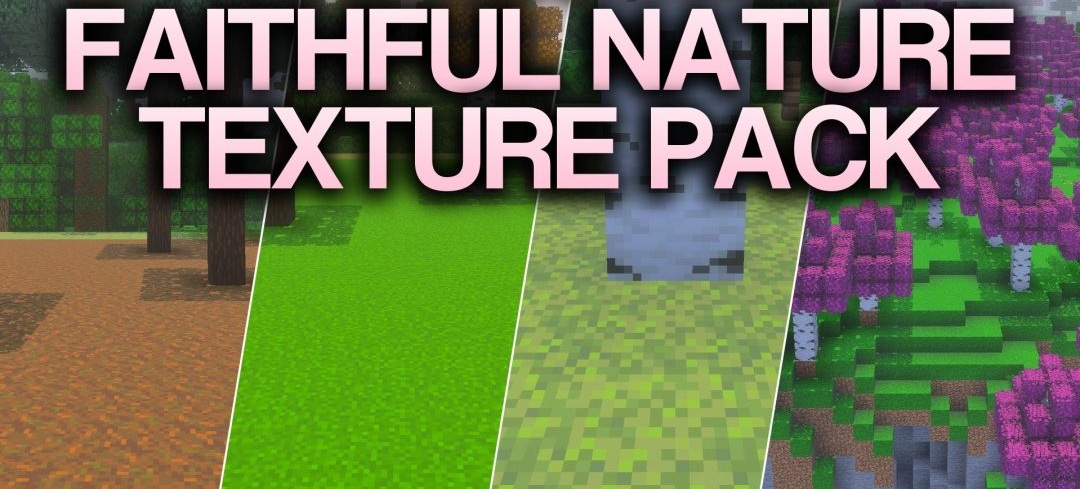
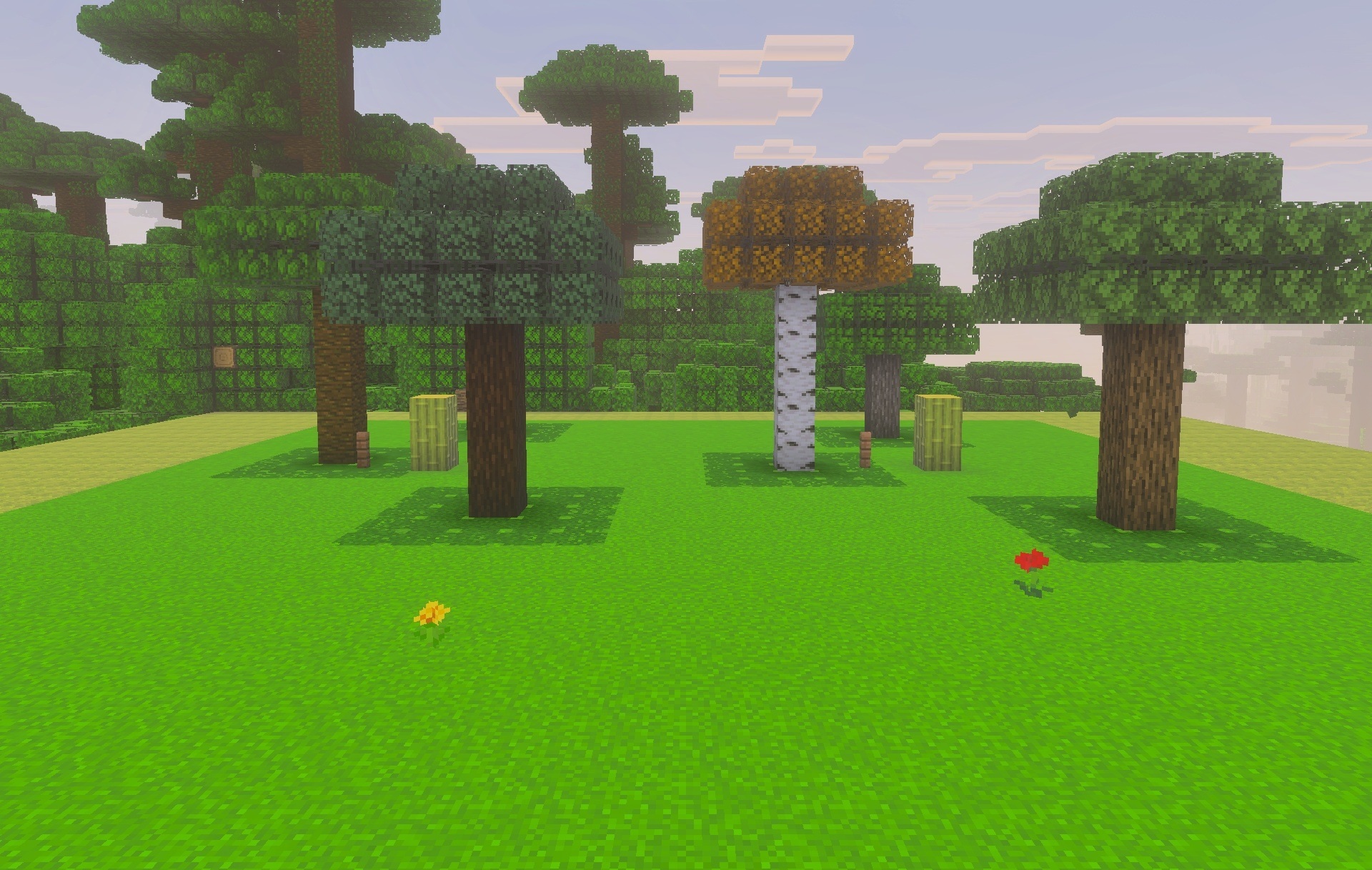
The natural part of the world becomes the main focus of the rework in Faithful Nature. Foliage receives sharper edges and richer shades, making trees look cleaner at medium and long distances. Cherry groves shift toward a more pronounced pink palette, while wood textures and the top surfaces of logs are updated for several wood types at once.
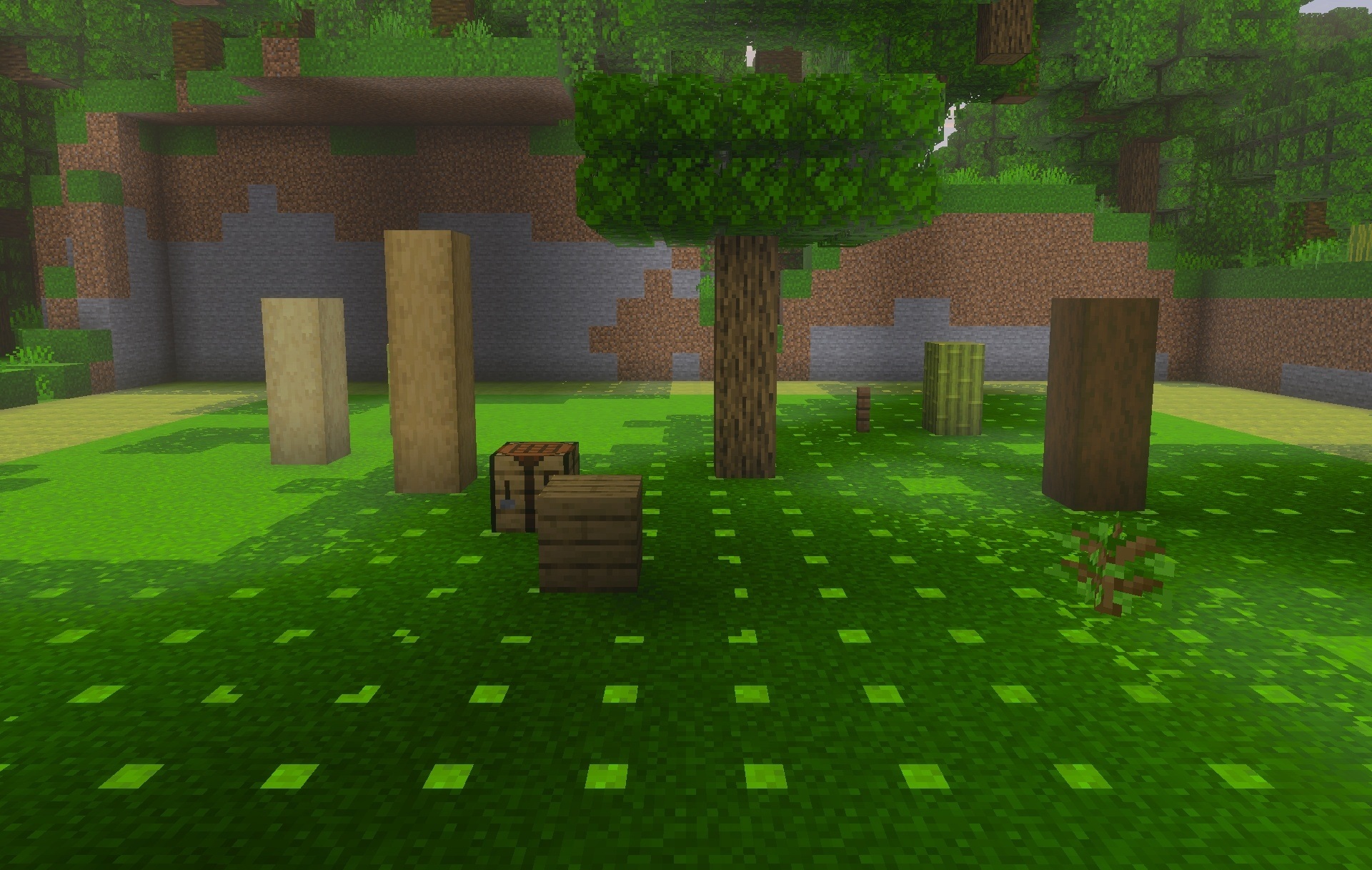
Grass comes with two design options — standard and more lush — allowing the density of vegetation to be changed without completely altering the style. Opaque foliage versions are also available for devices that require more stable performance.
Installing Faithful Nature:
The first step is to run the downloaded file and import the addon/texture into MCPE.
Second step: open Minecraft Pocket Edition and go to the settings of the world.
Third step: install the imported resource sets and add-ons for the world.
Step four: select the imported resource packages/add-on in each section and restart the mobile client.
Comments (0)