



Glow Trims for Minecraft Pocket Edition 26.x
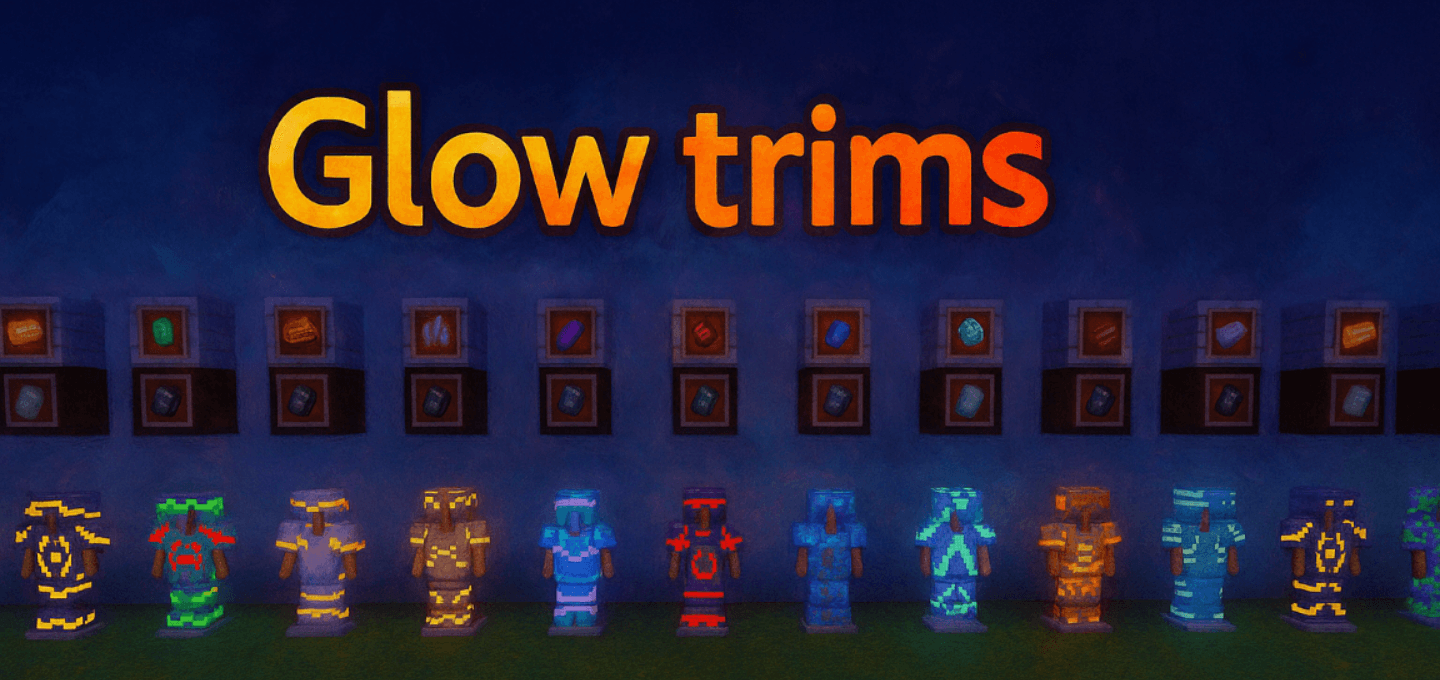
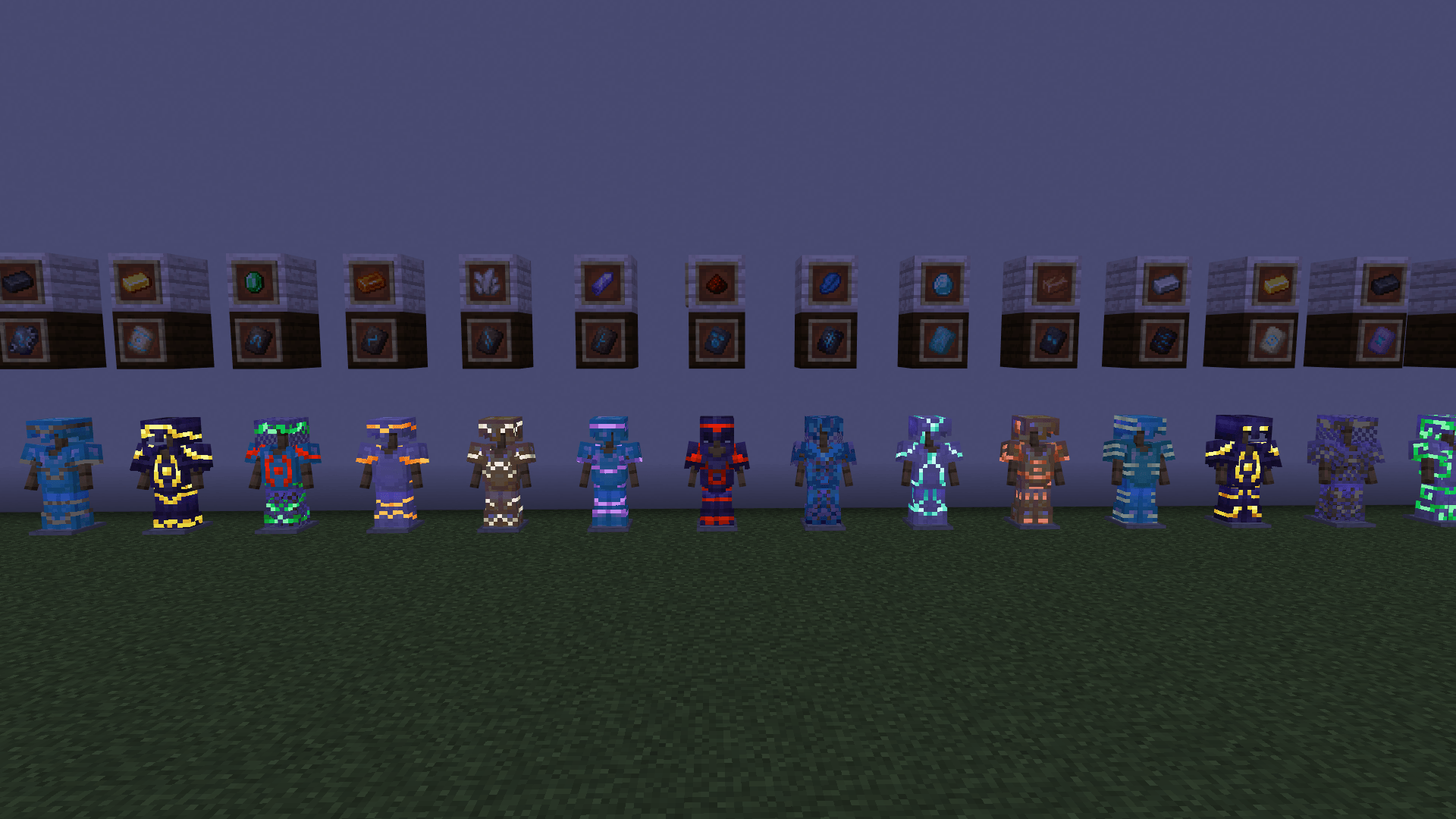
Smithing trim patterns remain visible even in complete darkness thanks to Glow Trims. The pack adds a glowing effect to the decorative elements of armor without replacing the trim system itself or changing the shape of the equipment. Only the applied patterns glow, so the main armor material keeps its standard appearance while the design stands out on its surface.
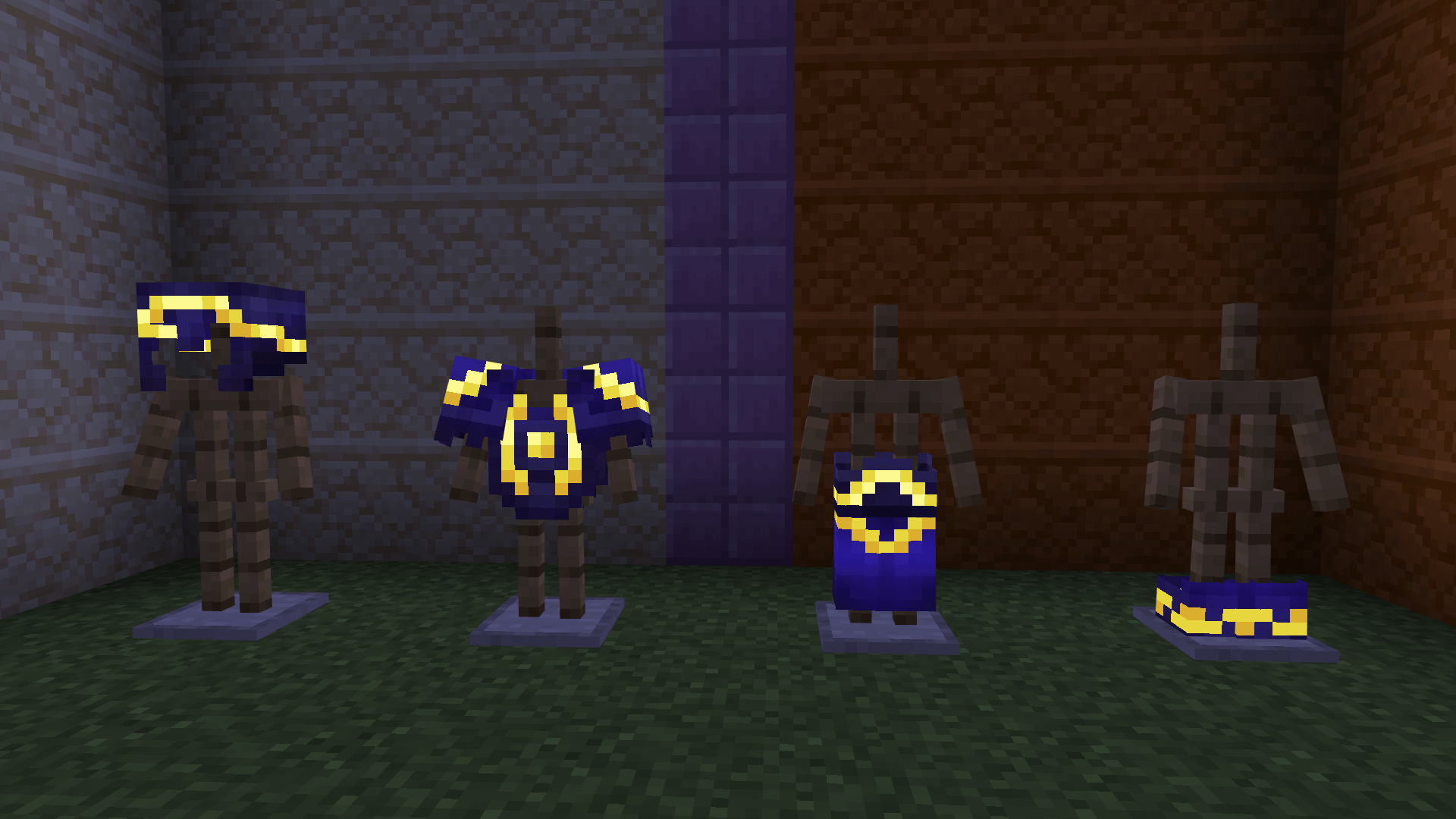
The effect applies to different types of armor and continues working in caves, at night, and in other places without normal lighting. Due to the contrast between the dark base and the glowing lines, trims have a stronger impact on the appearance of the set and remain distinguishable from a distance.
Installing Glow Trims:
The first step is to run the downloaded file and import the addon/texture into MCPE.
Second step: open Minecraft Pocket Edition and go to the settings of the world.
Third step: install the imported resource sets and add-ons for the world.
Step four: select the imported resource packages/add-on in each section and restart the mobile client.
Comments (0)