



Glowdragon for Minecraft Pocket Edition 26.x
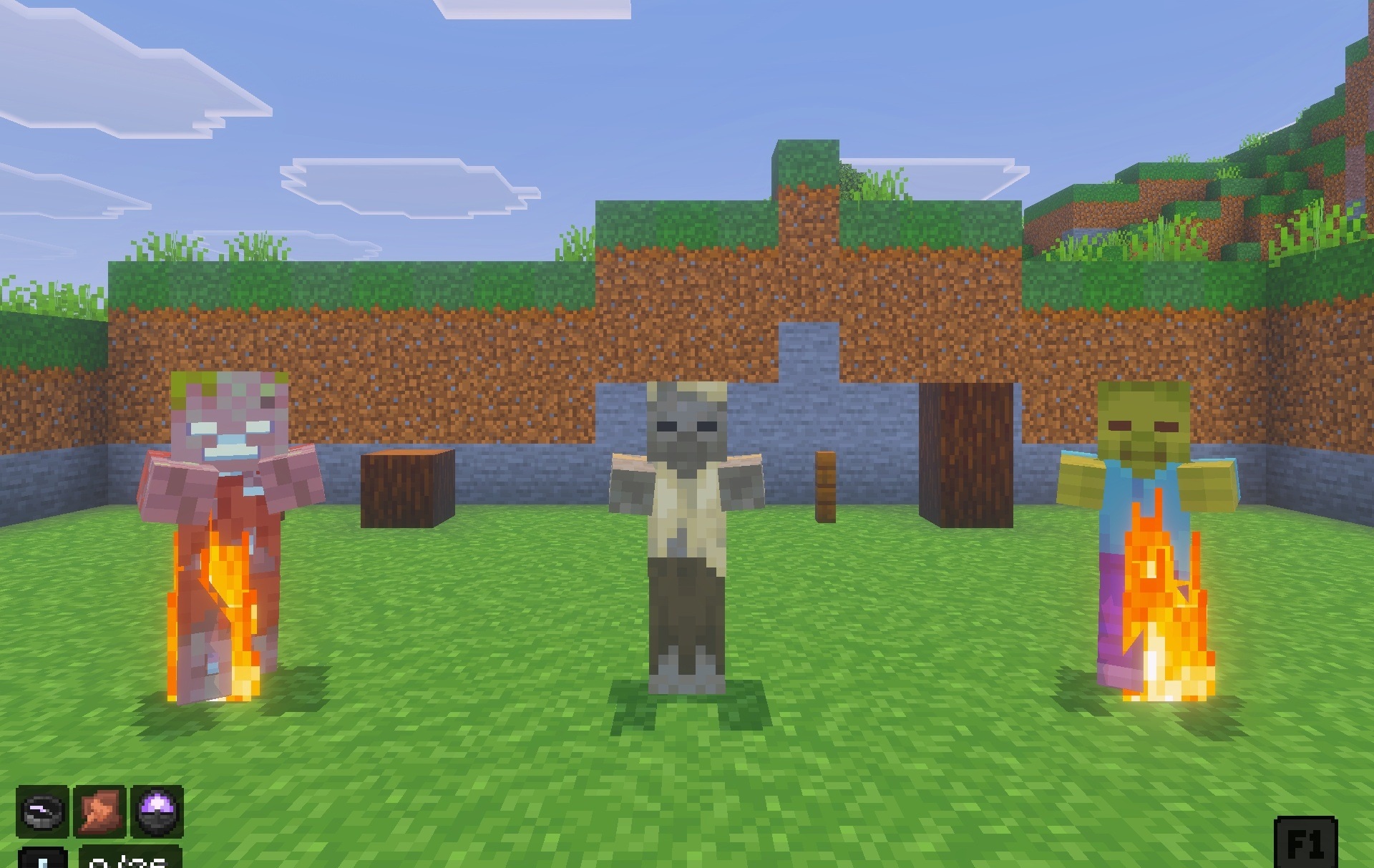
Glowdragon is built around a dark interface and a set of auxiliary elements displayed directly on the screen. Menus receive a deeper color scheme, while an FPS counter, durability indicator, compass, clock, and slot information can be displayed over the gameplay. Armor and tool textures are reworked to match the overall style, while totems receive separate 3D models.
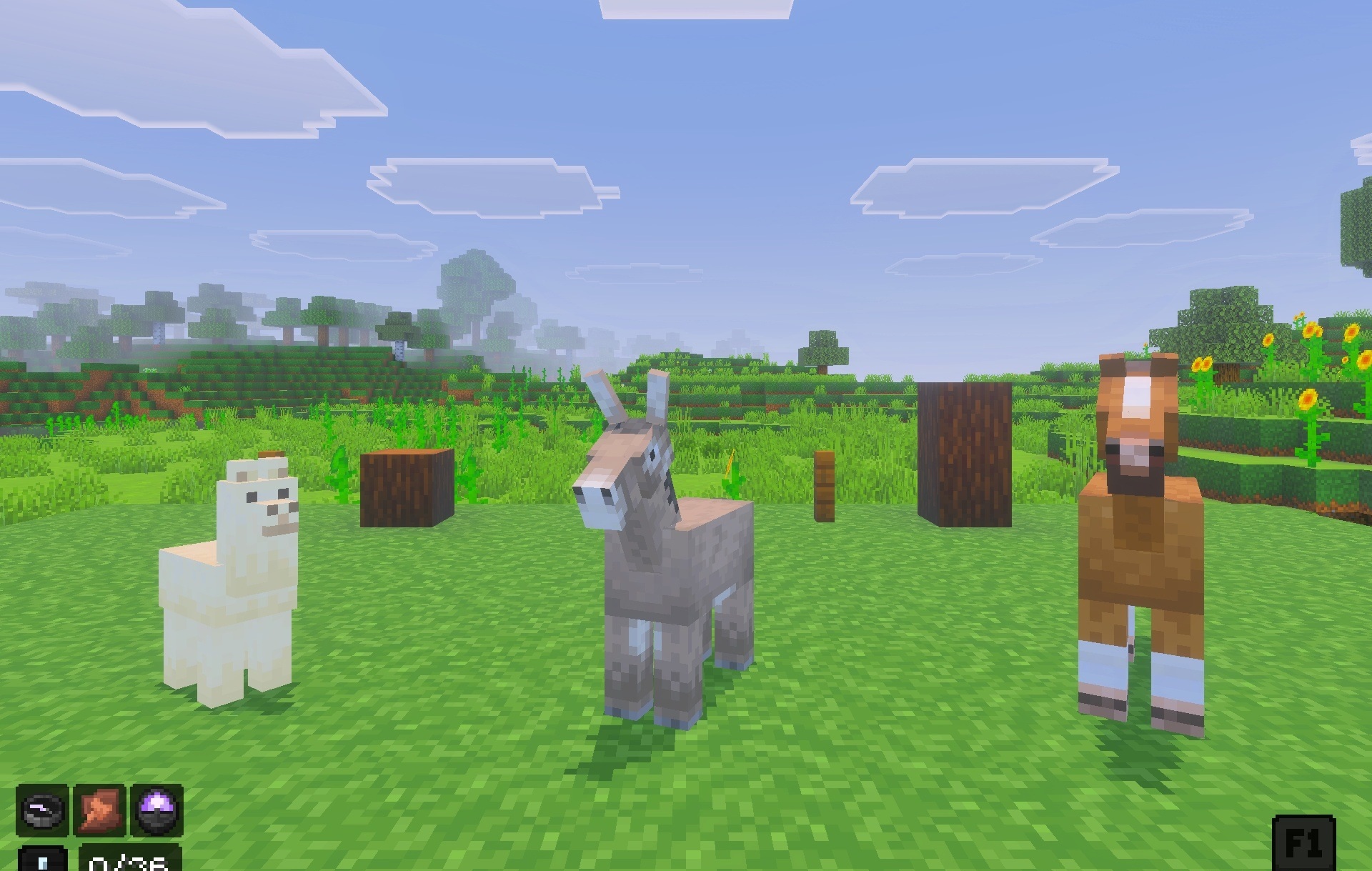
Additional changes affect the trading interface and inventory management, reducing the number of unnecessary actions when viewing and moving items. The pack combines visual design with functional interface additions, so the changes are visible not only in the menus.
Installing Glowdragon:
The first step is to run the downloaded file and import the addon/texture into MCPE.
Second step: open Minecraft Pocket Edition and go to the settings of the world.
Third step: install the imported resource sets and add-ons for the world.
Step four: select the imported resource packages/add-on in each section and restart the mobile client.
Comments (0)