



Legendary PBR for Minecraft Pocket Edition 26.x
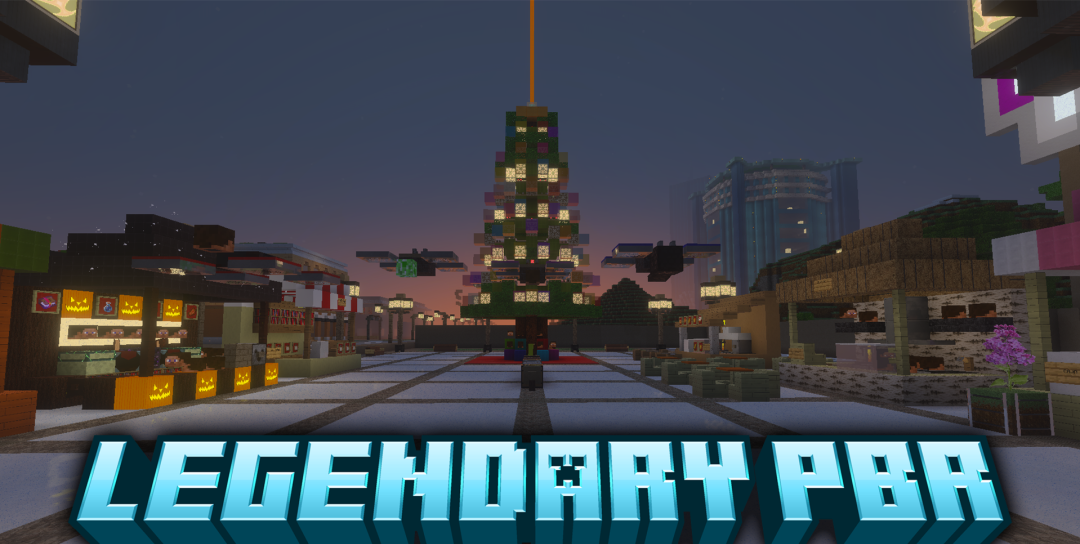
Legendary PBR converts Bedrock surfaces to physically based materials by adding information about depth and surface properties to block maps. Because of this, stone, wood, and other materials stop looking like completely flat images: small irregularities begin interacting with lighting and create three-dimensional relief.
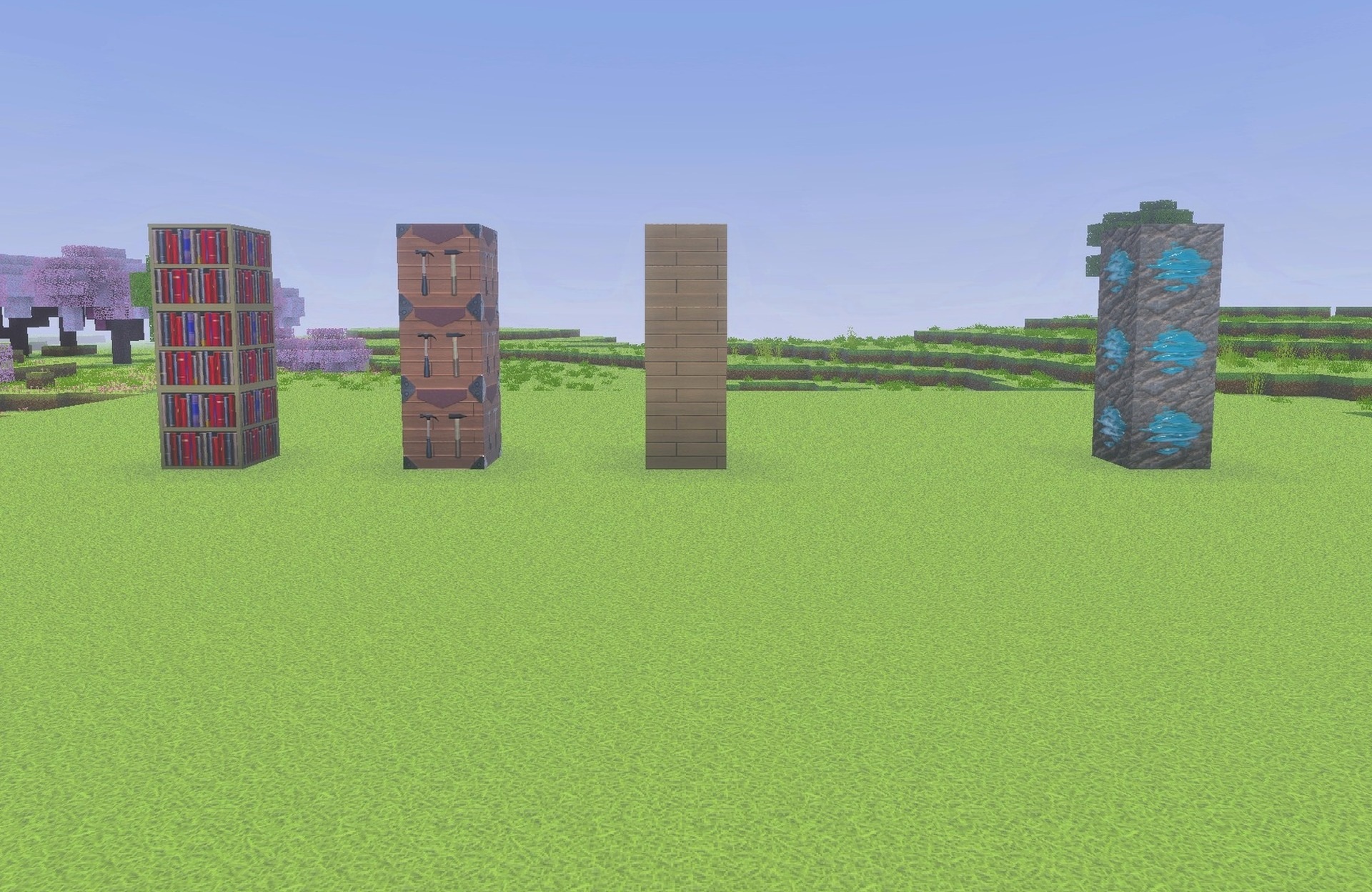
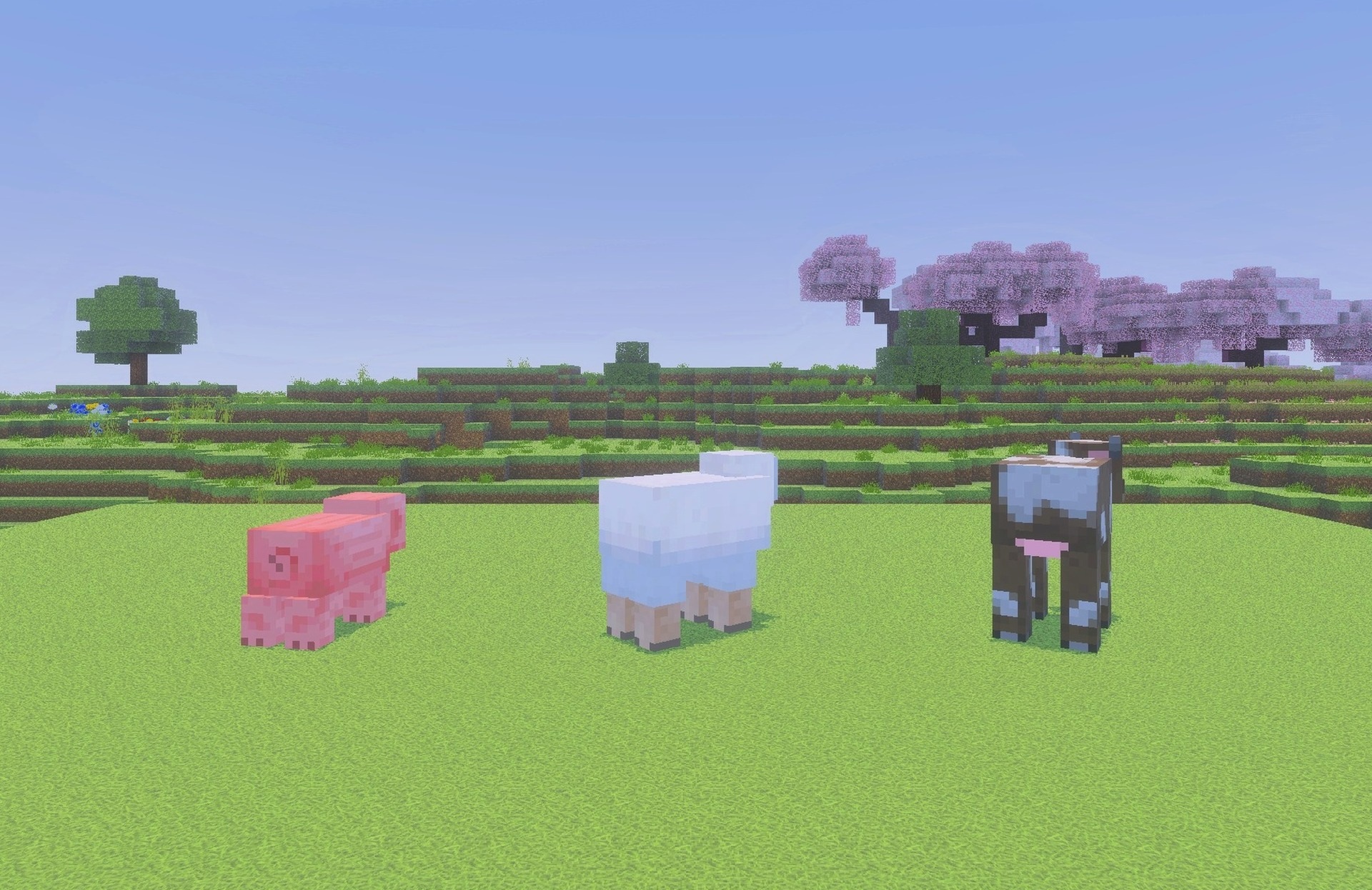
The rework also extends to the atmosphere of the world — the appearance of water and fog changes, connecting the materials with a more realistic environmental presentation. The pack is available in several resolutions, so the level of detail can be selected according to the capabilities of the device.
Installing Legendary PBR:
The first step is to run the downloaded file and import the addon/texture into MCPE.
Second step: open Minecraft Pocket Edition and go to the settings of the world.
Third step: install the imported resource sets and add-ons for the world.
Step four: select the imported resource packages/add-on in each section and restart the mobile client.
Comments (0)