



Neo for Minecraft Pocket Edition 26.x

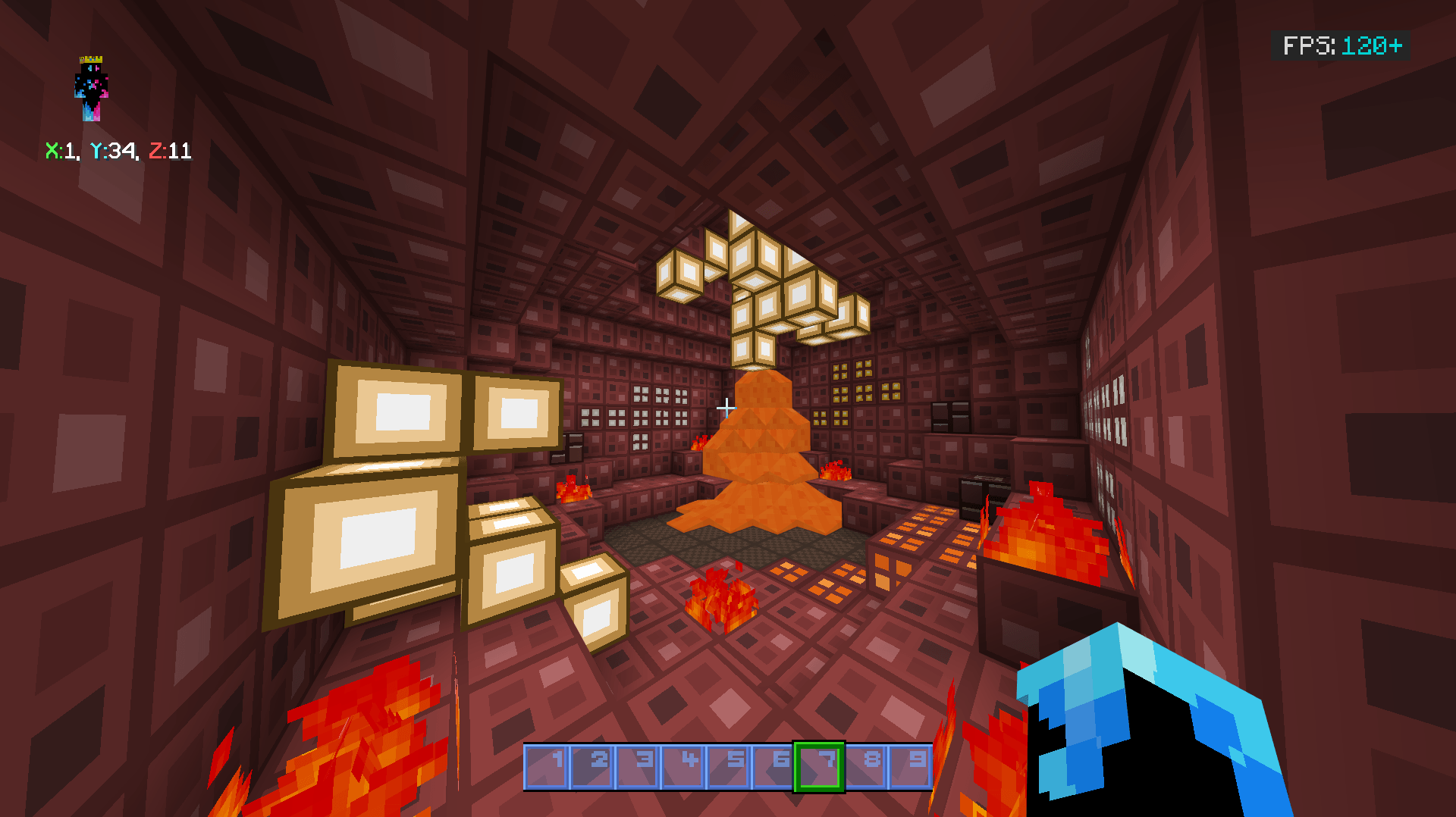
The Bedrock interface receives a set of additional gameplay indicators in Neo. The pack is designed for versions 1.20 and above and combines visual design with features for PvP and regular survival. An FPS counter, health data, and information about item condition are displayed on the screen, allowing equipment durability to be monitored without constantly opening additional menus.
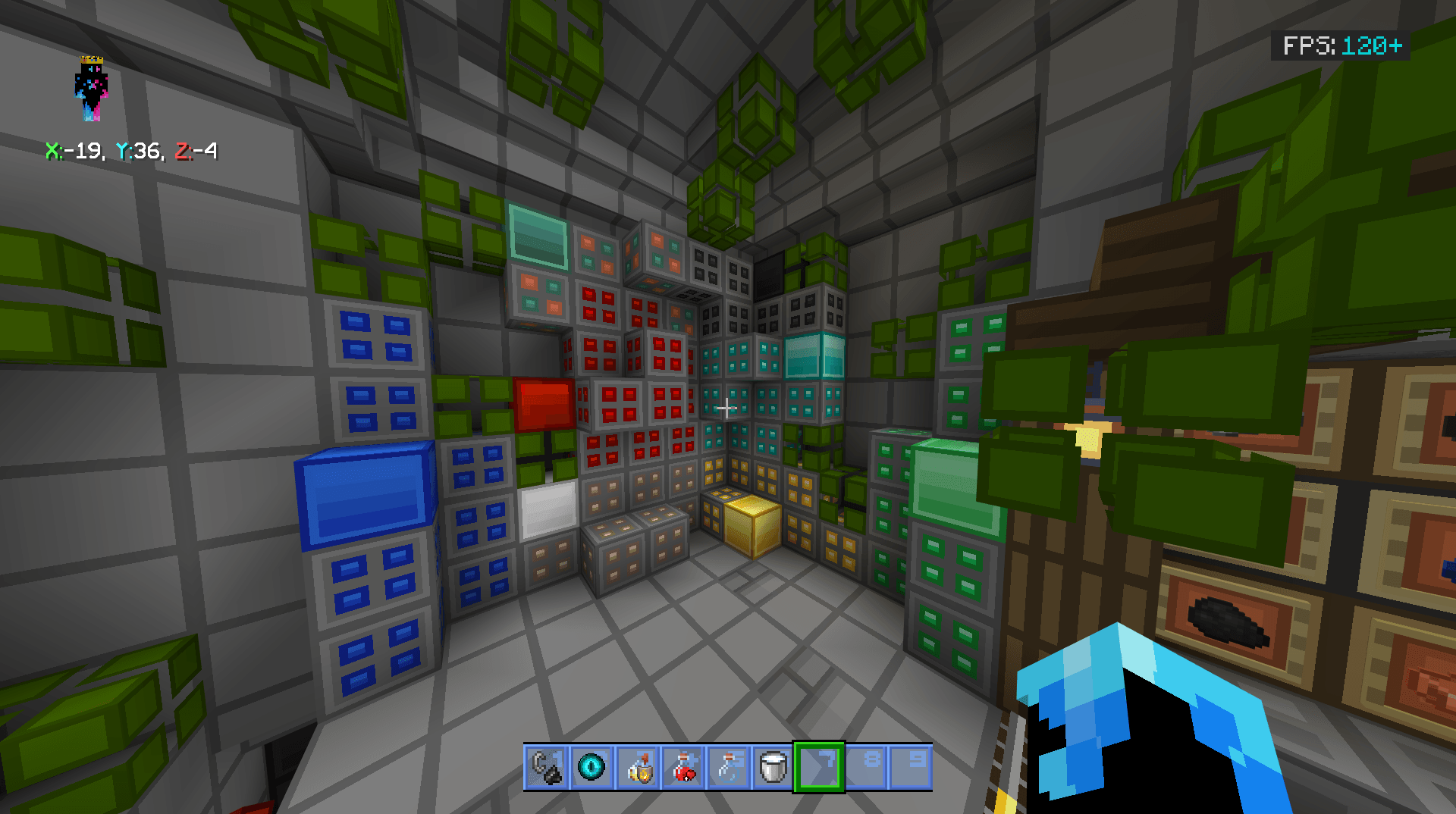
Different color schemes and combat-oriented design variants are available. Separate hints help with brewing potions, while changes to the trading interface simplify working with trades. The pack also supports shading, adding depth to the image while maintaining a low performance impact.
Installing Neo:
The first step is to run the downloaded file and import the addon/texture into MCPE.
Second step: open Minecraft Pocket Edition and go to the settings of the world.
Third step: install the imported resource sets and add-ons for the world.
Step four: select the imported resource packages/add-on in each section and restart the mobile client.
Comments (0)