



Overture 16x for Minecraft Pocket Edition 26.x
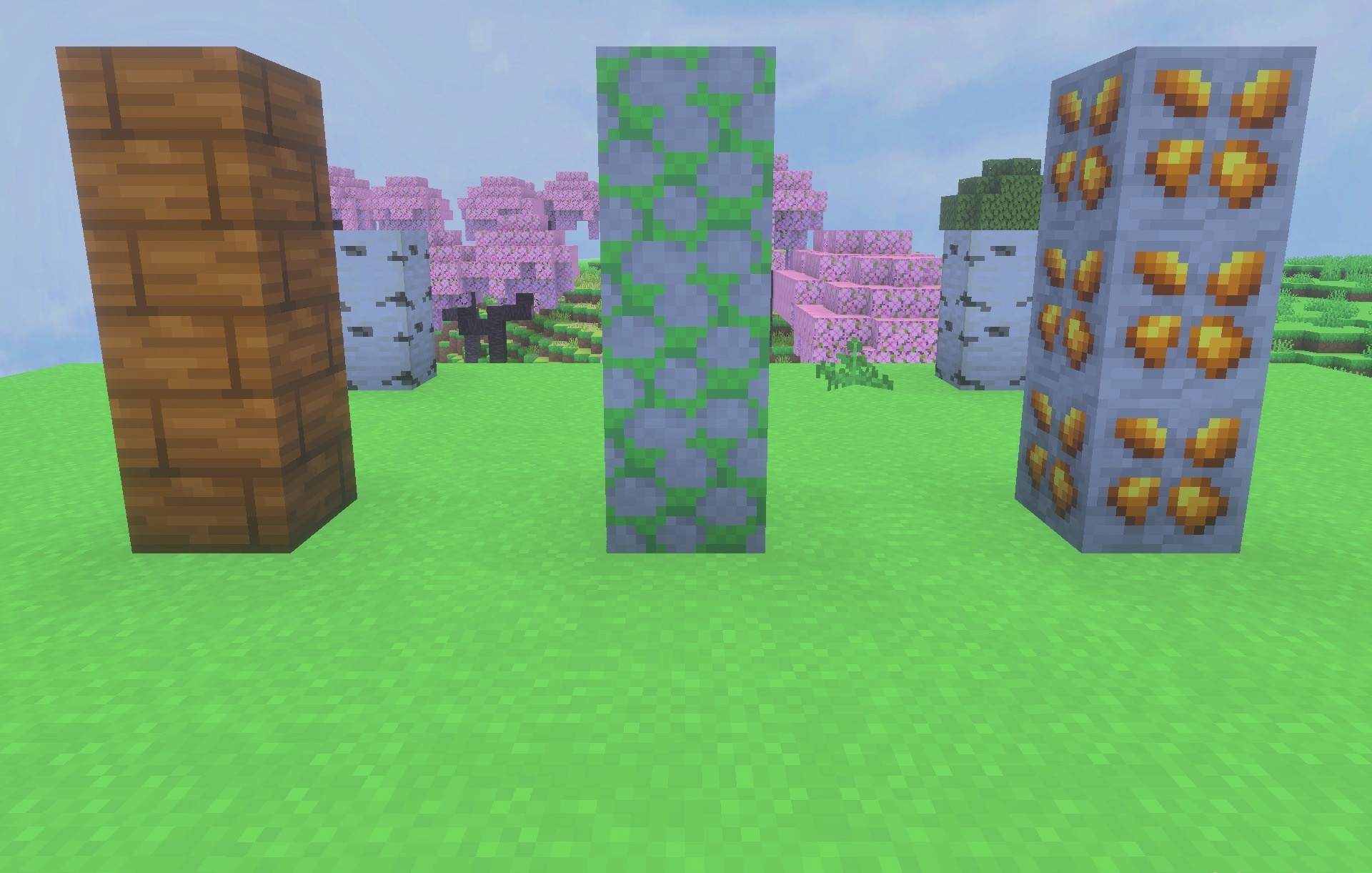
A clean image and simplified PvP elements form the basis of Overture 16x. The pack uses a 16×16 resolution, so blocks retain their lightness and readability while receiving smoother shapes and a bright color palette. Combat equipment has been reworked separately: swords, axes, maces, shields, and armor sets receive new textures, including copper and netherite variants.
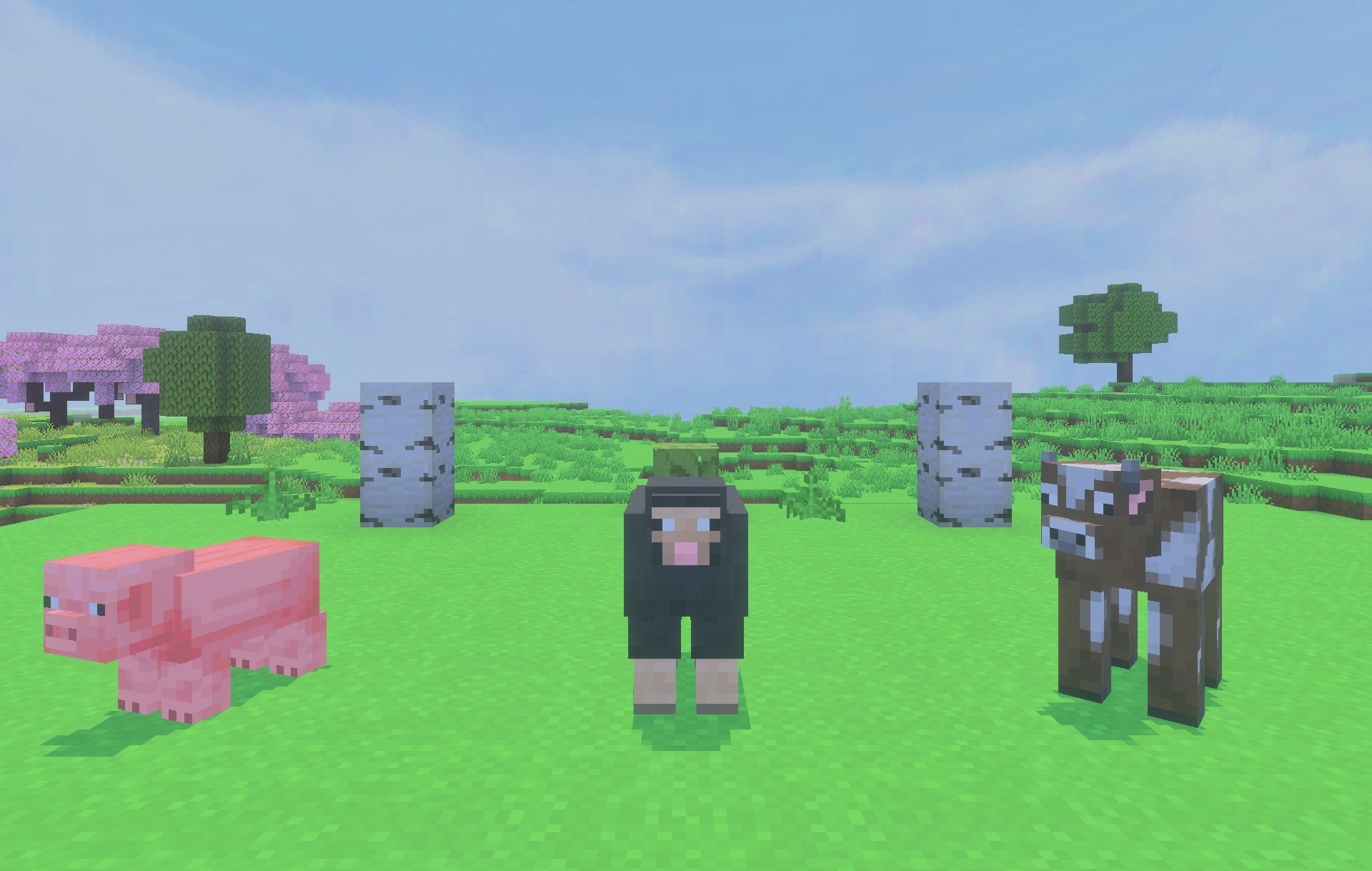
The sky is replaced with a soft cloudy design that makes open locations brighter. The changes also affect the interface, allowing the menus to better match the overall style. In addition, the pack includes more than thirty custom sounds that accompany various actions during gameplay.
Installing Overture 16x:
The first step is to run the downloaded file and import the addon/texture into MCPE.
Second step: open Minecraft Pocket Edition and go to the settings of the world.
Third step: install the imported resource sets and add-ons for the world.
Step four: select the imported resource packages/add-on in each section and restart the mobile client.
Comments (0)