



Renewed Enhanced World – New Experimental for Minecraft Pocket Edition 26.x
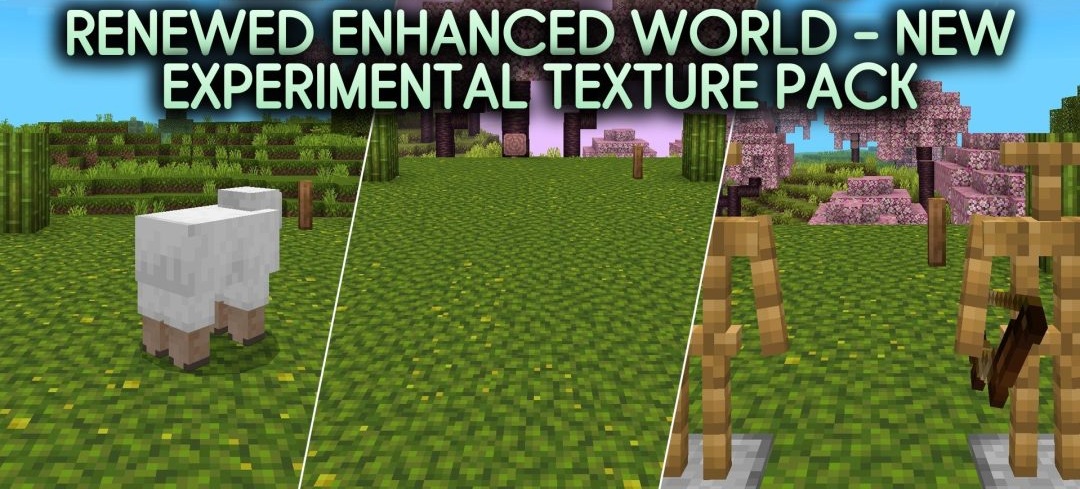
Natural biomes receive more moving details in Renewed Enhanced World – New Experimental. Leaves fall from trees, interact with the environment, and can float on the surface of water. Caves receive their own variants of damp fog and floating spores, while several types of fireflies appear on different types of surfaces.
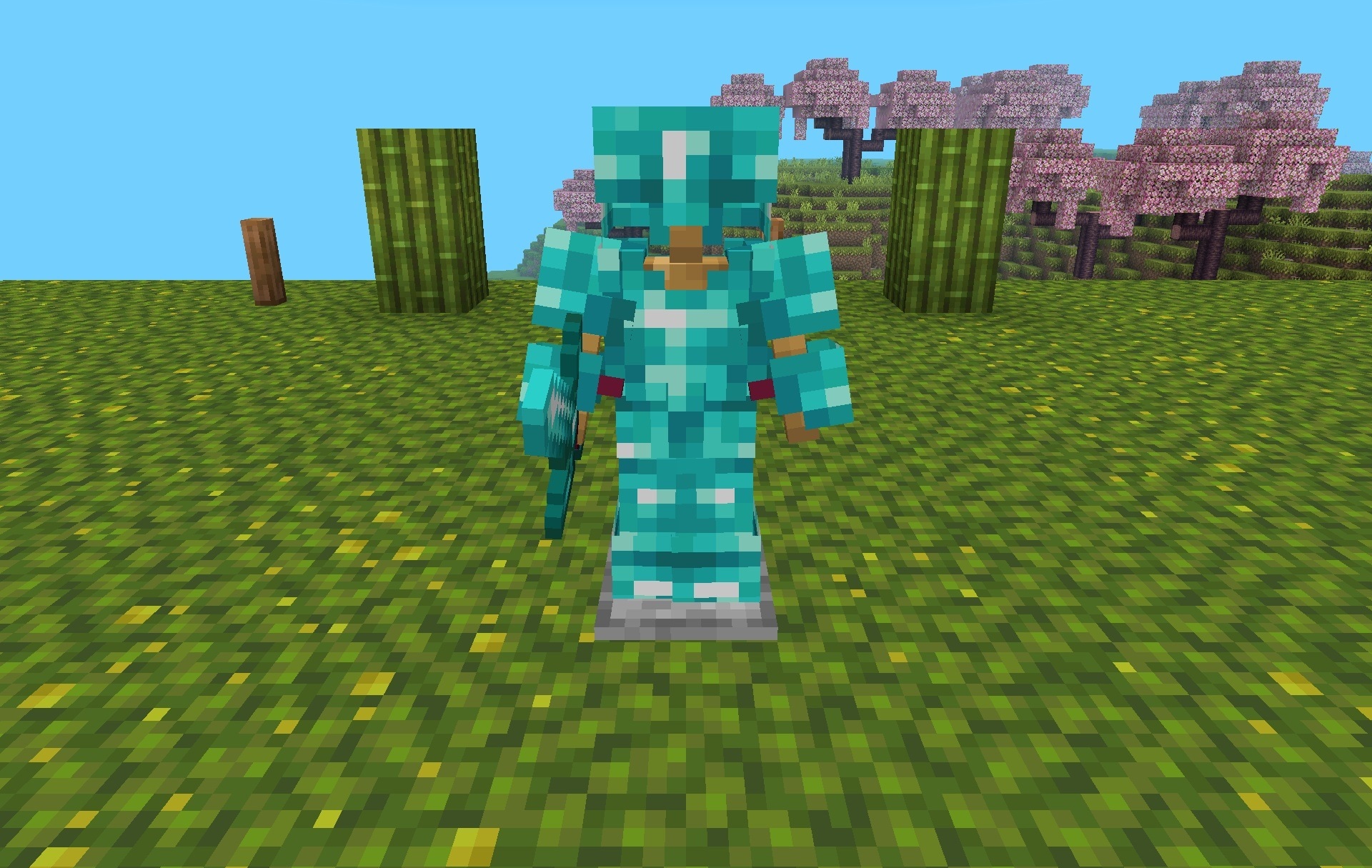
The changes also extend to dimensions: the Nether gains dense fog and lava droplets, while the End receives an aurora effect. The pack includes two operating modes — standard and enhanced — allowing the intensity of the visual changes to be adjusted separately.
Installing Renewed Enhanced World – New Experimental:
The first step is to run the downloaded file and import the addon/texture into MCPE.
Second step: open Minecraft Pocket Edition and go to the settings of the world.
Third step: install the imported resource sets and add-ons for the world.
Step four: select the imported resource packages/add-on in each section and restart the mobile client.
Comments (0)