



Round Logs for Minecraft Pocket Edition 26.x
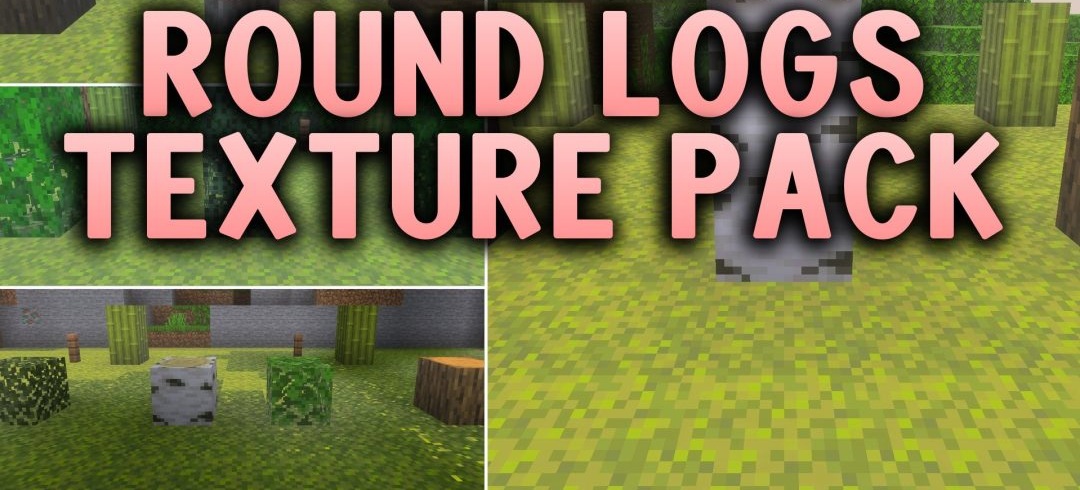
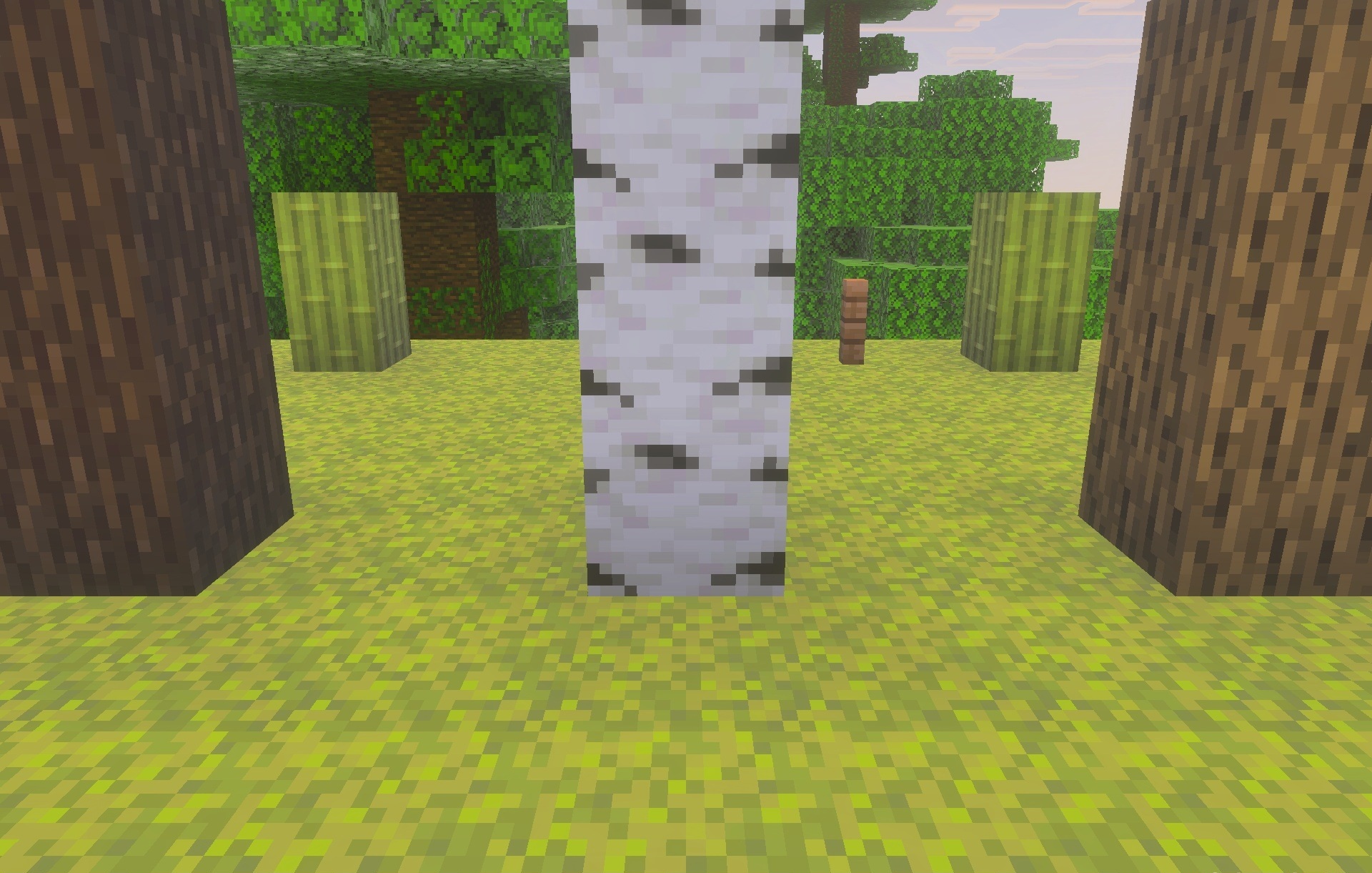
Square logs retain their familiar geometry but look slightly more natural after installing Round Logs. The pack mainly changes the top surfaces of trunks, visually rounding their inner pattern. The blocks themselves remain cubic, so walls, beams, roofs, and other wooden structures continue to connect exactly as they do in standard Minecraft.
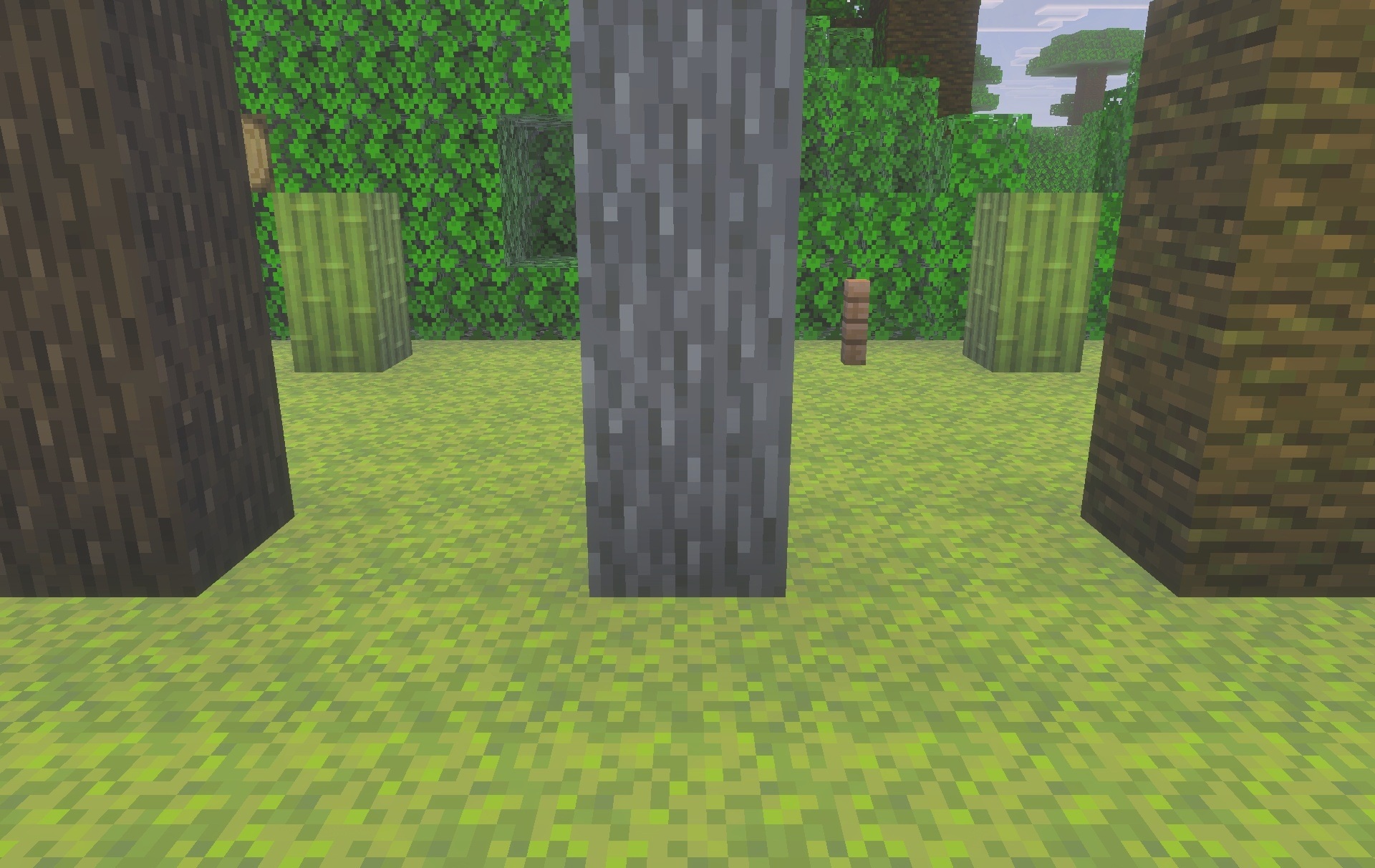
The change is clearly visible on stumps, beam ends, and exposed sections of wood, where the square pattern of tree rings is replaced by a smoother one. The texture style remains close to vanilla and does not stand out from the surrounding blocks.
Installing Round Logs:
The first step is to run the downloaded file and import the addon/texture into MCPE.
Second step: open Minecraft Pocket Edition and go to the settings of the world.
Third step: install the imported resource sets and add-ons for the world.
Step four: select the imported resource packages/add-on in each section and restart the mobile client.
Comments (0)