



Round Nature for Minecraft Pocket Edition 26.x
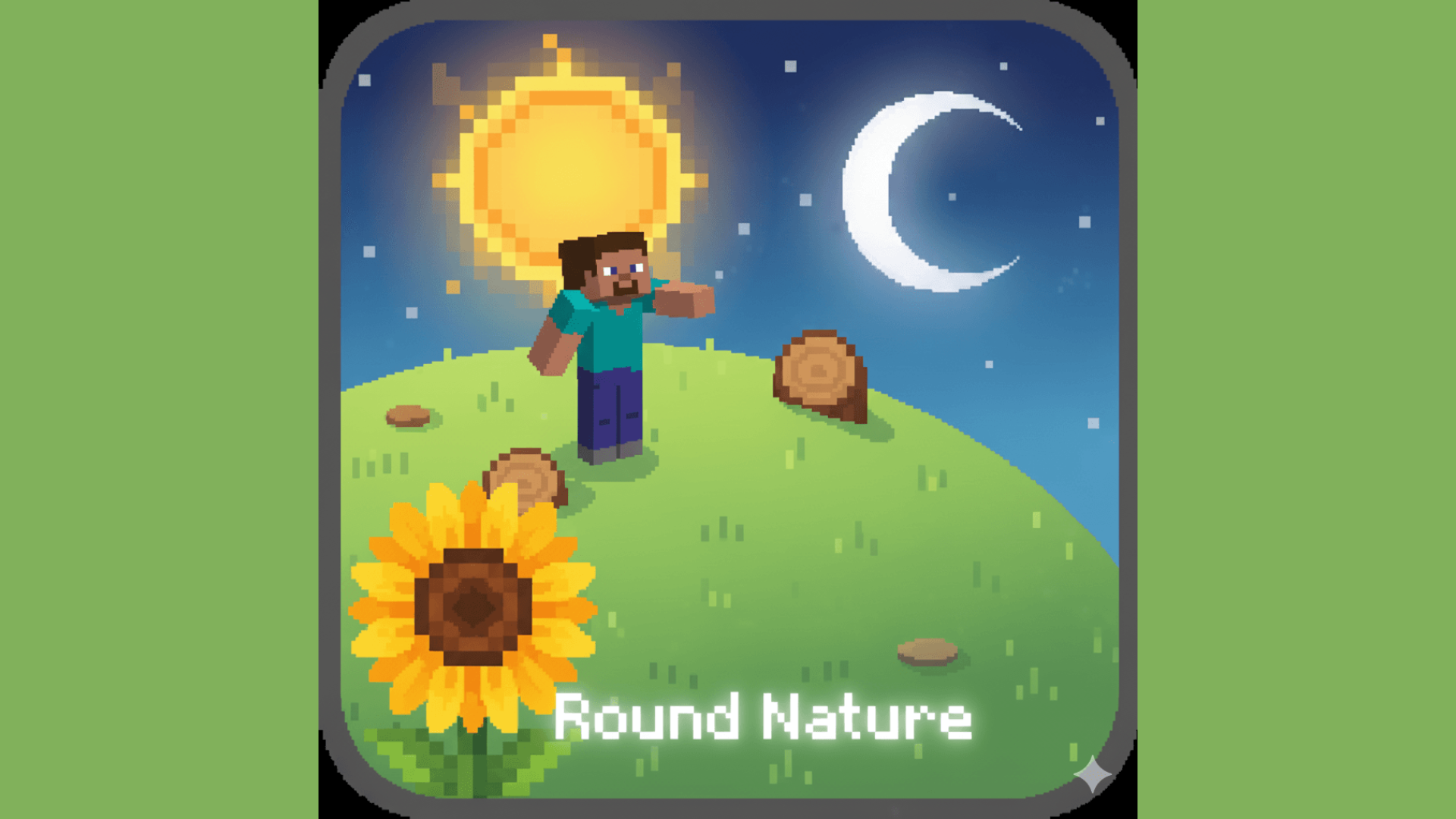
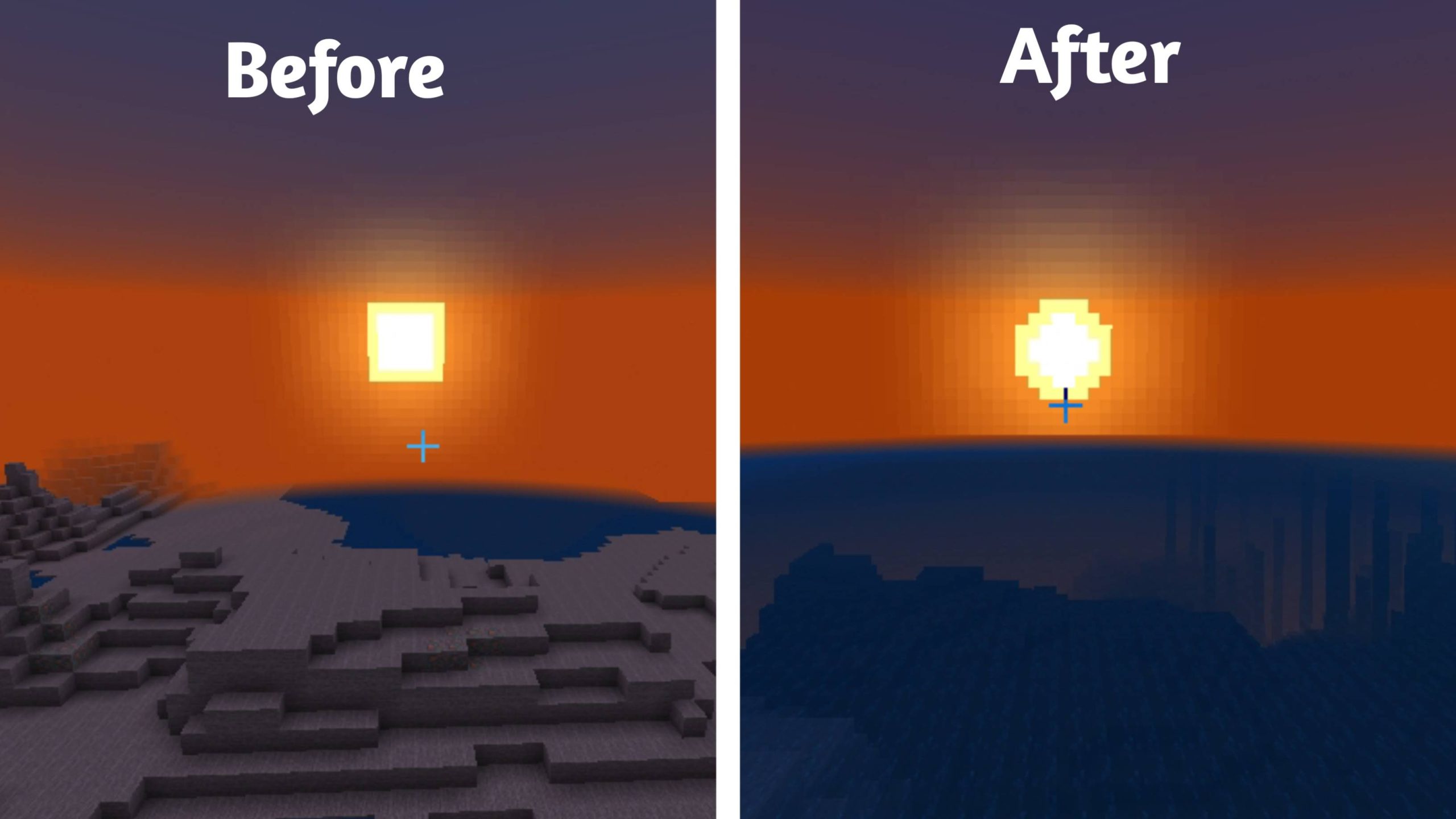
The familiar angularity of natural objects is partially softened with Round Nature. Instead of completely reworking every block, the pack selects individual environmental elements and gives them a more rounded shape. The changes affect the Sun and Moon, so the celestial bodies move away from their standard square silhouettes.
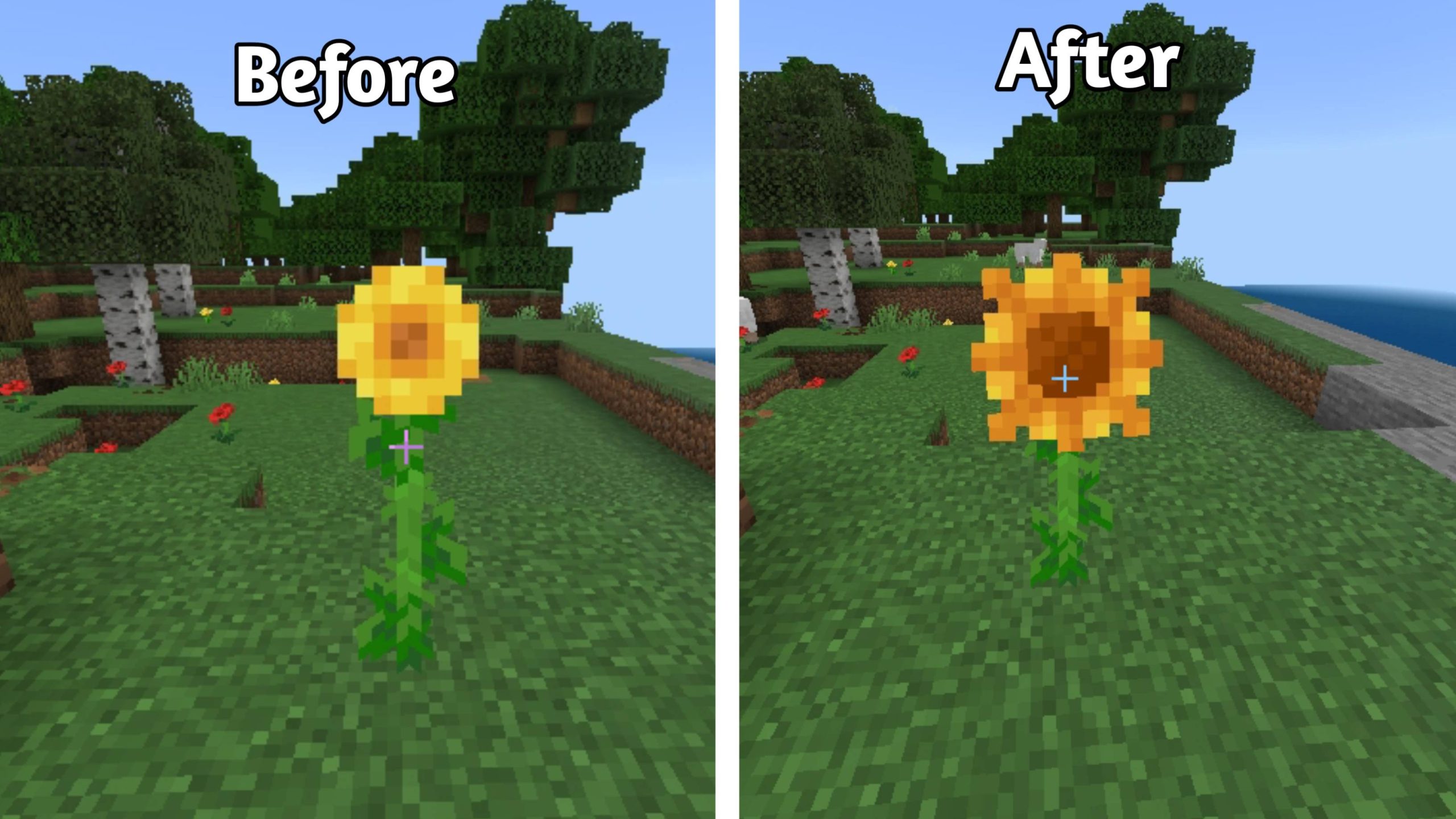
A similar approach is applied to trees: trunks receive a smoother visual appearance that fits natural landscapes better. Sunflowers are also reworked and look less like a composition made from rigid square elements. At the same time, the pack does not abandon Minecraft’s basic style or turn the landscape into realistic graphics.
Installing Round Nature:
The first step is to run the downloaded file and import the addon/texture into MCPE.
Second step: open Minecraft Pocket Edition and go to the settings of the world.
Third step: install the imported resource sets and add-ons for the world.
Step four: select the imported resource packages/add-on in each section and restart the mobile client.
Comments (0)