



Sanctum 16x for Minecraft Pocket Edition 26.x
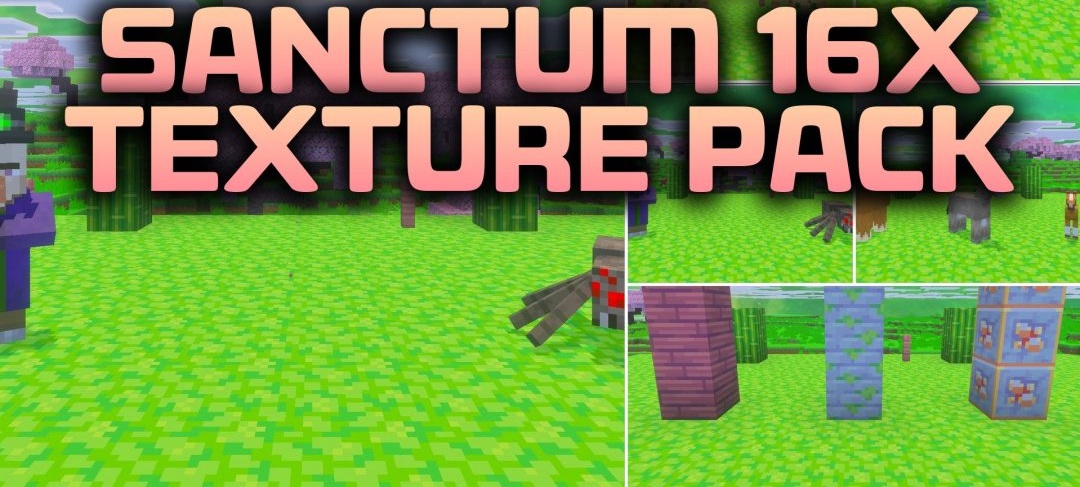
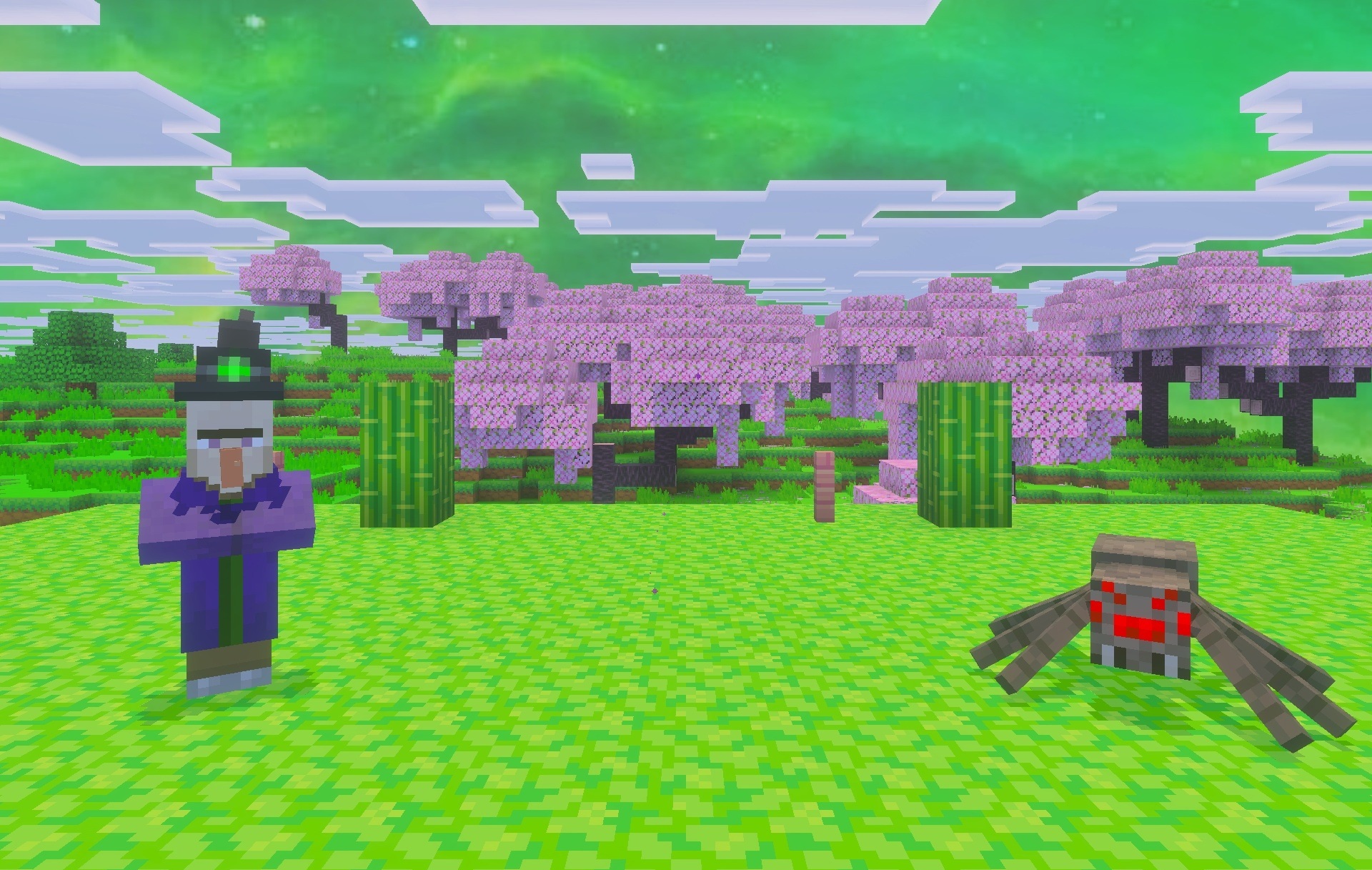
Samurai aesthetics and a green palette form the basis of Sanctum 16x. The pack is designed primarily for PvP, so decorative changes are combined with elements that free up screen space during combat. Swords become shorter and block less of the opponent, while the burning effect is moved lower so that it does not cover the central part of the image.
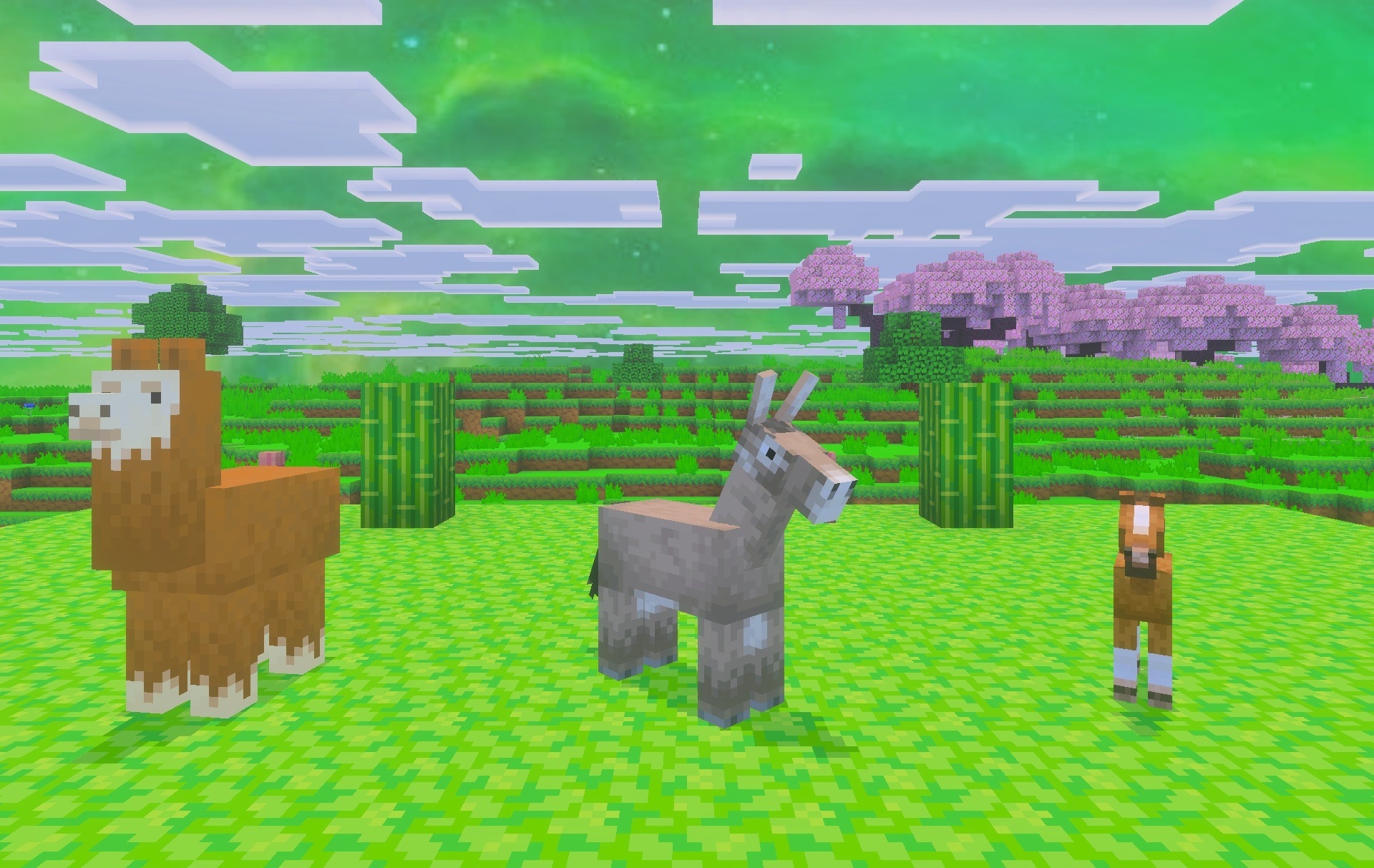
The inventory interface receives a transparent background, allowing players to continue watching what is happening around them. Ores are reworked to make resource searching easier: their borders are highlighted with clearer outlines and are easier to distinguish among ordinary stone.
Installing Sanctum 16x:
The first step is to run the downloaded file and import the addon/texture into MCPE.
Second step: open Minecraft Pocket Edition and go to the settings of the world.
Third step: install the imported resource sets and add-ons for the world.
Step four: select the imported resource packages/add-on in each section and restart the mobile client.
Comments (0)