



Ultramarine Overhaul for Minecraft Pocket Edition 26.x
Ultramarine Overhaul combines an interface rework with atmospheric changes for Bedrock 1.21 and newer versions. The visual side receives a softer treatment, while individual details use glow effects, making the design different from the standard sharp pixel-based presentation.
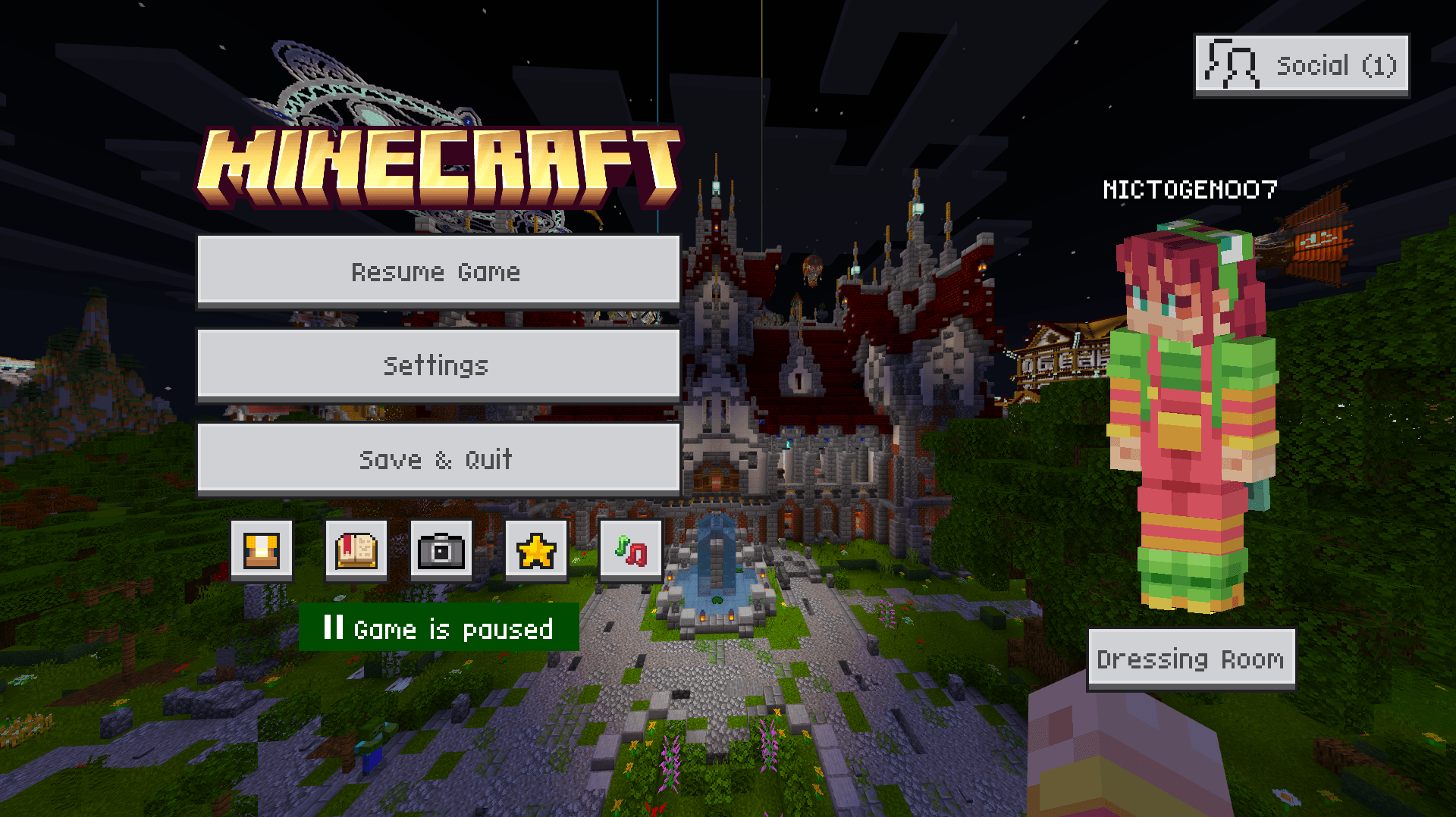
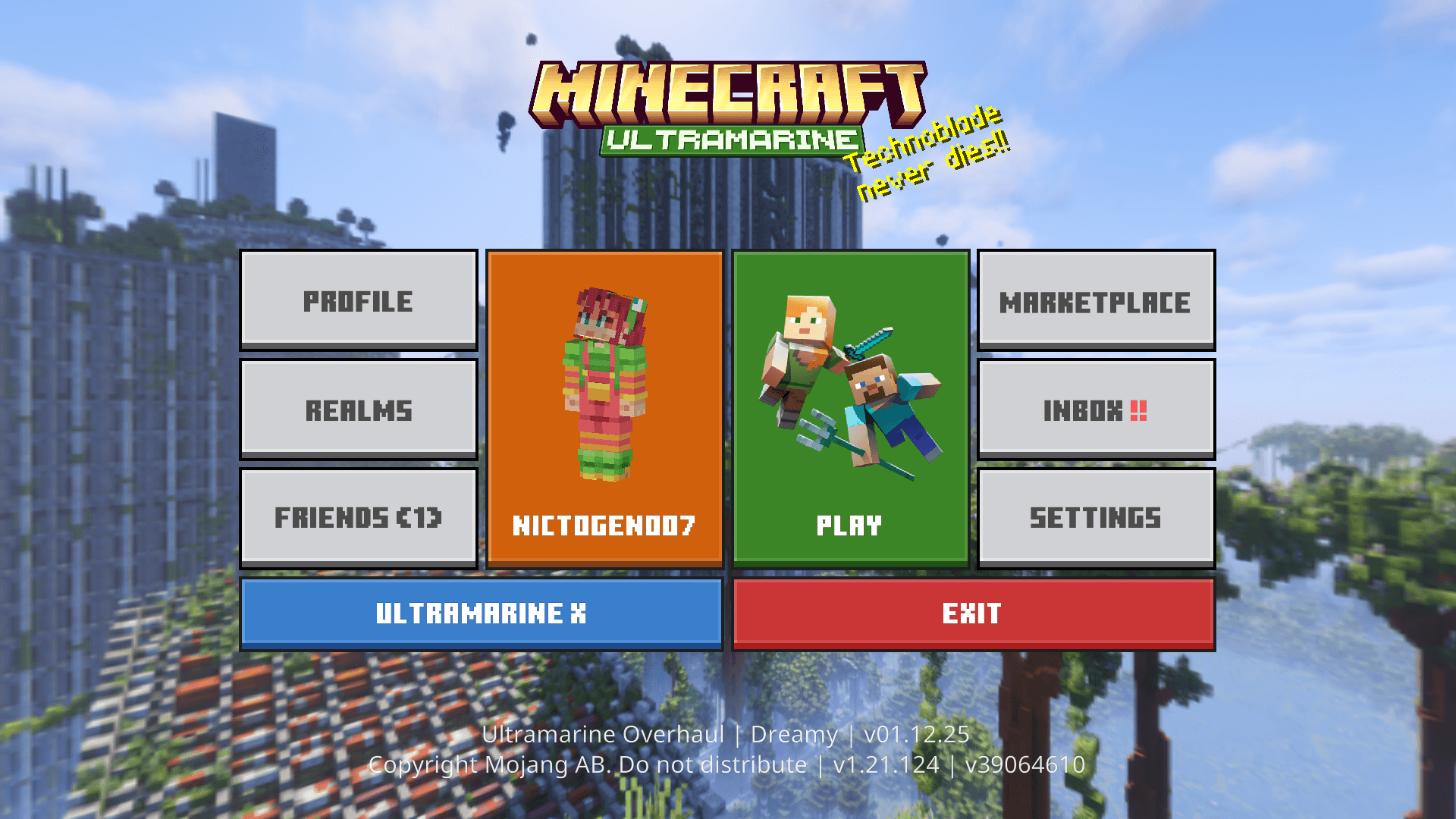
The changes apply not only to the game world but also to the menus: the placement and design of elements are adjusted for more convenient navigation. Additional atmospheric effects work directly during exploration and complement the updated color presentation. The system also includes built-in tutorial materials that display useful information during gameplay.
Installing Ultramarine Overhaul:
The first step is to run the downloaded file and import the addon/texture into MCPE.
Second step: open Minecraft Pocket Edition and go to the settings of the world.
Third step: install the imported resource sets and add-ons for the world.
Step four: select the imported resource packages/add-on in each section and restart the mobile client.
Comments (0)