



Vanilla Armor 3D for Minecraft Pocket Edition 26.x
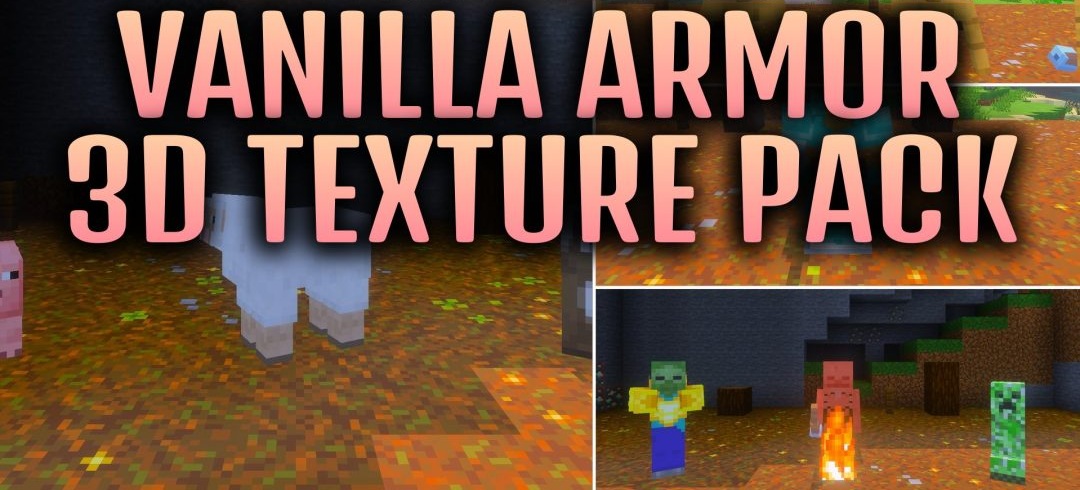
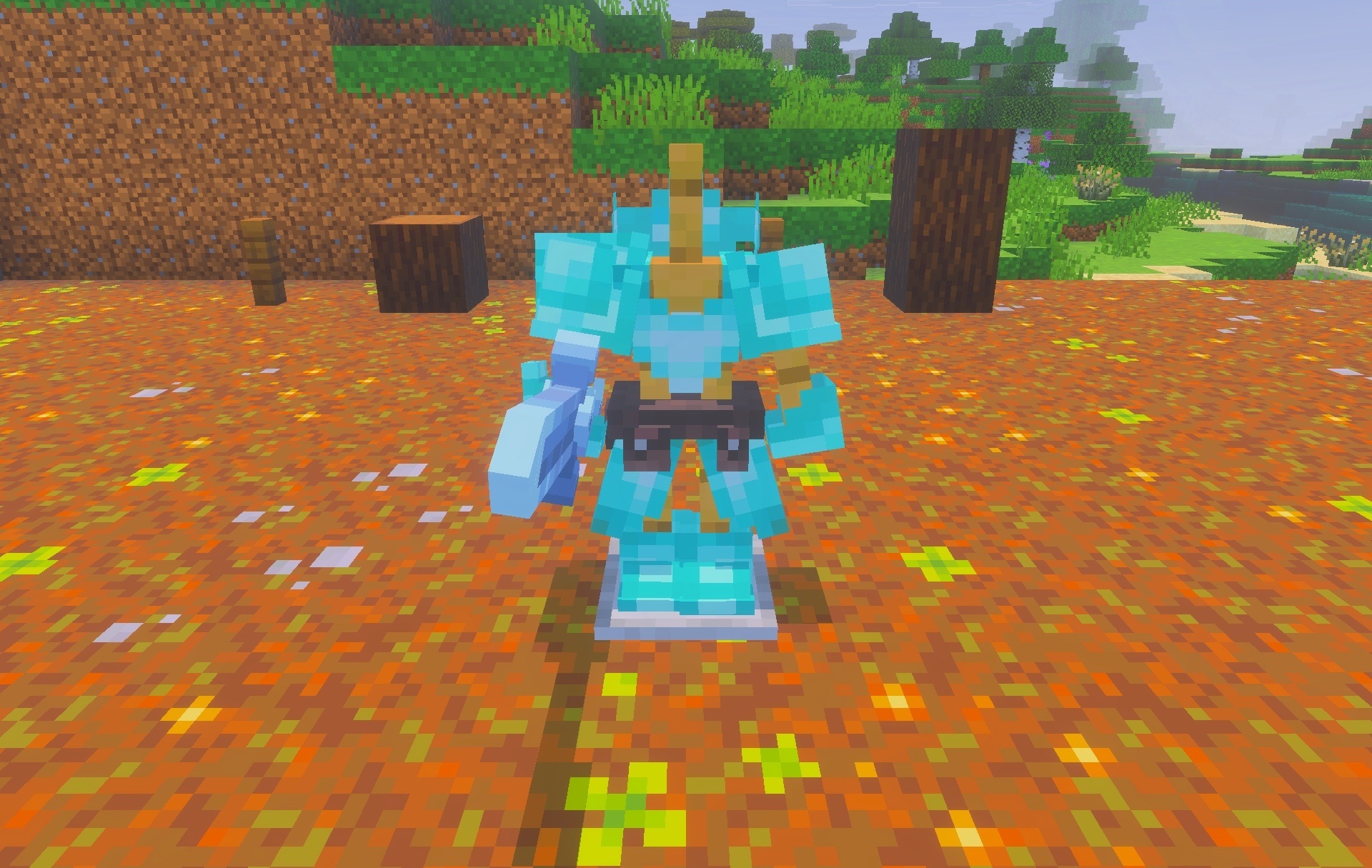
Standard equipment in Vanilla Armor 3D receives a more three-dimensional and vivid appearance. The pack reworks the look of all major armor elements using its own templates and more pronounced shapes. Tools are also converted into 3D models, making items held in the hands look more complex than ordinary flat versions.
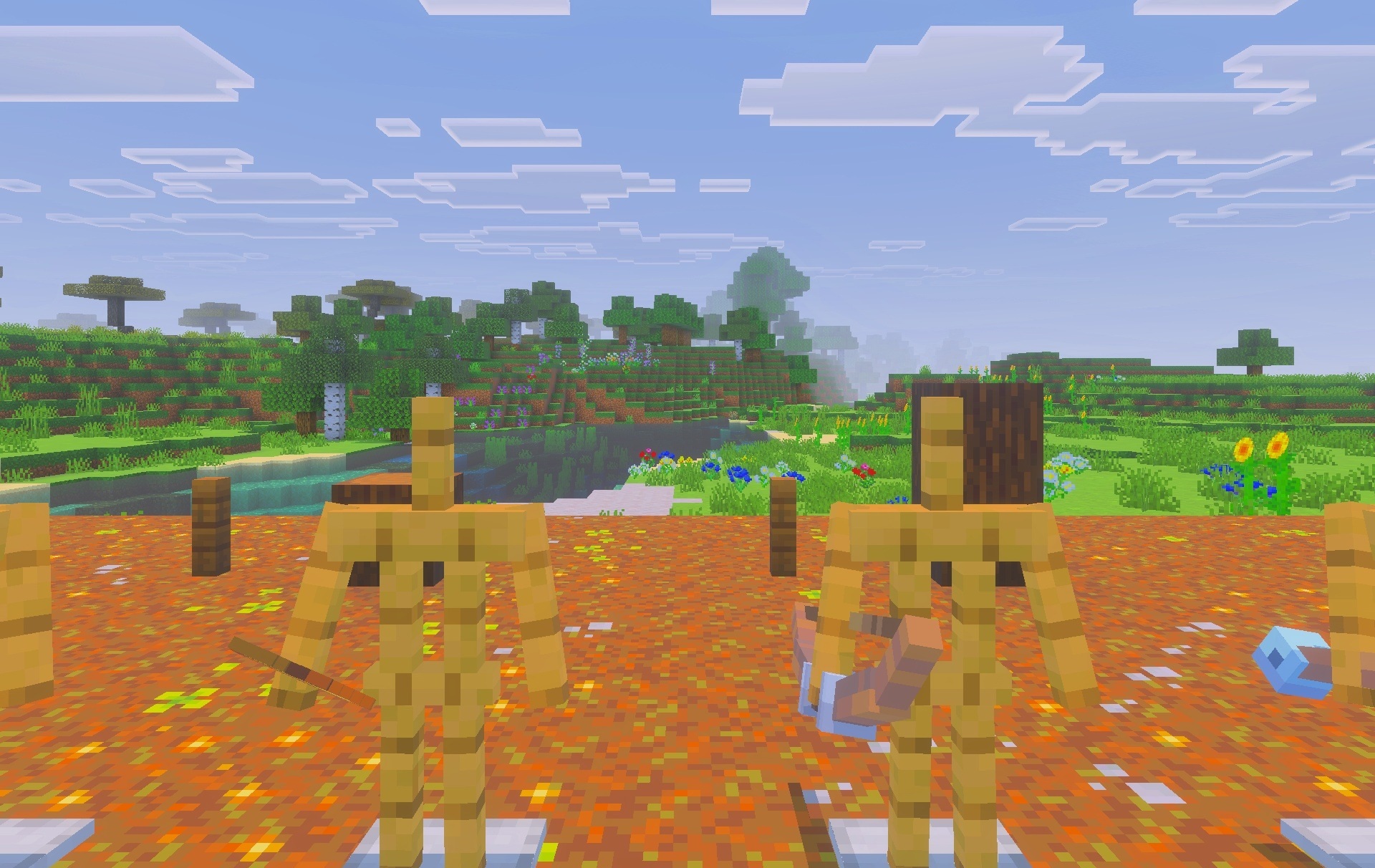
The set includes additional copper equipment variants, expanding the overall collection of visual options. Block colors become more saturated, making the environment look brighter compared with the base textures. An RGB bar with shifting colors is added to the interface, emphasizing the decorative direction of the entire pack.
Installing Vanilla Armor 3D:
The first step is to run the downloaded file and import the addon/texture into MCPE.
Second step: open Minecraft Pocket Edition and go to the settings of the world.
Third step: install the imported resource sets and add-ons for the world.
Step four: select the imported resource packages/add-on in each section and restart the mobile client.
Comments (0)