



Walid S 3D Items for Mcpe for Minecraft Pocket Edition 26.x
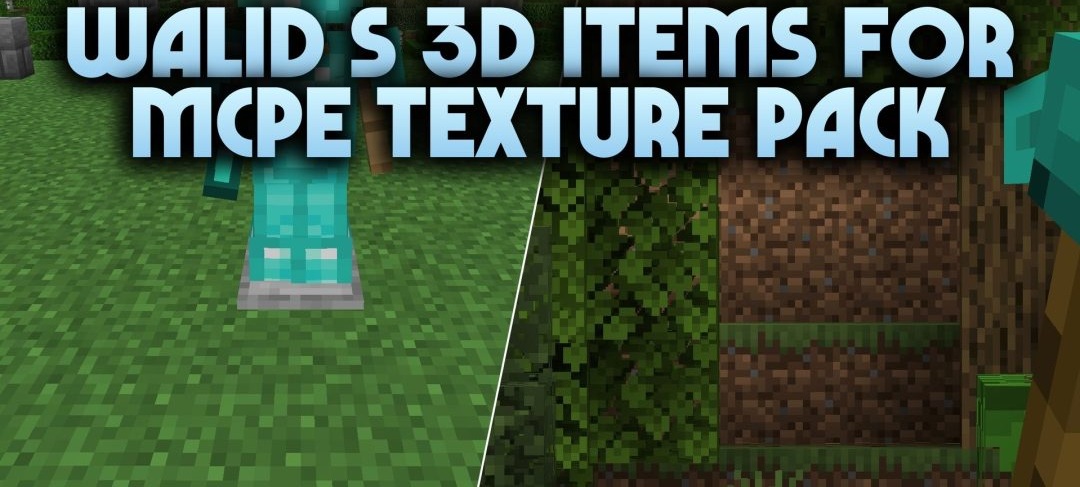
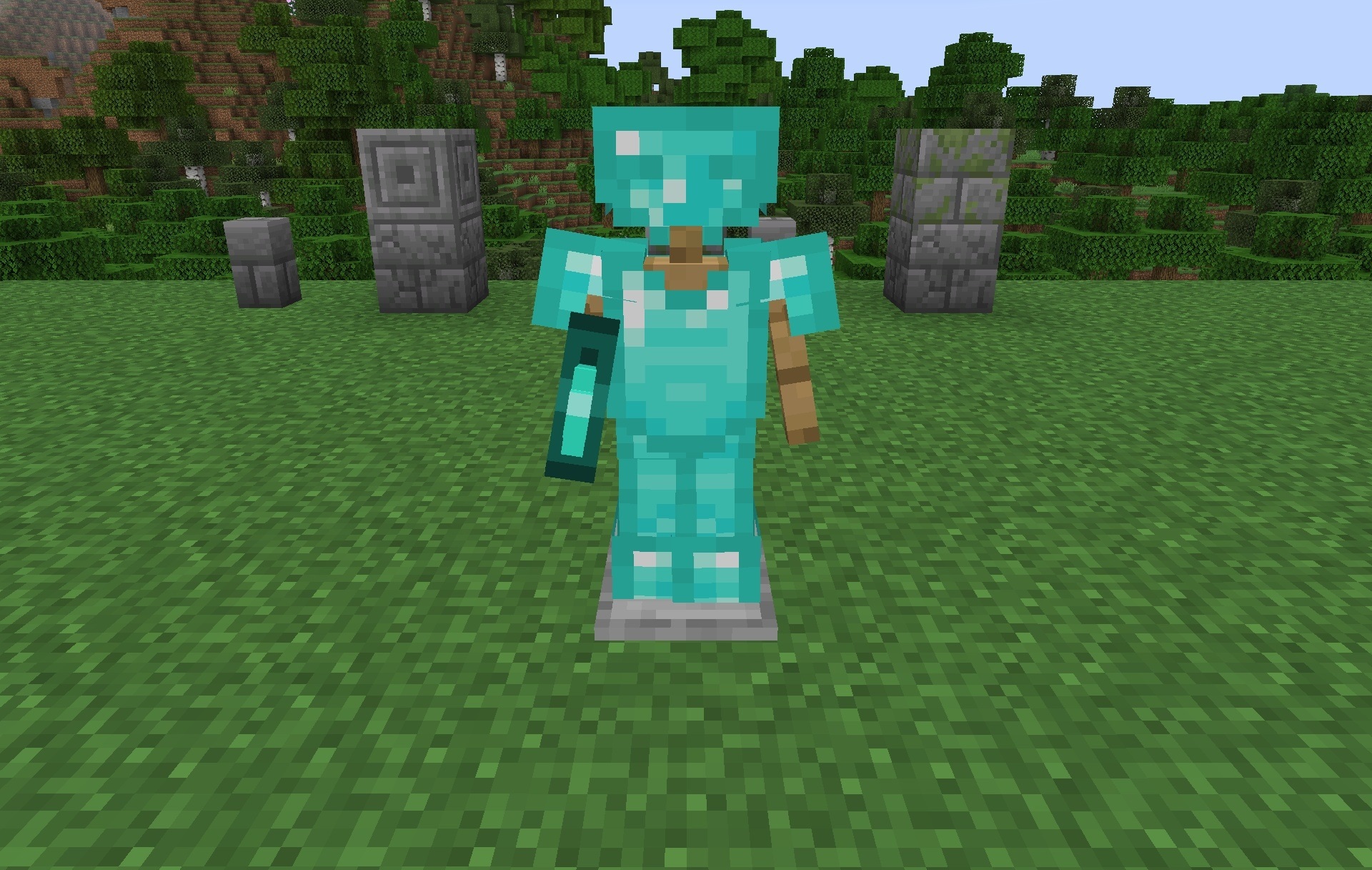
Flat items turn into three-dimensional models after installing Walid S 3D Items for Mcpe. The pack uses 256x-resolution textures, so weapons, tools, and other items receive more detailed surfaces and are easier to distinguish when viewed in the hands.
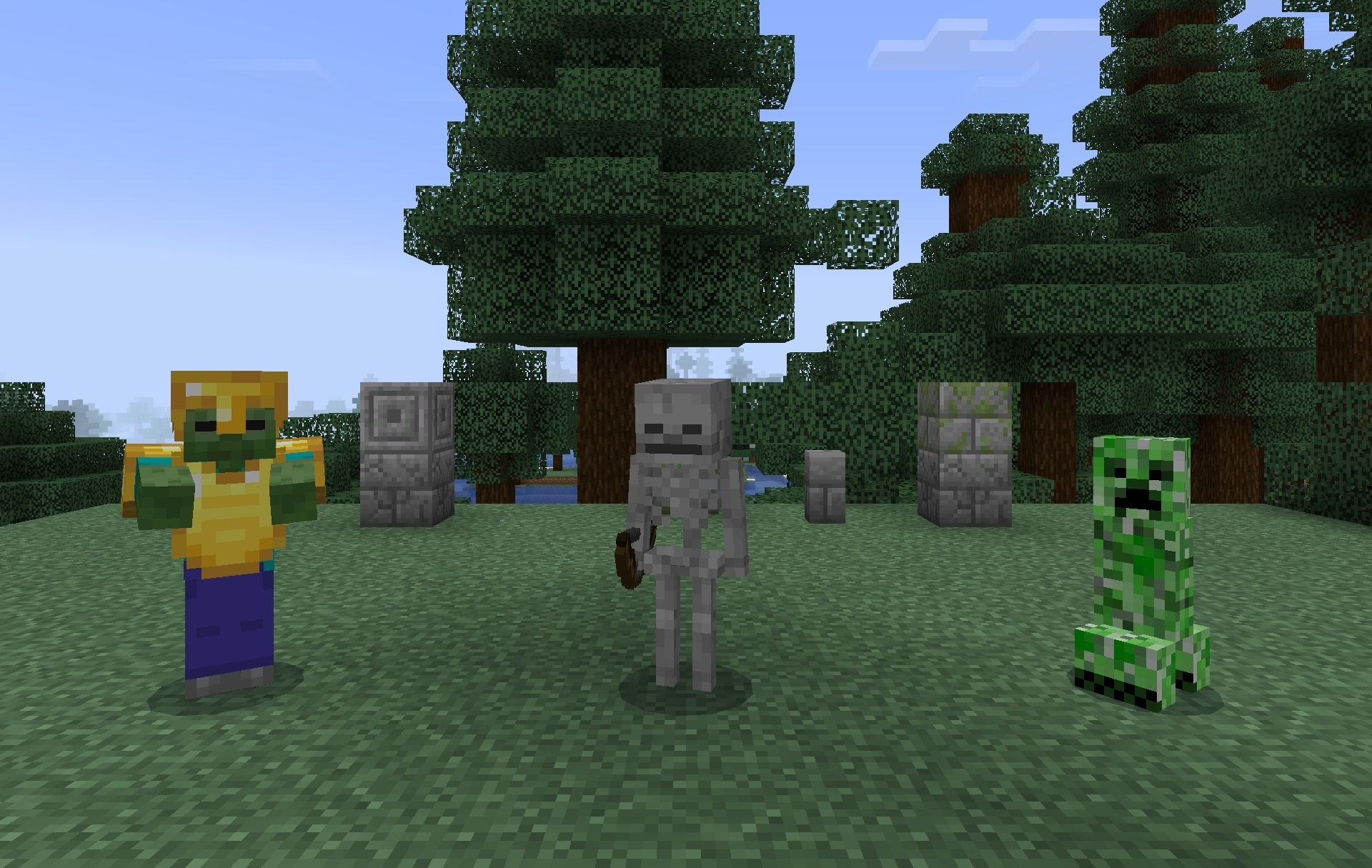
The changes affect not only the items themselves but also the user interface: menus and individual design elements are reworked so that they match the new visual style. Custom sound effects are added for certain in-game actions, complementing the visual changes. The pack is focused specifically on updating items, so the world itself and standard generation remain unchanged.
Installing Walid S 3D Items for Mcpe:
The first step is to run the downloaded file and import the addon/texture into MCPE.
Second step: open Minecraft Pocket Edition and go to the settings of the world.
Third step: install the imported resource sets and add-ons for the world.
Step four: select the imported resource packages/add-on in each section and restart the mobile client.
Comments (0)