



BetterRTX Shader for Minecraft Pocket Edition 26.30
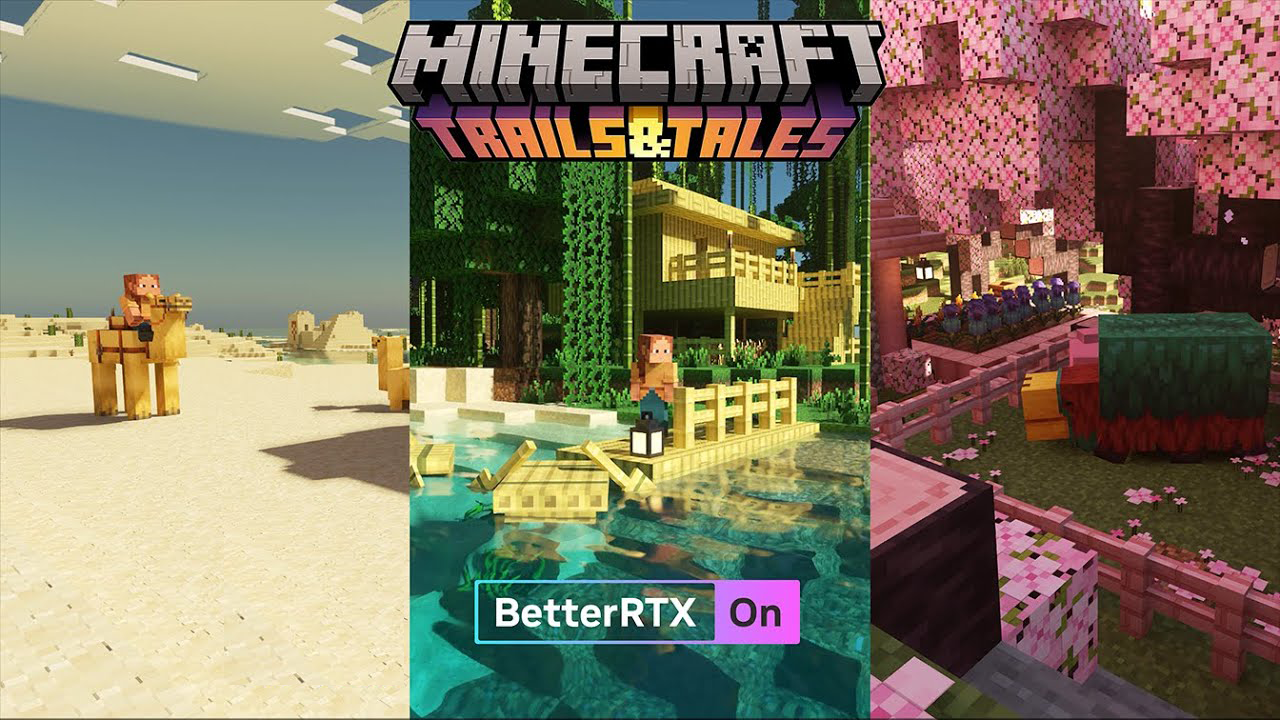
Ray tracing in Bedrock can look different depending on the lighting and tone-mapping settings. BetterRTX Shader improves RTX lighting, reflections, shadows, and color correction without replacing the world’s textures themselves. Water, glass, and other reflective surfaces receive more accurate reflections, while shadows look more natural due to the gradual fading of light.
Tone mapping helps prevent bright scenes from looking too washed out, while depth of field gives the camera a more cinematic appearance. Color correction is applied over the base RTX image, making the picture look more balanced.
How to install shaders (Android):
First step: download the texture pack from the link below.
The second step: Unpack the downloaded archive, there you will find a folder with the BetterRTX Shader texture pack for shaders and copy it on the way games\com.mojang\resource_packs or use the launcher.
Comments (0)