



Flora Visual Shader for Minecraft Pocket Edition 26.30
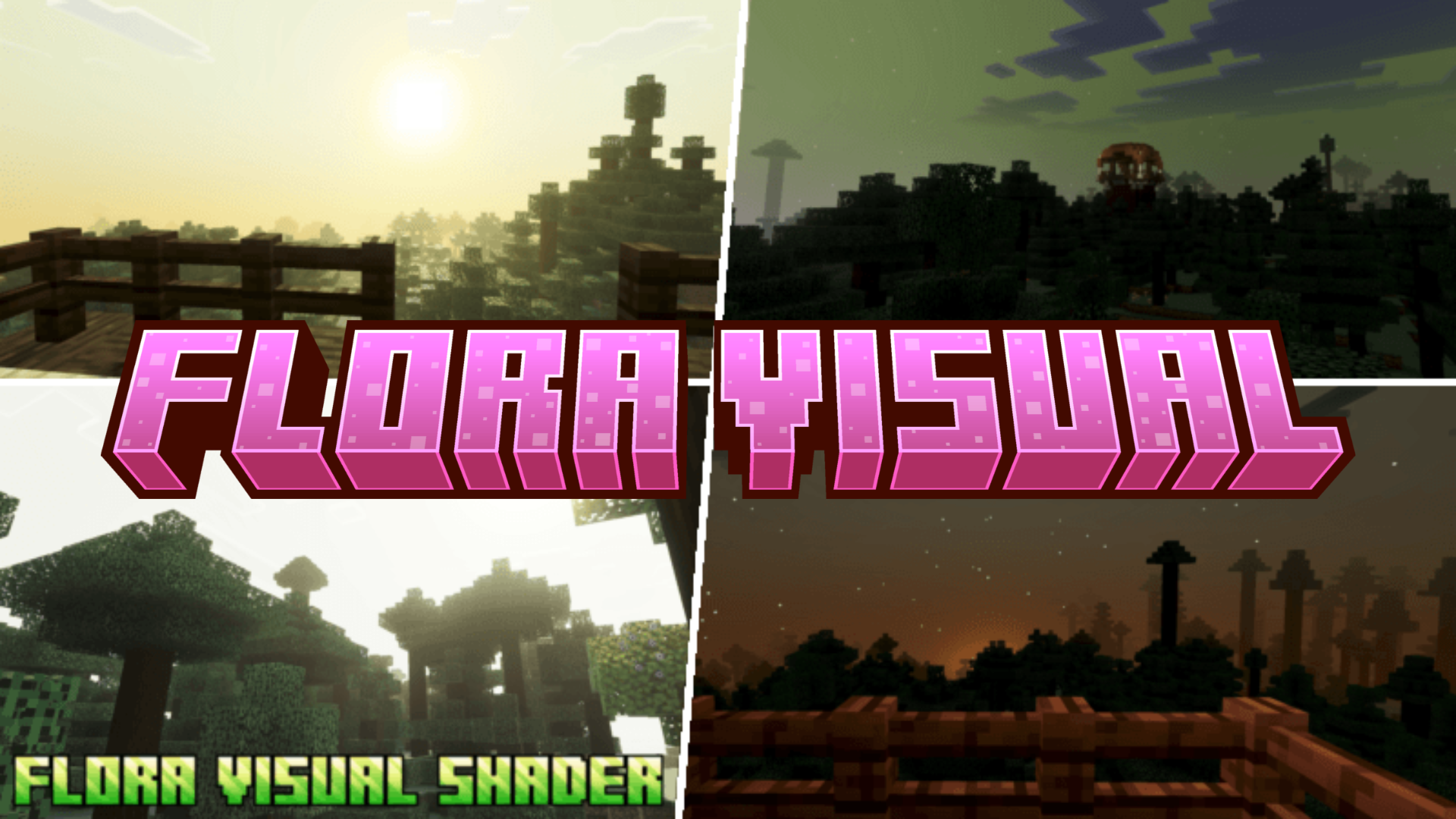
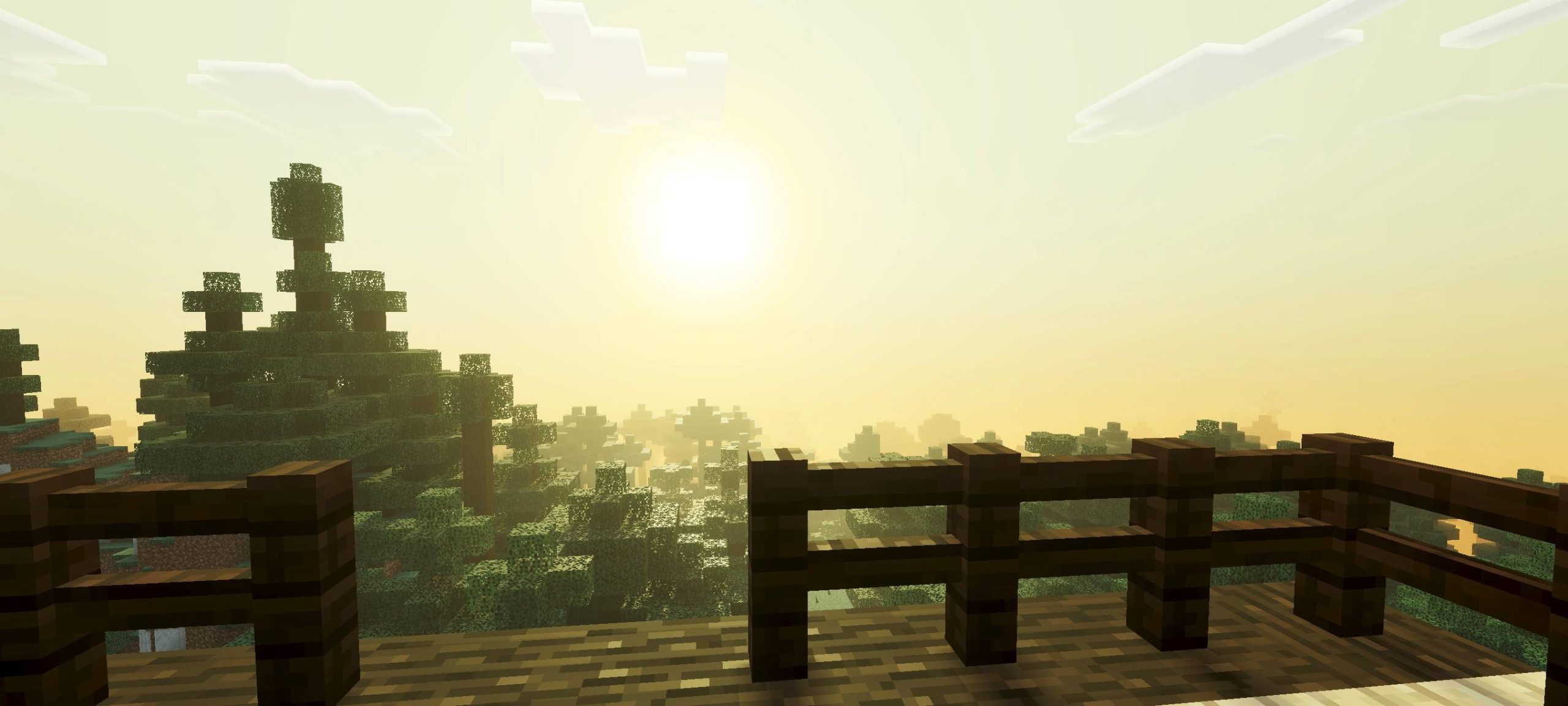
Flora Visual Shader focuses on bright vegetation and a more vibrant color presentation. Grass, leaves, flowers, and natural areas look livelier due to enhanced shades, while the world as a whole becomes brighter and more expressive.
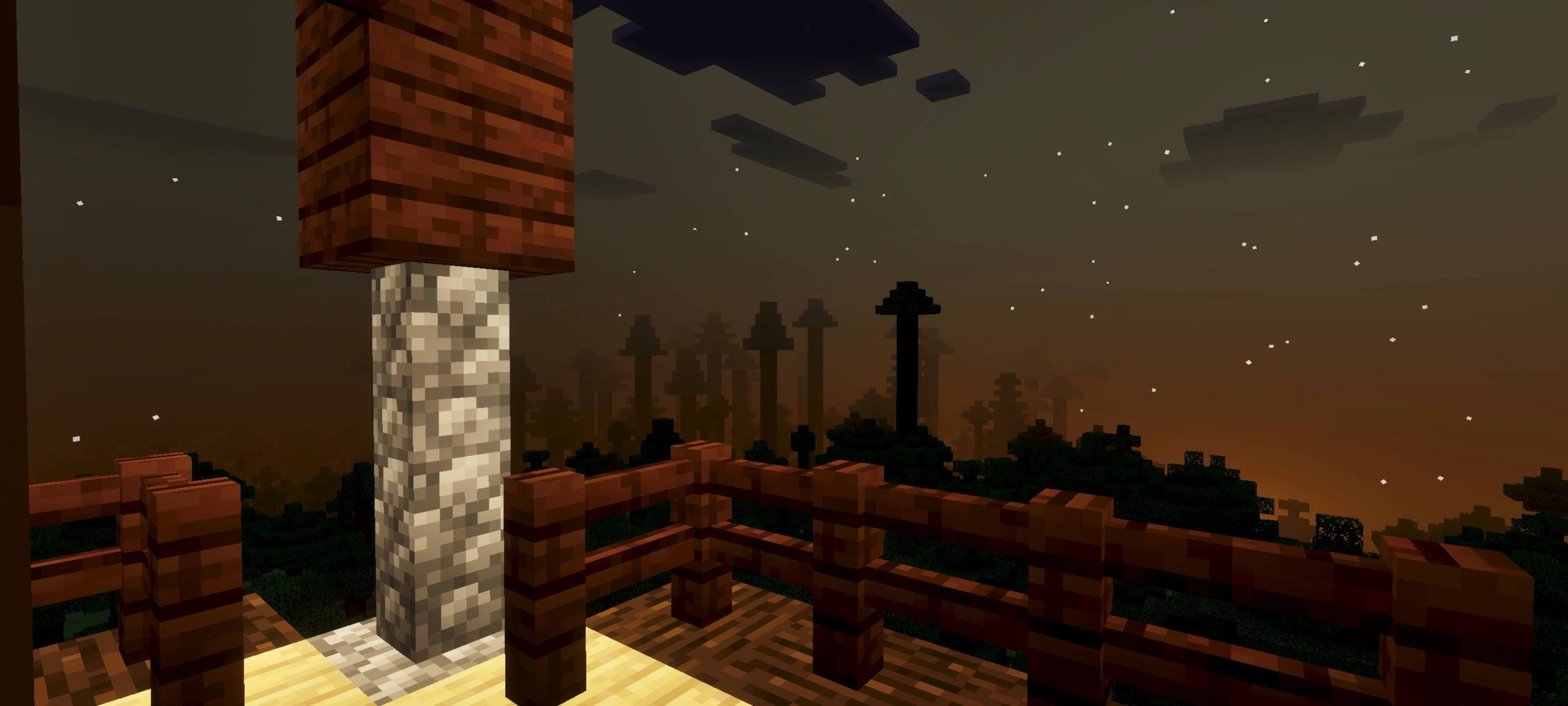
Nighttime scenes also do not descend into complete, impenetrable darkness: the lighting remains clear, while the environment retains its atmosphere without losing detail. The shader does not attempt to make Minecraft PE photorealistic. Its purpose is to emphasize the natural side of the world through color, soft lighting, and a more pleasant appearance of plants. The shader pack adds freshness to the image, making nature the main visual element.
How to install shaders (Android):
First step: download the texture pack from the link below.
The second step: Unpack the downloaded archive, there you will find a folder with the Flora Visual Shader texture pack for shaders and copy it on the way games\com.mojang\resource_packs or use the launcher.
Comments (0)