



Solar Shader for Minecraft Pocket Edition 26.30
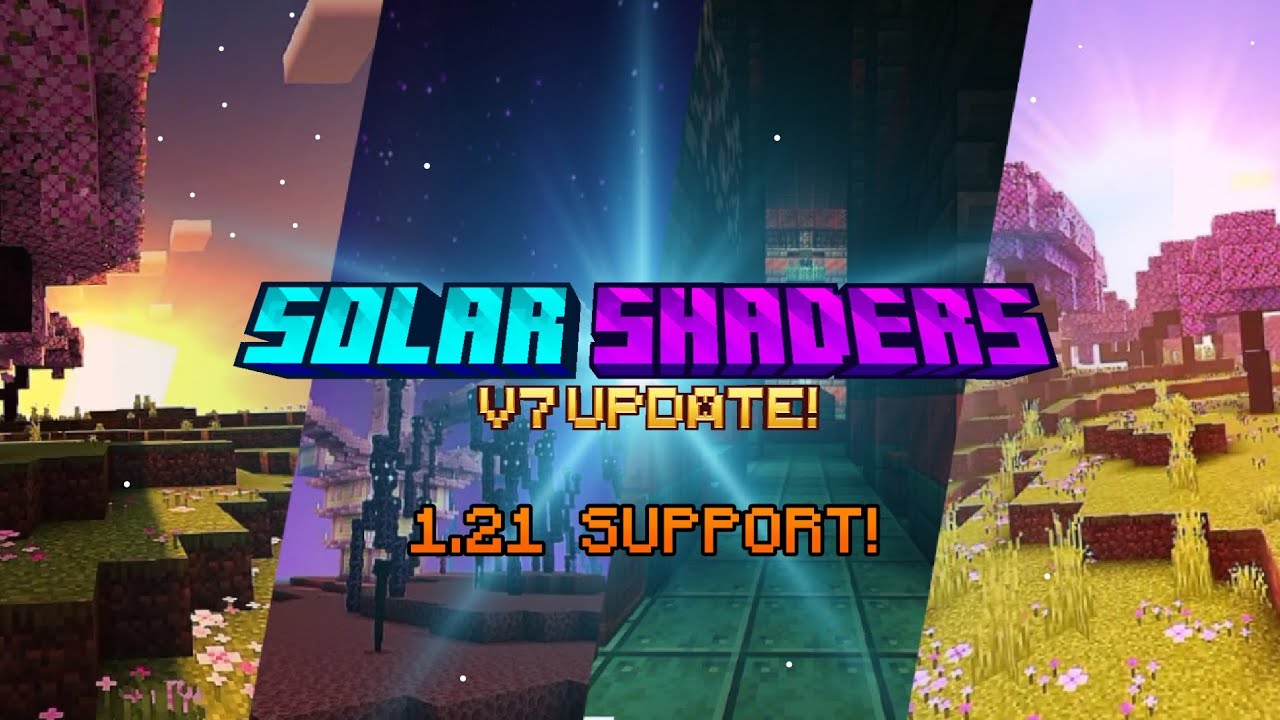
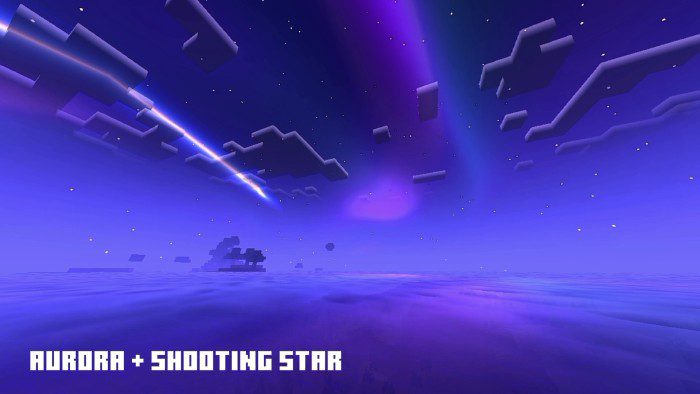
Brightness and color come first here. Solar Shader makes the image more vibrant: the sky looks more expressive, sunsets become warmer, and darkness is softened at night so that the world remains visible. A bluish glow appears in the oceans, the water looks cleaner, and fog adds depth to scenes.
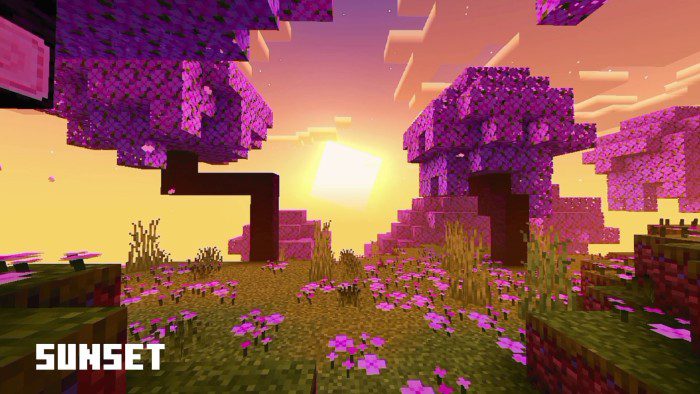
The Nether and the End receive their own visual styles, so the changes are not limited to the Overworld. The panorama is also changed, while updated sounds make rain more atmospheric. The pack works as a vivid visual set: more light, a more colorful sky, soft fog, and separate effects for different dimensions.
How to install shaders (Android):
First step: download the texture pack from the link below.
The second step: Unpack the downloaded archive, there you will find a folder with the Solar Shader texture pack for shaders and copy it on the way games\com.mojang\resource_packs or use the launcher.
Comments (0)