



Snapshot Minecraft 25w36a Java Edition Download (Review)
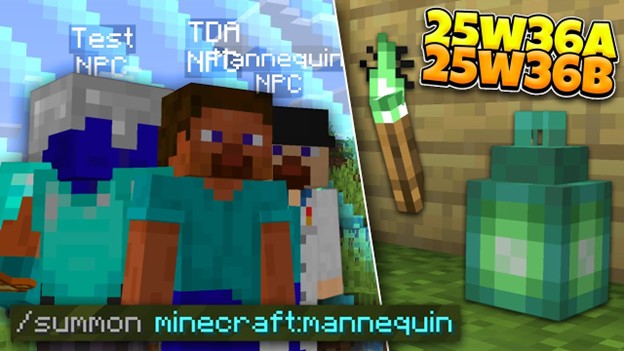
Very recently (September 2), the snapshot 25w36a for Minecraft version 1.21.9 was released, introducing a new item (mannequin), as well as numerous bug fixes, including critical ones.
Contents:
Innovations
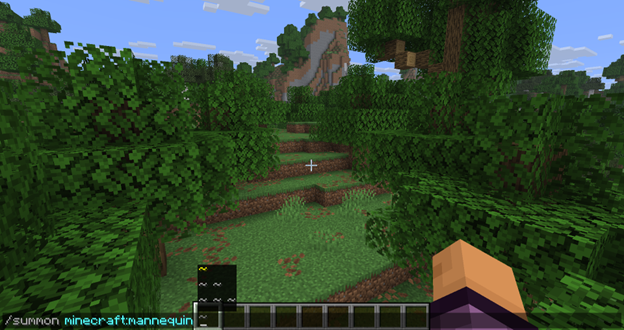
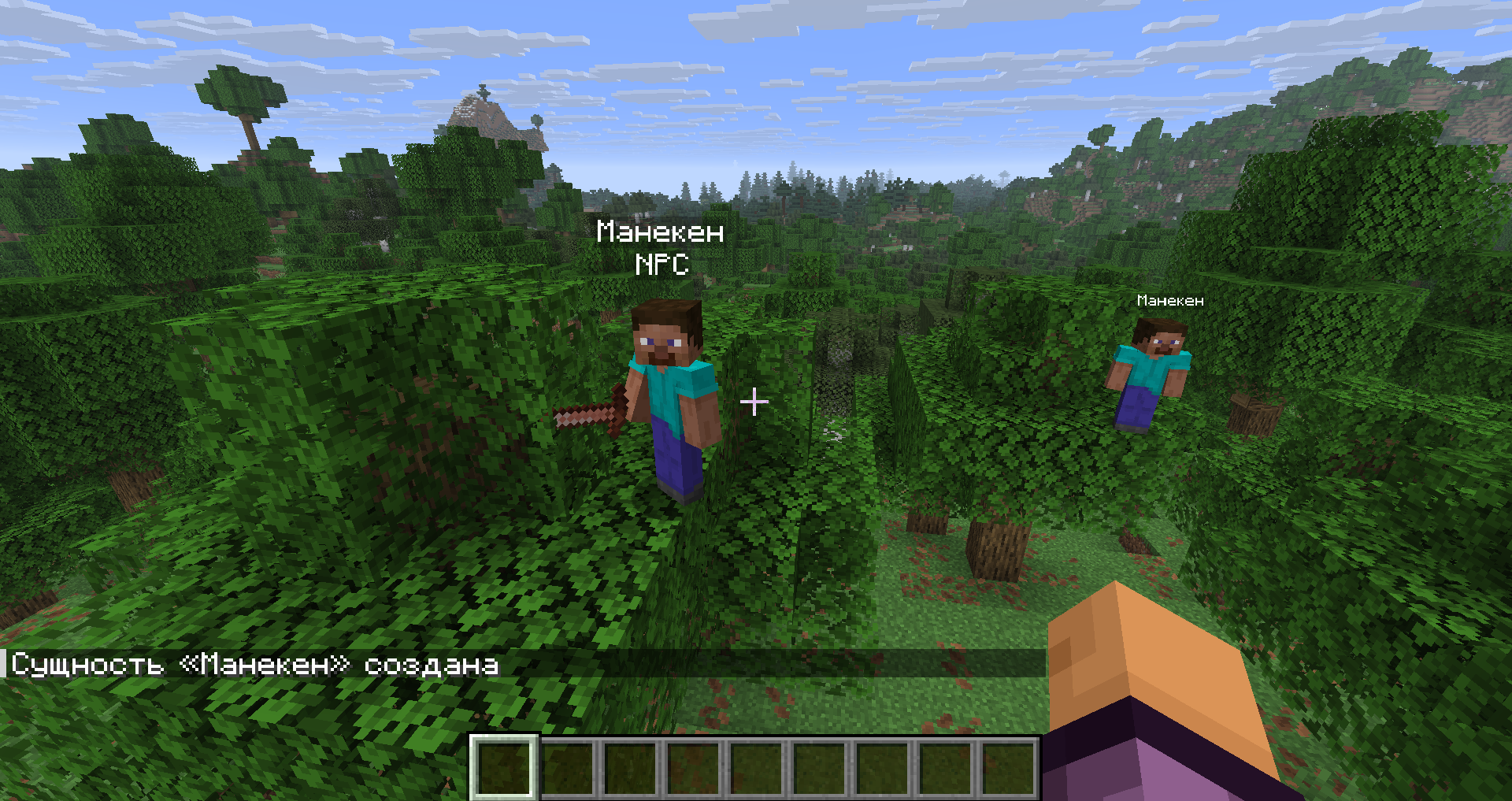
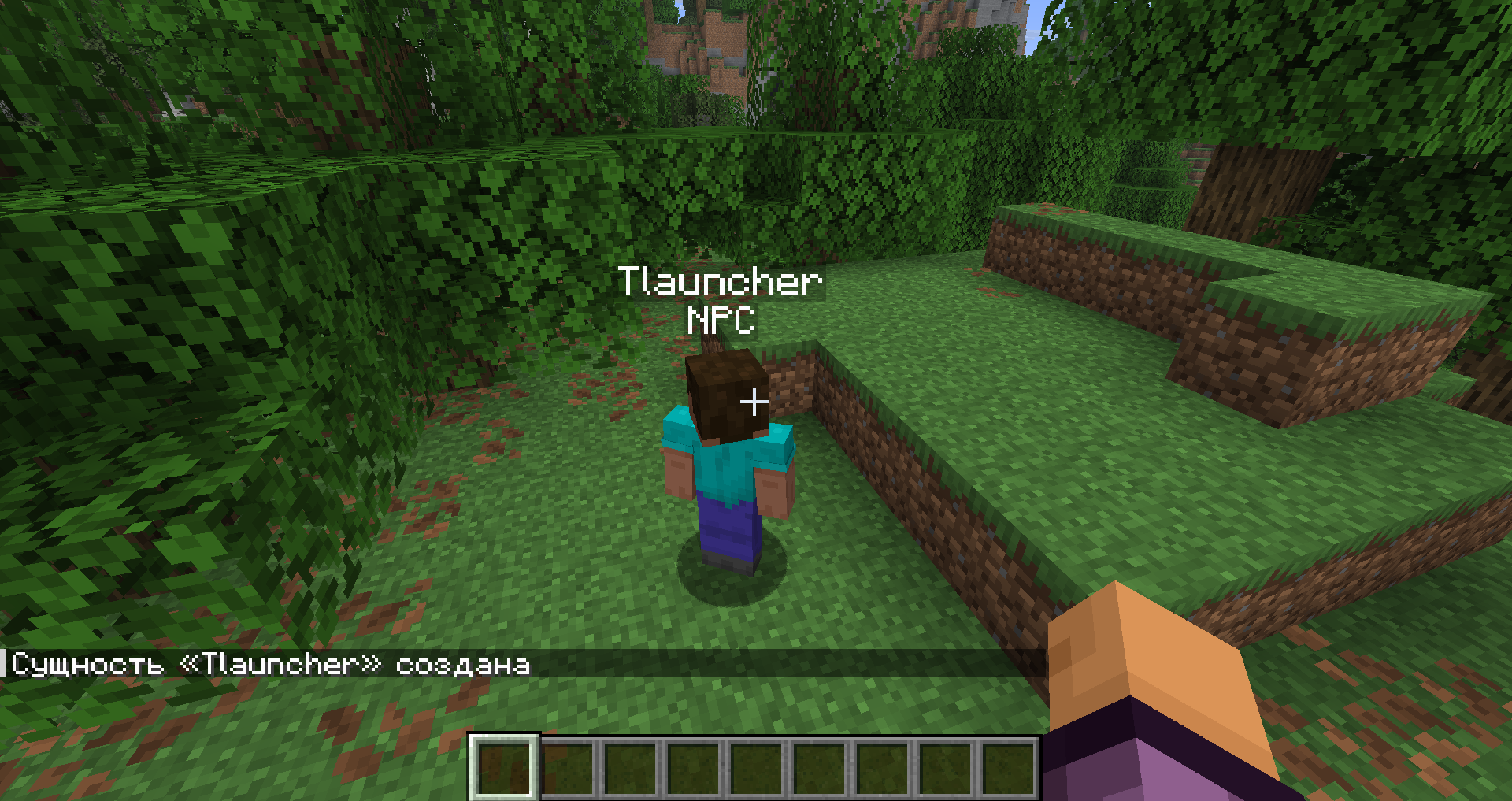
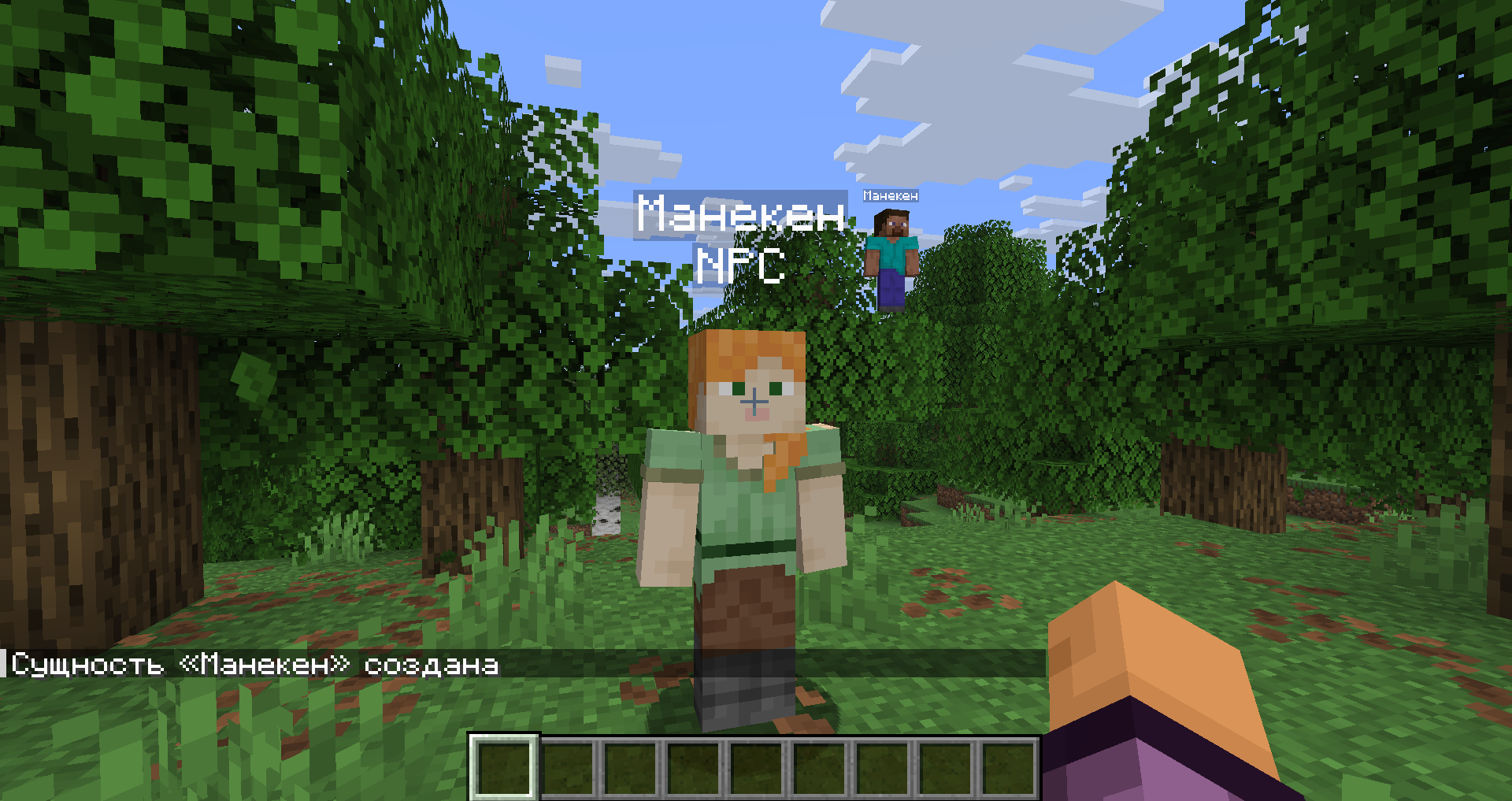
A mannequin has been added to Minecraft, which represents an entity. It is roughly the same kind of NPC as the others in the game, and you can change its armor, skins, appearance (capes), assign different types of effects to it, deal damage to it, and interact with it in various ways. The developers added many parameters upon spawning, but the main one is the ticker minecraft:mannequin, which is used together with the /summon command.
Changes
· The appearance of copper lanterns and torches has been slightly changed so that they differ from each other;
· World borders in the game are now tied to a specific dimension; that is, for example, the Nether or the End will have their own borders, sizes, and more;
· Resource packs and data packs have been updated;
· Added the ability to use the same keys for different actions. If multiple options are assigned to a single button, this parameter in the settings will be highlighted with a yellow marker.
Game Fixes
A total of 59 bugs were fixed, most of which were identified before Minecraft version 1.21.
Installation
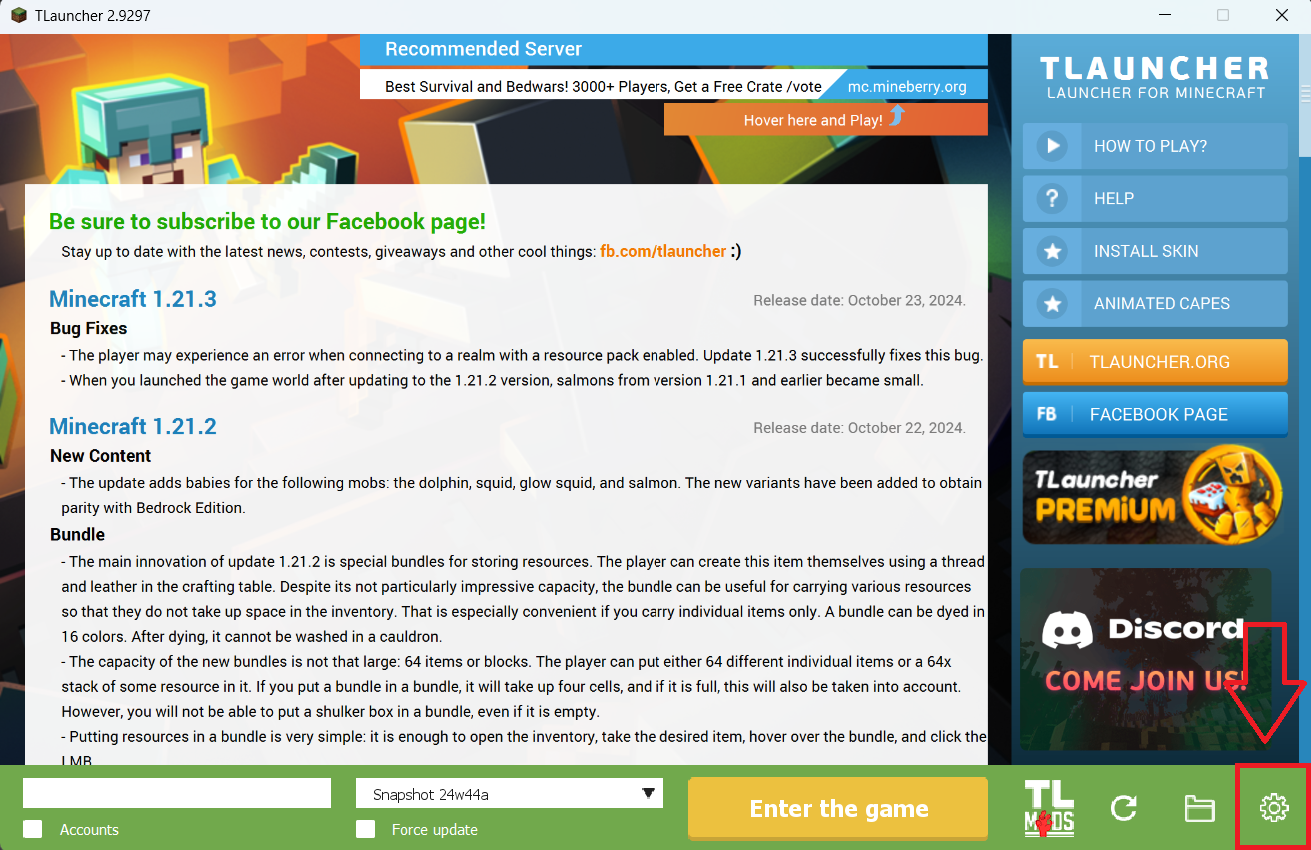
Step 1. Open TLauncher and go to the Settings tab by clicking the gear icon in the lower right corner.
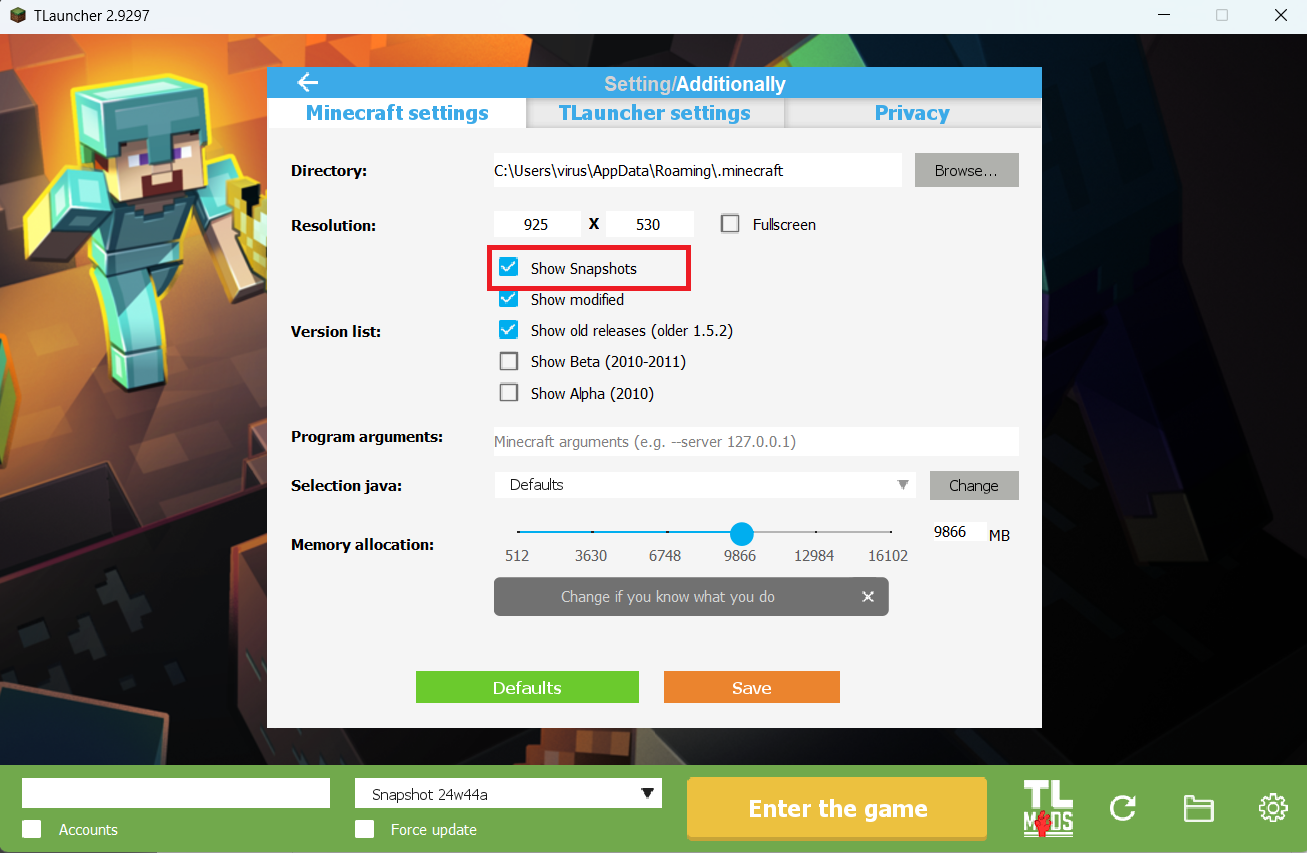
Step 2. Select the Display Snapshots checkbox, and do not forget to save the changes by clicking the appropriate button at the bottom.
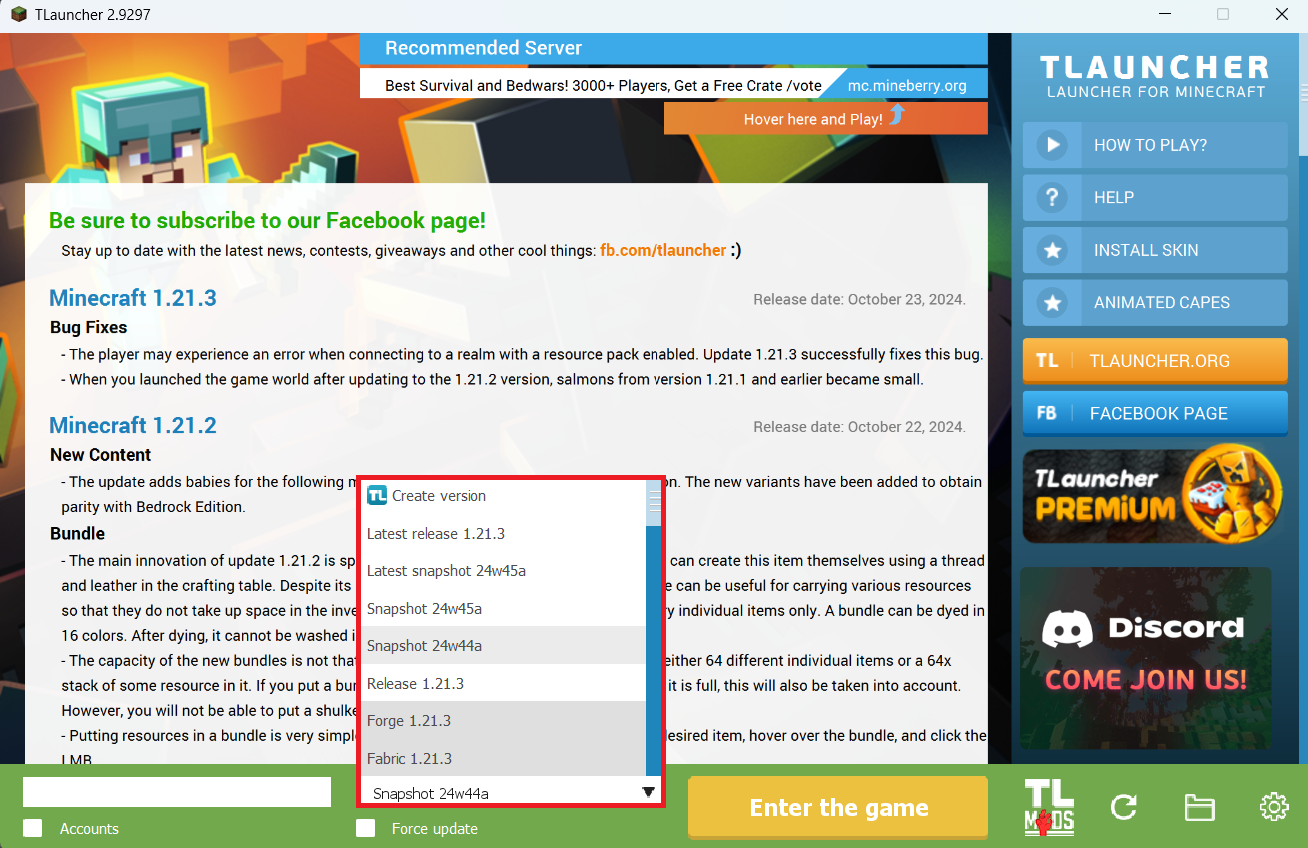
Step 3. On the main screen of TLauncher, open the version selection tab, select the desired snapshot, and click 'Install' or 'Launch the Game' if the snapshot is already installed.
Download Links
Snapshot 25w36a is out!
Previous snapshots:
The latest version of the game:
Comments (0)