



Snapshot Minecraft 25w36b Java Edition Download (Review)
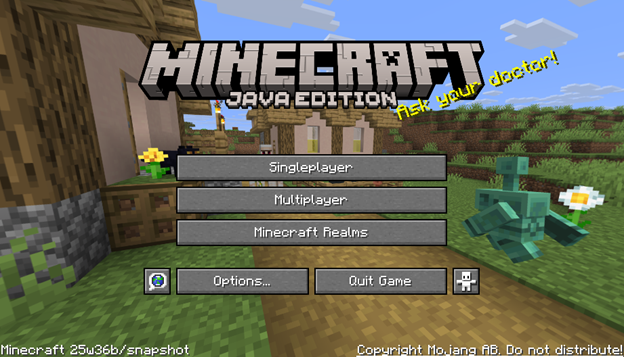
The eighth snapshot was released on September 2 for the game Minecraft: Java Edition 1.21.9, as critical issues had appeared in the game.
Contents:
Fixed Bugs
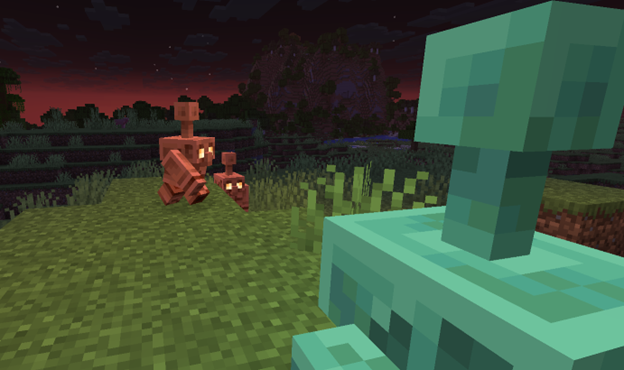
The developers fixed issues where the game would crash if the player was near other players or an Ender Chest. It was released on the same day as snapshot 25w36a, so it is recommended to use 25w36b right away in order to avoid encountering such bugs.
Installation
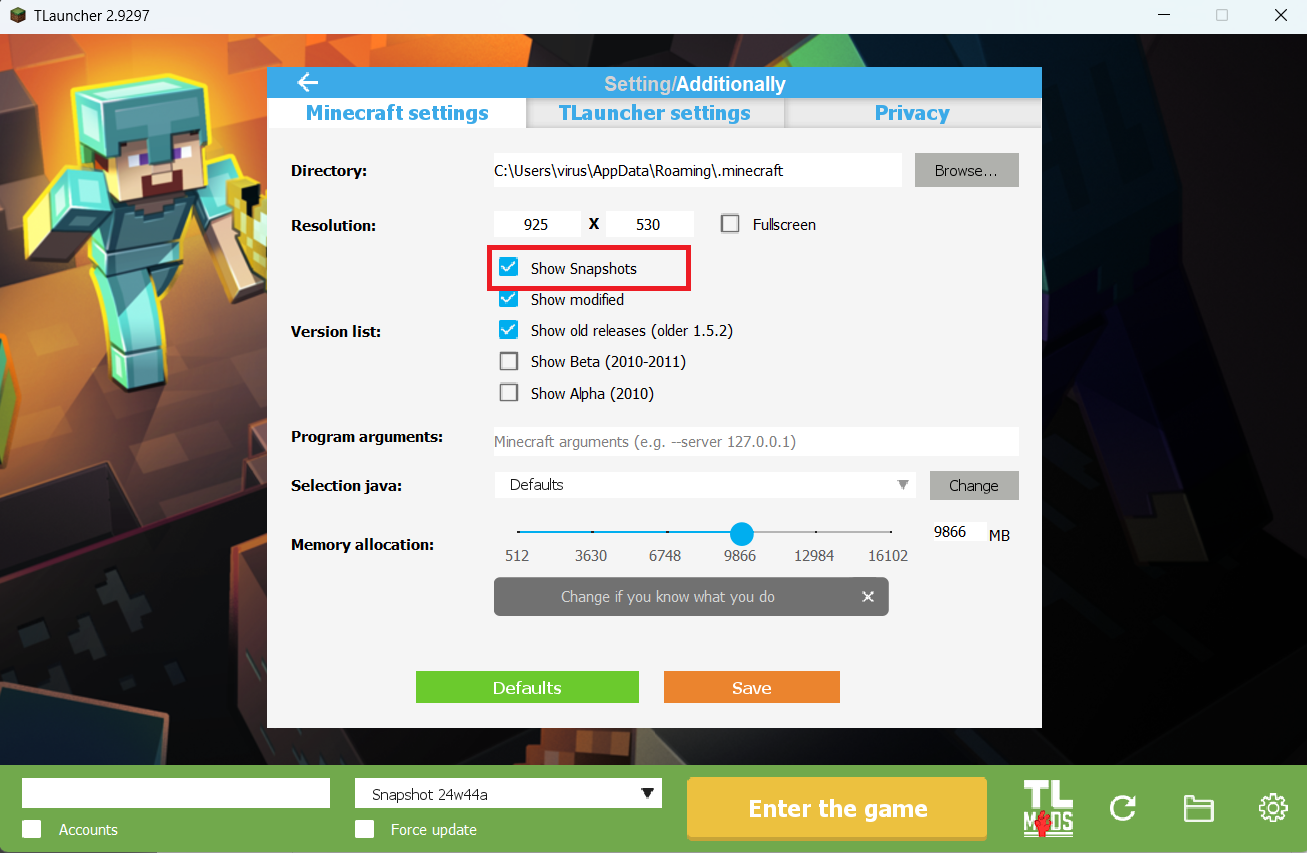
Step 1. Open TLauncher and go to the Settings tab by clicking the gear icon in the lower right corner.
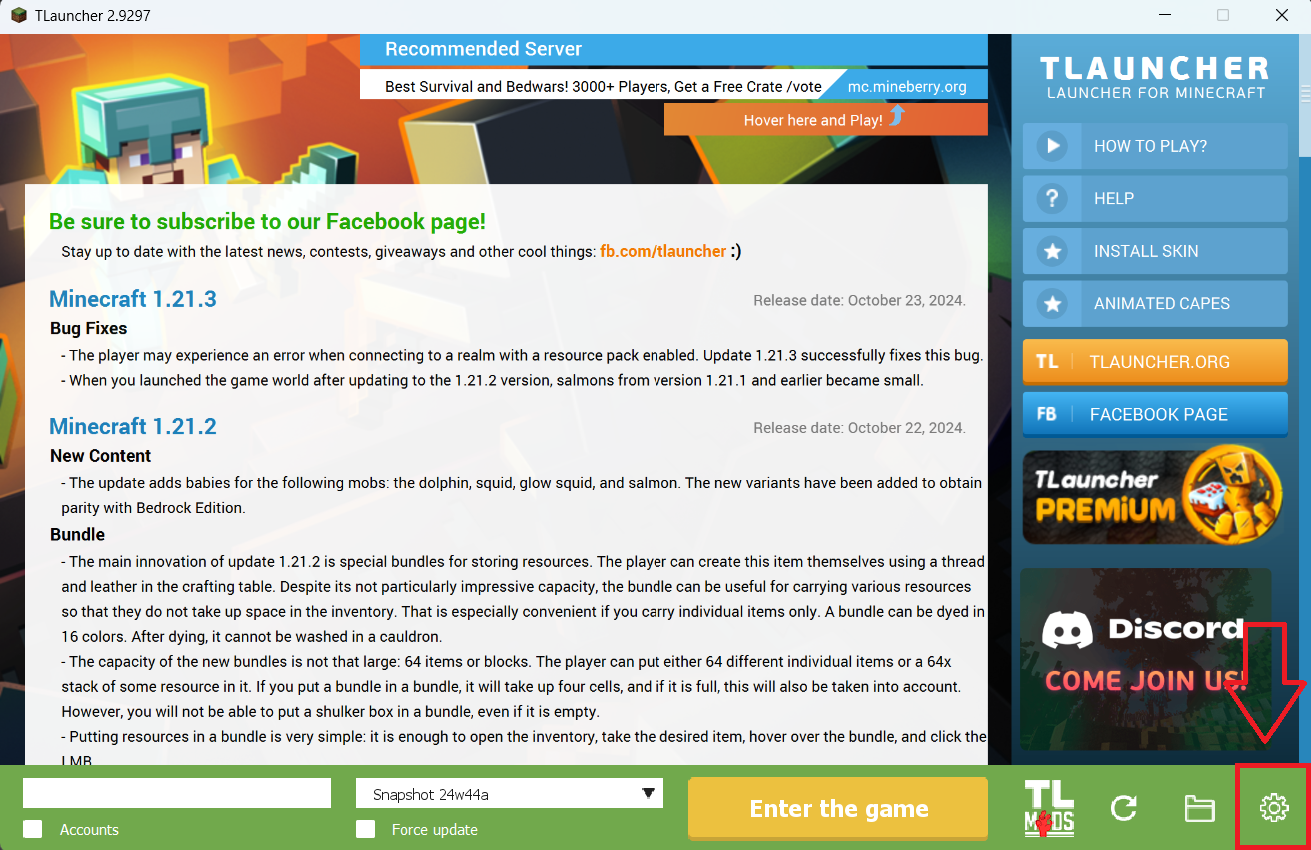
Step 2. Select the Display Snapshots checkbox, and do not forget to save the changes by clicking the appropriate button at the bottom.
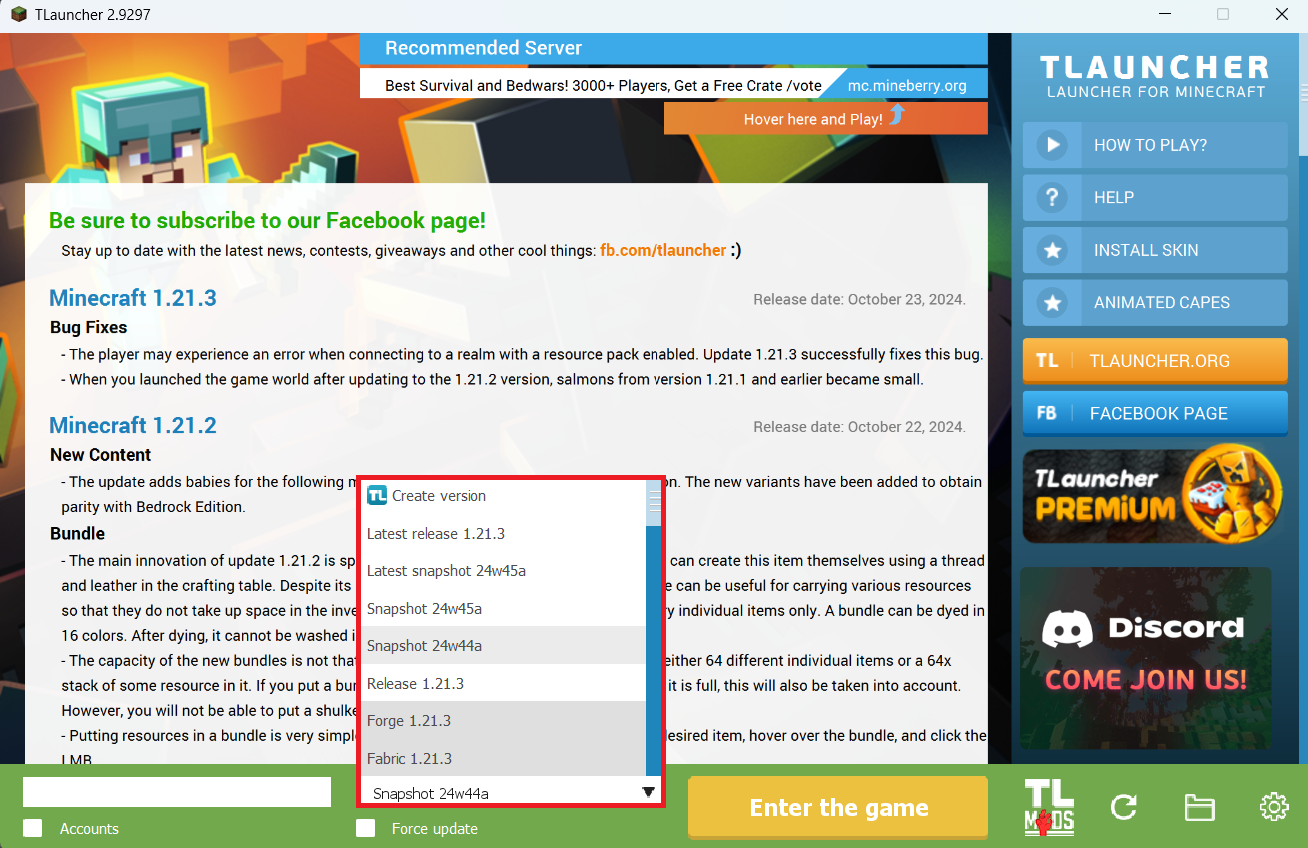
Step 3. On the main screen of TLauncher, open the version selection tab, select the desired snapshot, and click 'Install' or 'Launch the Game' if the snapshot is already installed.
Download Links
Snapshot 25w36b is out!
Previous snapshots:
The latest version of the game:
Comments (2)