



Minecraft 26.2 Snashot 4 Java Edition Download (Overview)
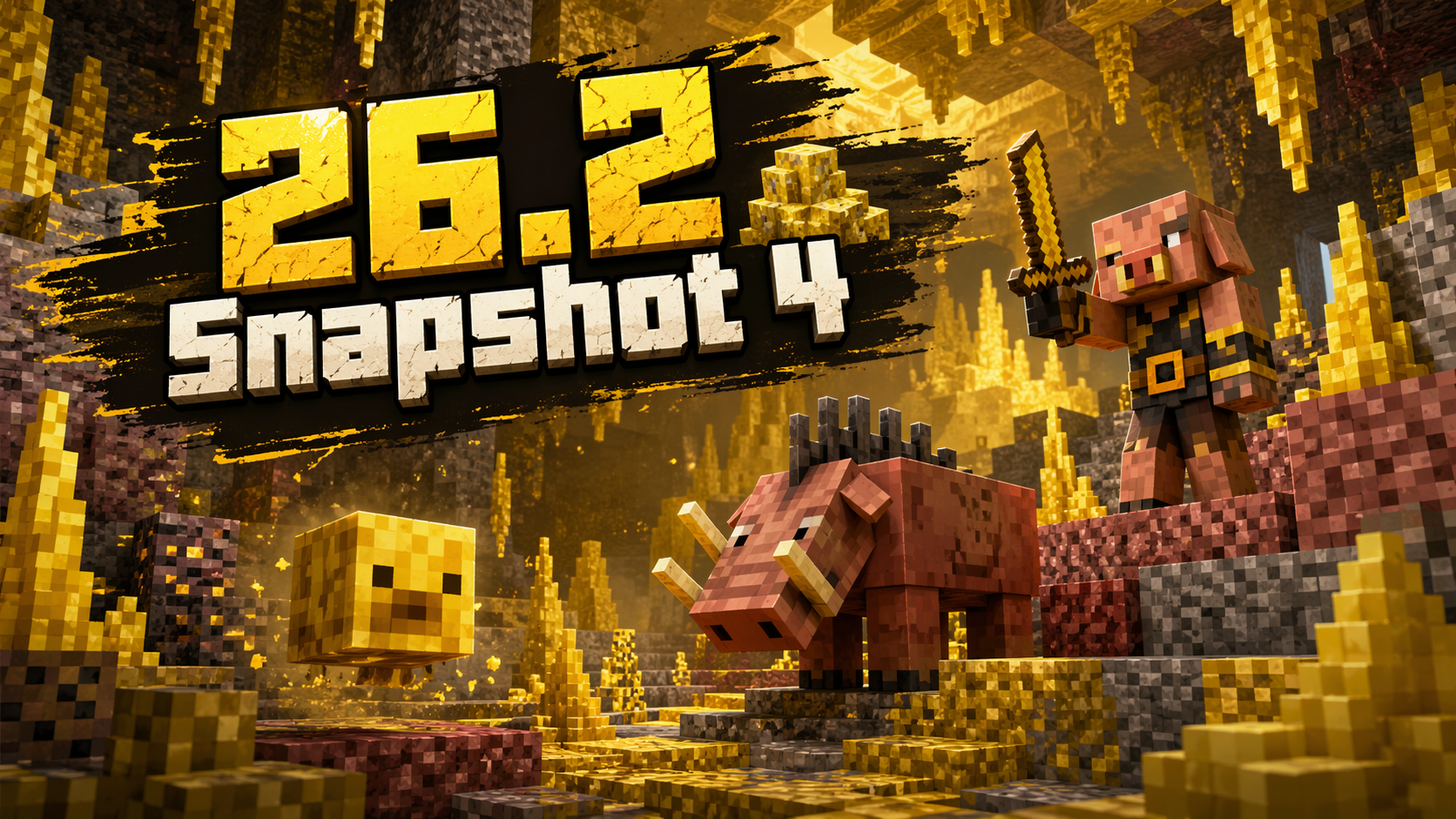
26.2 Snapshot 4 — the fourth Java Edition snapshot for version 26.2, which was released on April 21, 2026 and brought a number of notable changes: new languages were added to the game, various fixes and improvements were made, and many bugs were fixed.
Contents:
1 New Features
2 Changes
3 Fixed Bugs
4 Installation
5 Download Links
New Features
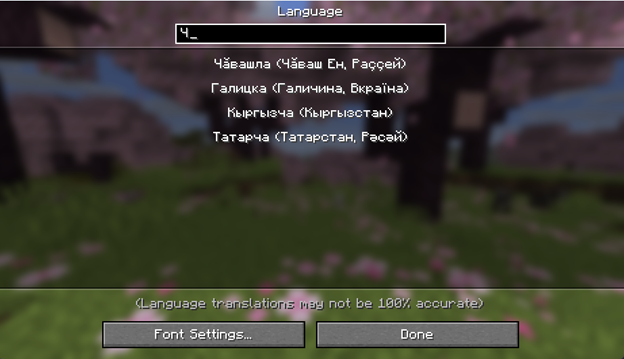
In this snapshot, the developers expanded the list of localizations: support for Swiss French and the Chuvash language was added to the game.
Changes
- Piglins and hoglins are no longer limited only to normal game modes and now appear even on Peaceful difficulty.
- The sulfur cube can now also appear on Peaceful difficulty. The mob’s appearance has been slightly reworked with an updated texture.
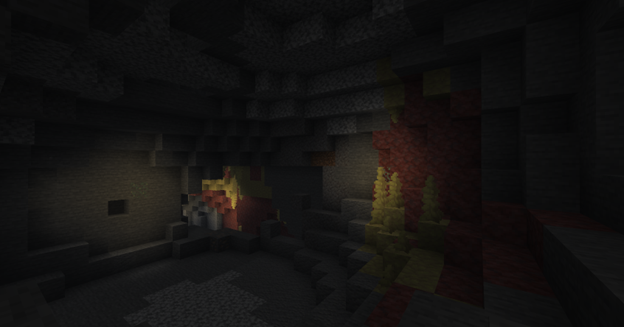
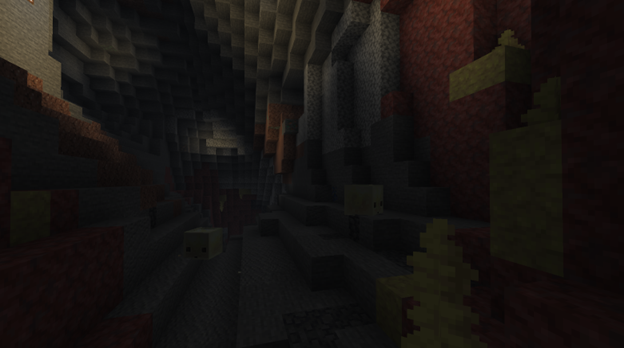
- Sulfur caves. Granite and tuff can now appear in the layers between sulfur and cinnabar deposits.
- Clusters of sulfur spikes. Their height has been slightly reduced, so on average they have become more compact.
Fixed Bugs
In total, in 26.2 Snapshot 4, the developers fixed 14 bugs. Among them, five of the most notable can be highlighted:
- Piglins and hoglins did not appear on Peaceful difficulty. This issue has been fixed, so the behavior of these mobs now matches the snapshot’s changes. Previously, their natural spawning on Peaceful difficulty was impossible.
- Sulfur cubes could not appear on Peaceful difficulty. Sulfur cubes now appear correctly even when Peaceful difficulty is enabled.
- The game crashed on launch on some Mac computers. One of the most serious bugs in the update was related to starting the game: for some Mac users, Minecraft simply would not launch. In Snapshot 4, this issue was fixed, which should improve client stability on these devices.
- The glowing effect might not be displayed when using Vulkan. On some video cards, when Vulkan was enabled, the glowing effect stopped being visible. This affected not only the visual aspect but also gameplay convenience in situations where such an effect is important.
- Lava in a bucket worked incorrectly when interacting with flowing water. A bug was fixed where, on the server side, a lava bucket could remain filled even after an attempt to pour it into a stream of water. This behavior caused desynchronization and worked incorrectly from the point of view of game logic.
Installation
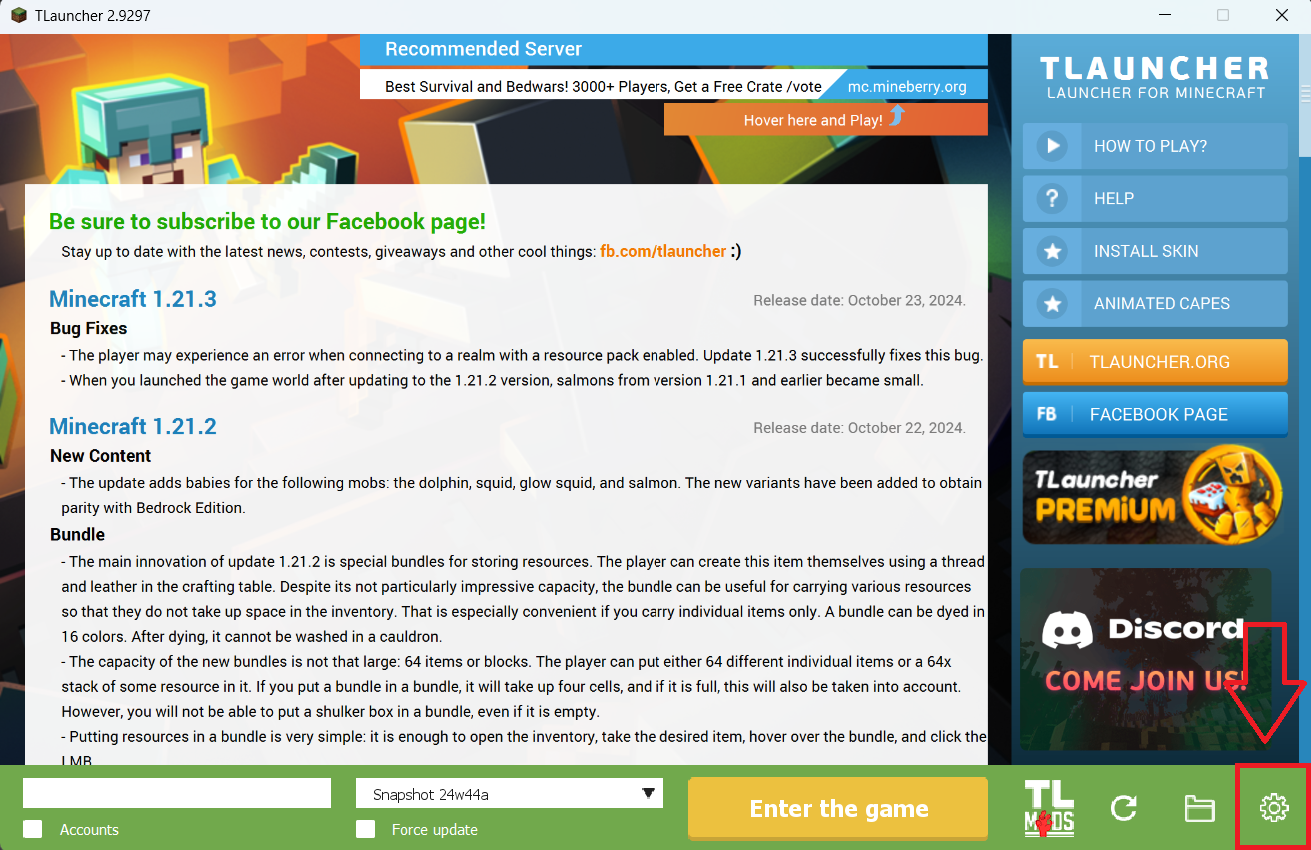
Step 1. Open TLauncher and go to the Settings tab by clicking the gear icon in the lower right corner.
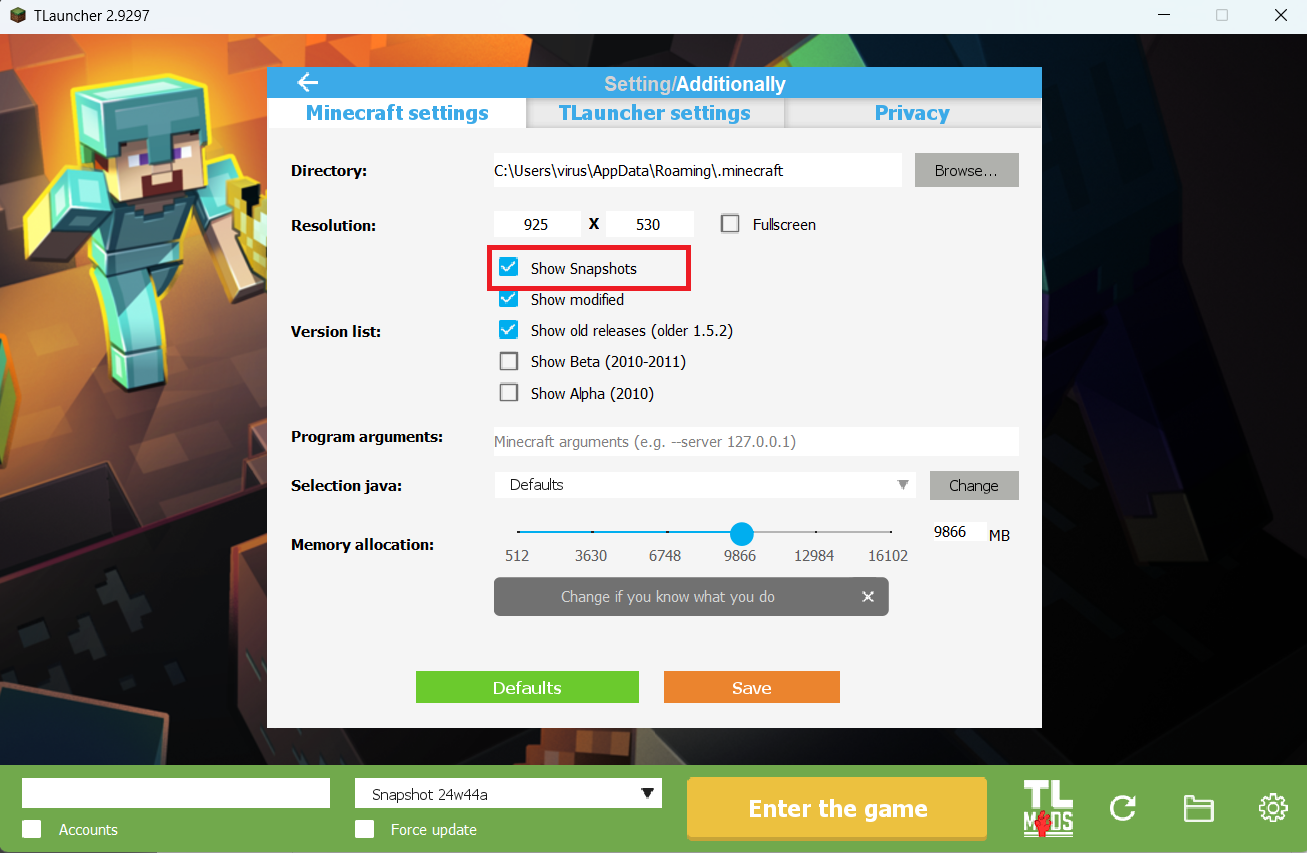
Step 2. Select the Display Snapshots checkbox, and do not forget to save the changes by clicking the appropriate button at the bottom.
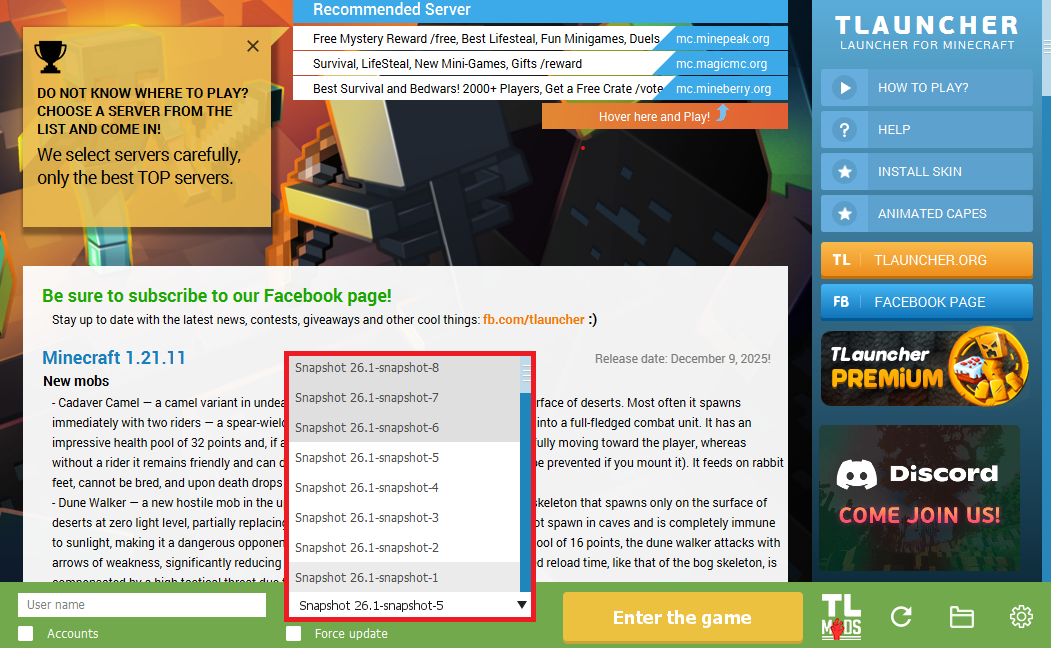
Step 3. On the main screen of TLauncher, open the version selection tab, select the desired snapshot, and click 'Install' or 'Launch the Game' if the snapshot is already installed.
Download Links
26.2 Snapshot 4 is out!
Previous snapshots:
The latest version of the game:
Comments (18)